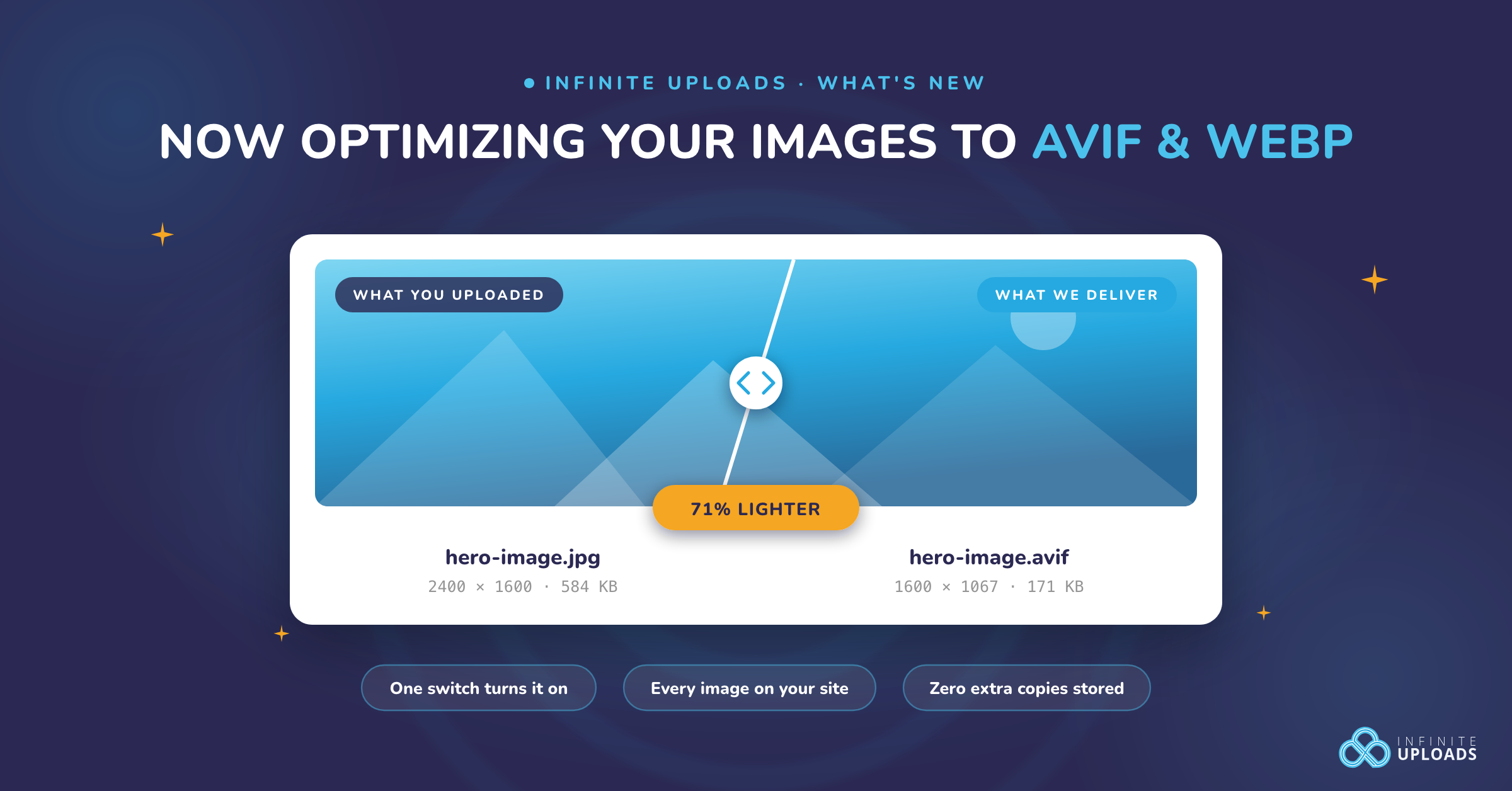
Images are the heaviest thing on almost every WordPress site. Not the theme, not the scripts. The photos and graphics you upload every day. We just shipped something that fixes that, and you don't have to touch a single file to get it.
Infinite Uploads now optimizes your images. Turn it on, and we convert them to modern AVIF and WebP formats and right-size them as they leave our CDN. Your originals never change. Your whole library is covered, not just the next thing you upload. And you store zero extra copies.
What it actually does
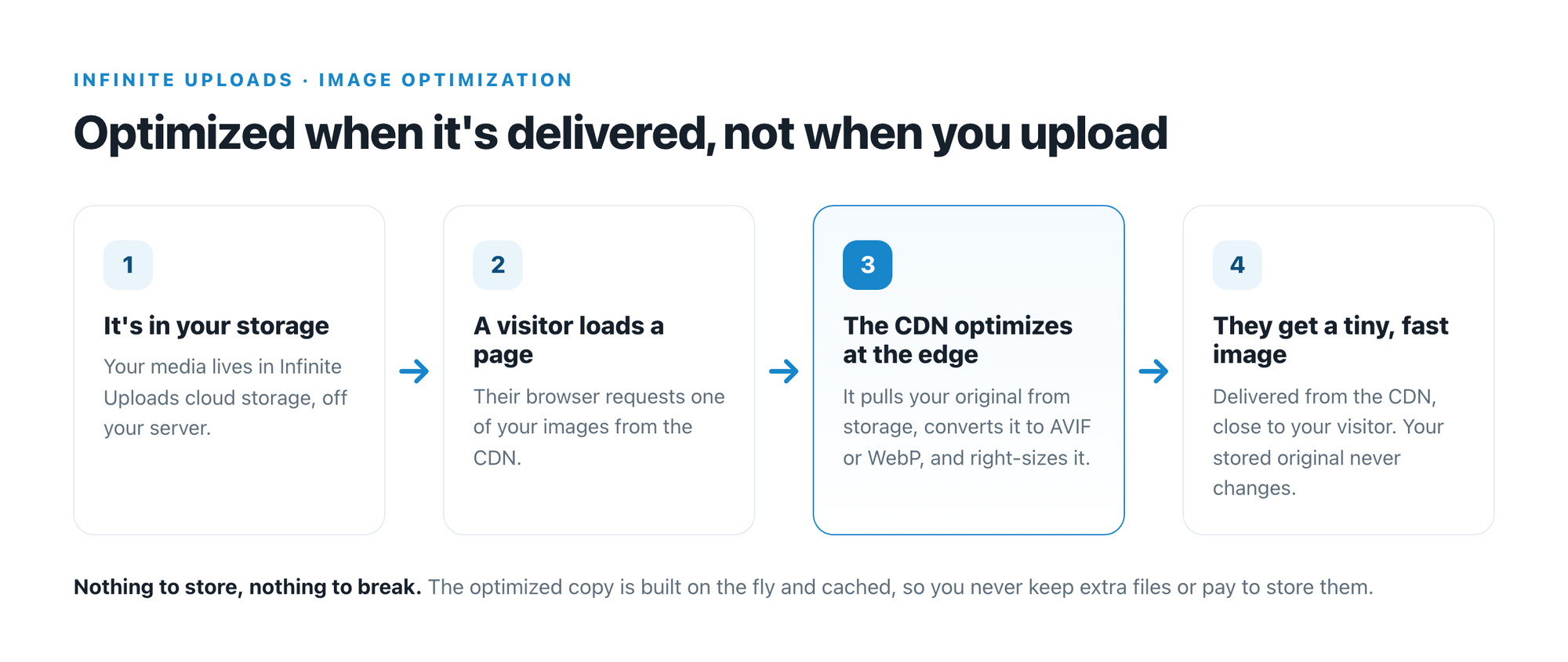
Most image plugins convert your files when you upload them, then keep a pile of extra copies on your server. We don't. Optimization happens at delivery, the moment a visitor loads the page, and the result gets cached on the CDN. Think of it like a coffee shop that grinds the beans per order instead of grinding a week's worth up front and letting it go stale. Your original files stay whole. The visitor gets exactly what they need, fresh and light.
You flip one switch. From there, every image on your site gets the treatment.
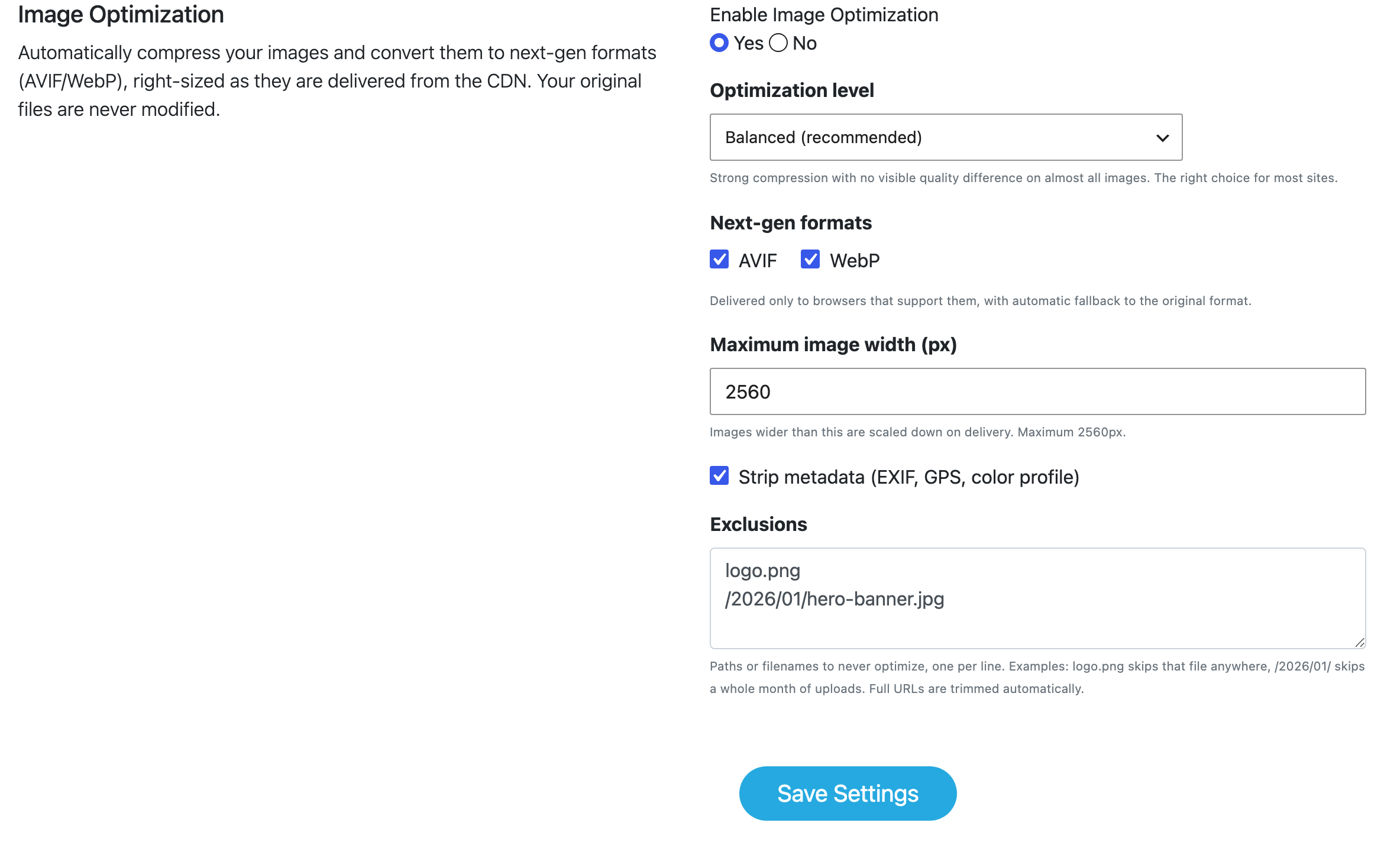
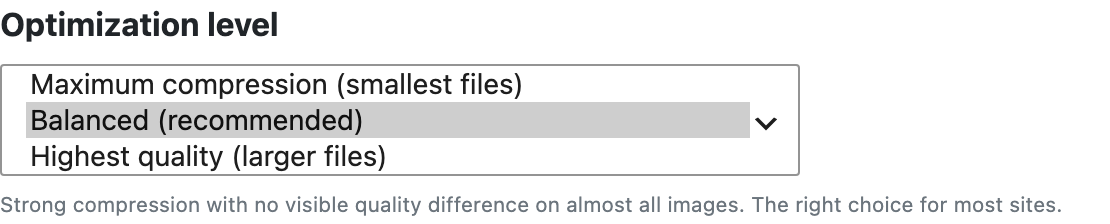
- Optimization level. Balanced by default. Push it toward smaller files or higher quality with one dropdown.
- AVIF and WebP. Both on by default. Every visitor gets the best format their browser can take.
- Maximum width. Oversized images get scaled down on the way out, so a giant hero isn't shipped at full resolution into a small space.
- Exclusions. Got one logo that has to ship exactly as is? Add it to the list and we skip it.
The numbers, from our own testing
We didn't want to guess, so we measured. Real images, real browsers, delivered live from the CDN. Here's what we saw.
| Image | Before | After (AVIF) | Smaller by |
|---|---|---|---|
| A 12 megapixel phone photo | 1.29 MB JPEG | 55 KB | 96% |
| A large graphic | 4.29 MB PNG | 177 KB | 96% |
| A photo WordPress had already shrunk | 460 KB JPEG | 151 KB | 67% |
| Real photos and graphics on a live site | JPEG and PNG | AVIF | 45% to 80% |
| One full page we tested | 88.5 MB | 3.7 MB | 96% |
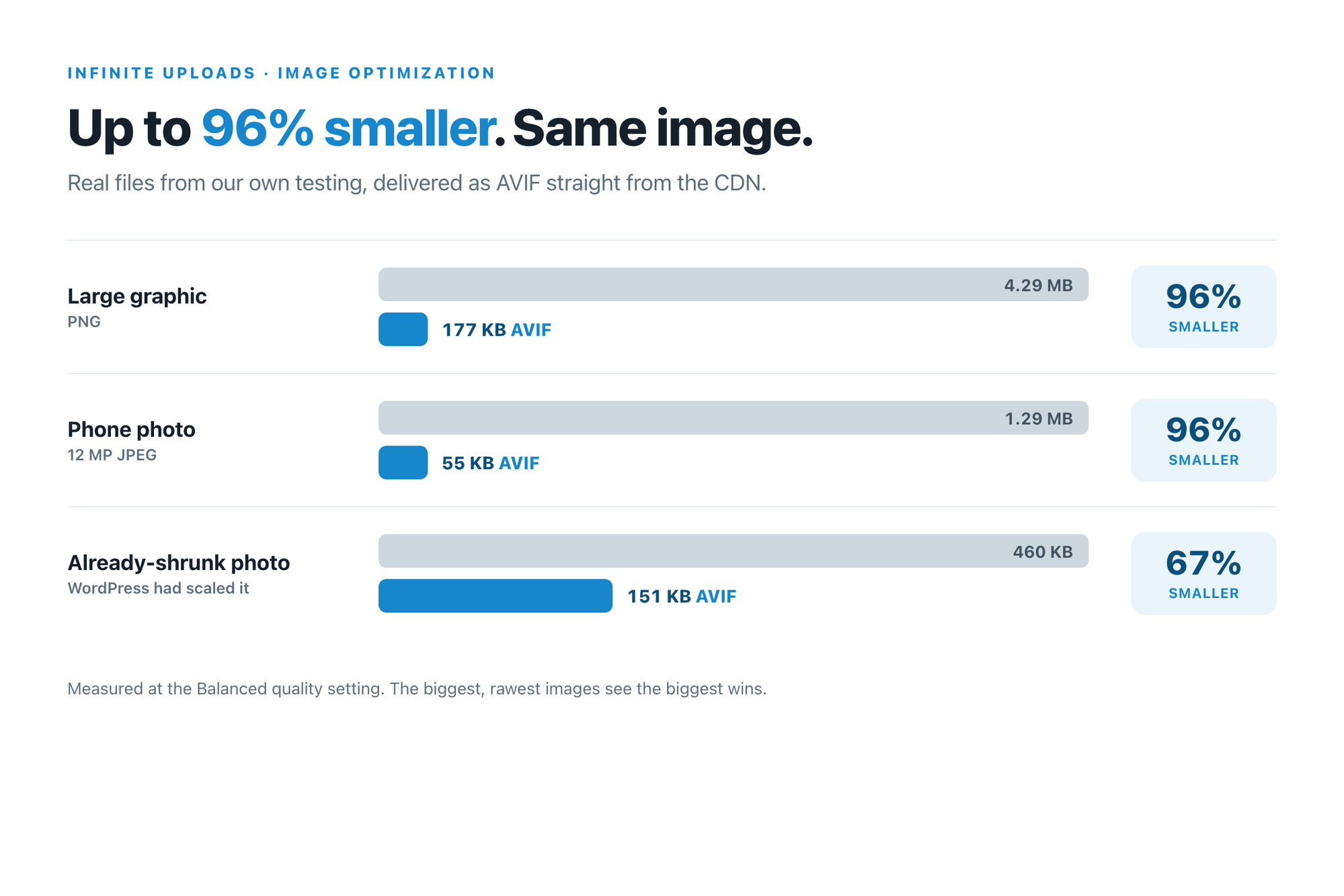
That third row is the honest one. AVIF at the same size and quality is roughly three times smaller than JPEG, and that gap holds no matter how well your images were prepped before they reached us.
AVIF vs WebP, and why you want both
WebP has been around for years and works in basically every browser people still use. AVIF is the newer format, and it's the smaller of the two, often by a lot. WordPress core added AVIF support back in 6.5, and AVIF files can run up to 50% smaller than the JPEG they replace.
You don't have to pick one. We read what each visitor's browser accepts and hand it the best format it supports. Modern browser gets AVIF. A slightly older one gets WebP. Anything that can't take either gets your original, untouched. Nobody ever sees a broken image, and you never think about it again.
Why this beats bolting on another plugin
This is where it splits from other image optimization plugins. Those plugins convert on upload and store the extra copies on your server. So they only ever touch new uploads, you have to do a bulk-process of existing images, and they grow your storage with every image size times every format. On Infinite Uploads, storage is one of the things you pay for, so that's the opposite of what you want.
We work the other way around:
- Your whole existing library, right now. Not just new uploads. Every image you've ever offloaded gets optimized the next time it's requested.
- Zero extra storage. We build the optimized version on the fly and cache it on the CDN. You don't store it, and you don't pay for it.
- It runs on our network, not your server. Your host does nothing. The CDN is like moving your filing cabinets out of your cramped office and into warehouses right next to your customers. The work happens close to the visitor, not on your box.
- Nothing breaks. If we ever can't build an optimized version, we serve your original instead. Pages fall back to normal, never to broken.
Turning it on
Image Optimization is included with Infinite Uploads business plans. Open the Infinite Uploads menu in your dashboard, scroll to the Account & Settings screen, and set Enable Image Optimization to Yes. Save. That's the whole setup. Your images start optimizing as visitors load them, and your existing library warms up as it goes.
Not offloading your media to us yet? That's step one, and it's the part that makes all of this possible. Offloading moves your media off your server and onto the CDN in the first place. Image Optimization is what we do to it once it's there.
Your images are the biggest, easiest win on your whole site. Turn it on and stop shipping megabytes you never needed to.