
Big File Uploads
Testimonials
Hear from some of our 120,000 active users about our WordPress plugins!
Big File Uploads Plugin Features
Easily Increase Maximum File Uploads
Fix “The Uploaded File Exceeds the upload_max_filesize” error that is so common when you are trying to upload big files to your WordPress media library. Set a new max file size in Big File Uploads to bypass limitations set by the server or your host.
Set Upload Size Based on User Role
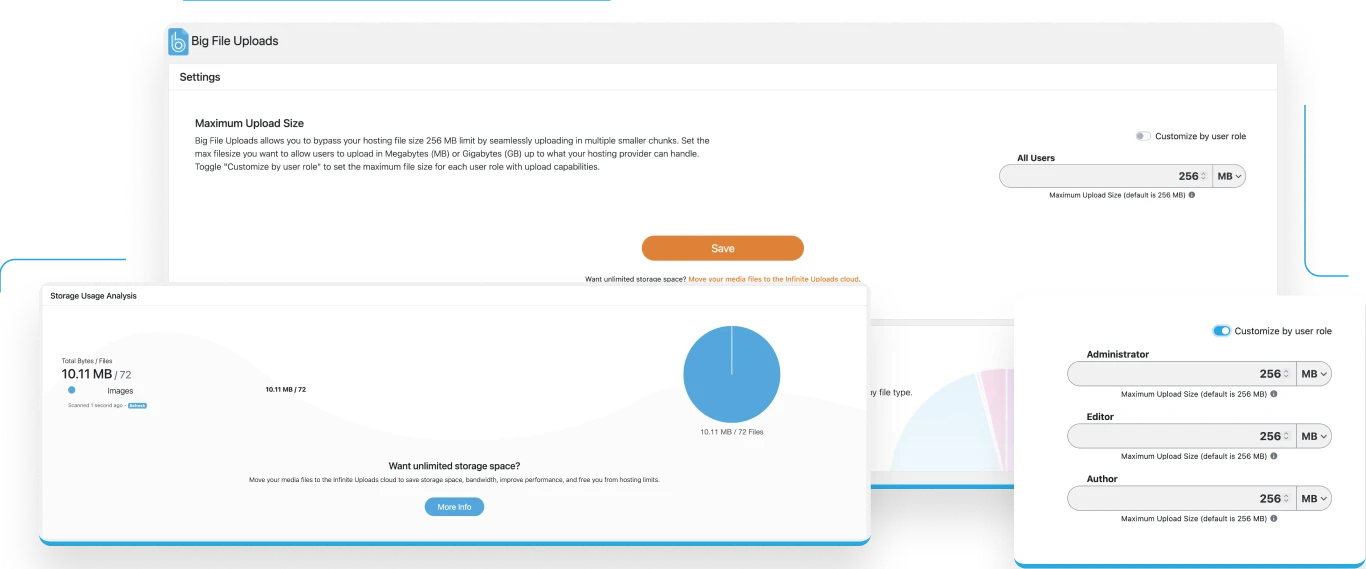
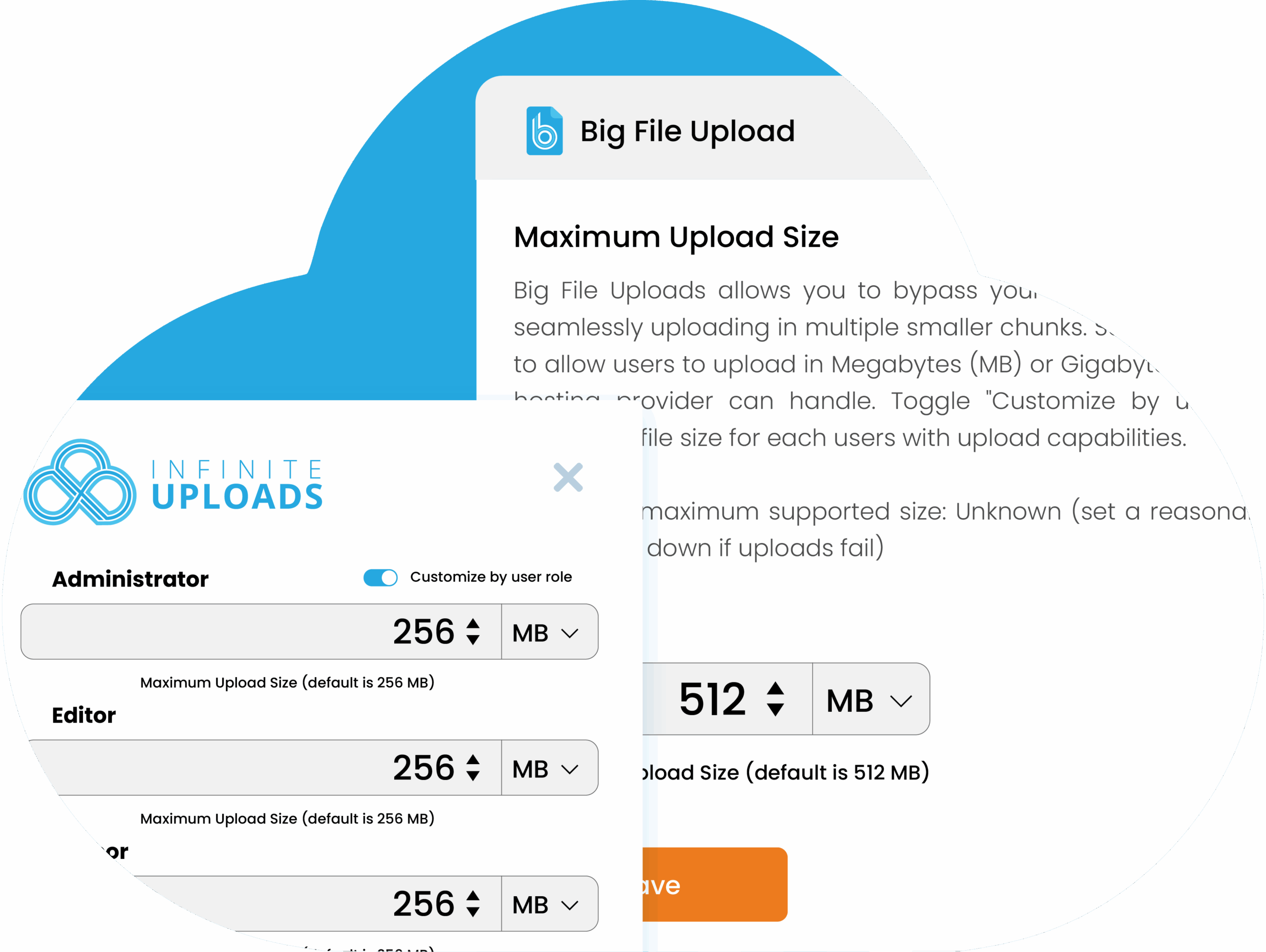
Big File Uploads lets you set a new maximum upload size limit for all uploads or customize the maximum file upload size for each of your user roles with upload capabilities. Set custom upload limits for Administrators, Editors, Authors, or even custom roles.
Uploads Disk Utility
The Big File Uploads plugin includes a media library disk utility that shows a breakdown of the files in your uploads directory by type and size. See how many images, videos, archives, documents, code, and other files (like audio) there are and how much space they’re taking up.
FTP/SFTP Client-free File Uploading
Upload files right to the WordPress media library without additional credentials and settings. Skip the protocol settings, server names, port numbers, usernames, long passwords, and private keys. Manage upload size and simplify your workflow for yourself or your clients.
Widely Compatible
Other plugins simply rewrite the .htaccess or php.ini files in an attempt to adjust the server configuration which does not work with many hosts or causes timeouts. Big File Uploads changes how files are processed and uploads files in chunks (separate smaller pieces) before handing it off to WordPress making it universally compatible with most major hosting services.
FREQUENTLY ASKED QUESTIONS
Your questions answered.
Will Big File Uploads allow me to increase the upload limit for a form plugin (or other plugin) that allow users to upload on the frontend of my website?
No. Frontend uploading built-in to plugins like Forminator, Gravity Forms, and WPForms do not use the same process as the WordPress media uploader on the backend of WordPress. Big File Uploads only works with the backend uploader or plugins that use the built-in media uploader code base to process the files.
Is Infinite Uploads required for Big File Uploads to work?
No. Infinite Uploads is an optional service to offload your media files to the cloud and make your WordPress website storage infinitely scalable. Perfect for sites that need to store many large file uploads.
What media files can be uploaded? Are there any limitations with Big File Uploads?
If you can upload it to the WordPress media library, Big File Uploads can process it. Big File Uploads can process everything from images and archive files to huge video and audio files.