The plugin list that works on one site falls apart at fifty. I've watched it happen to agencies more than once. The build is fine. The maintenance is fine. Then the portfolio grows, the hosting bills creep up, three sites slow to a crawl in the same week, and nobody can say exactly why.
So this isn't another "top 20 plugins" list. The best WordPress plugins for agencies are the ones that hold up when you're managing 50 or 200 client sites at once, not just one. After 12 years working with agencies, I've found the problems sort into four buckets as you scale: media and speed, reliability, findability, and control. Here's what to run for each, and where the real money and time leaks happen.
Where agency portfolios actually break: media and storage
Start here, because this is the leak almost nobody budgets for. Every client site accumulates media. Photographers, real estate agents, course creators, e-commerce shops. Images and videos pile up until the hosting account is full, the site slows down, and you're paying for a bigger plan or burning an afternoon clearing out a media library by hand. Multiply that across a portfolio and it's a recurring tax on your margins.
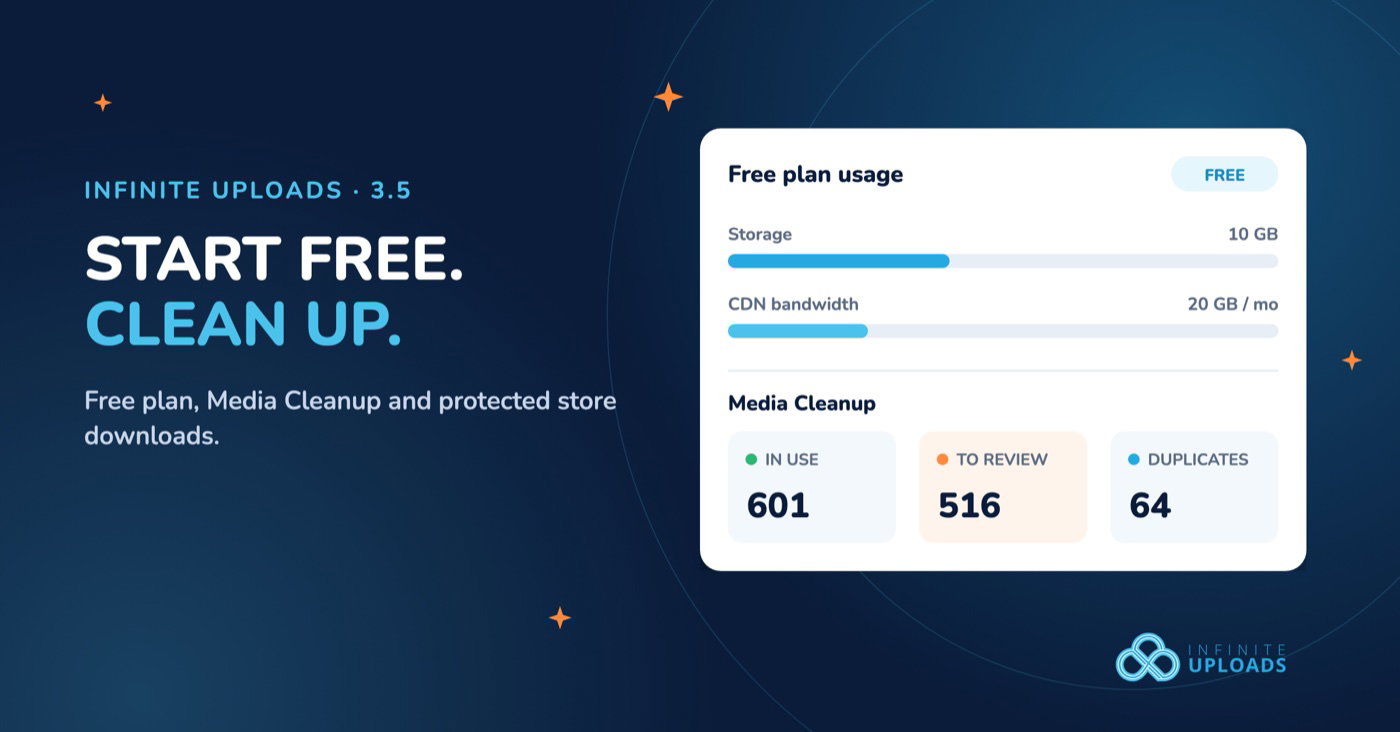
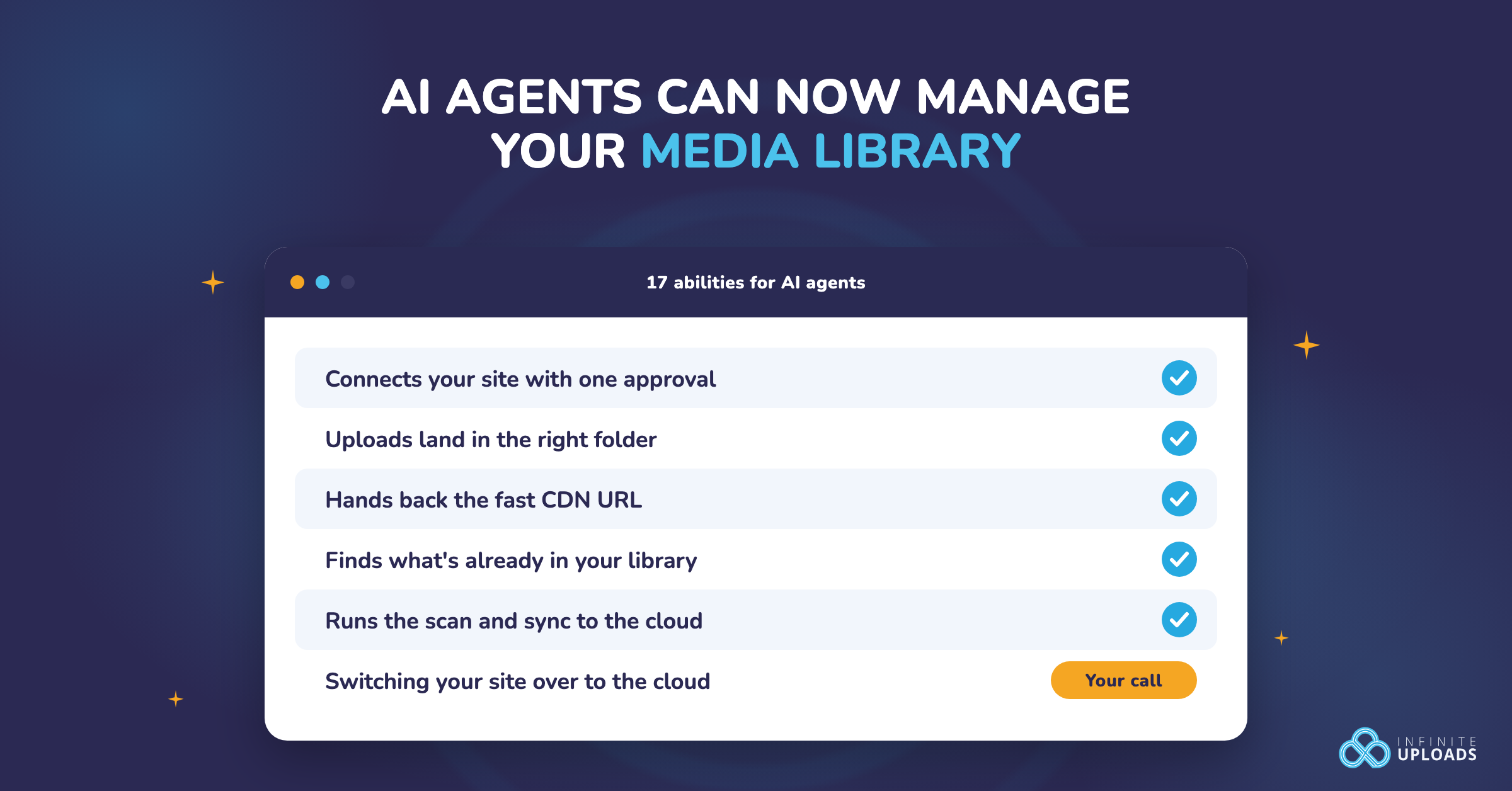
This is what Infinite Uploads is built to kill. It's a WordPress media offload plugin that moves the entire media library off your server into cloud storage, then serves every file through a built-in CDN across 119+ edge locations. Think of it like moving your filing cabinets out of a cramped office into a warehouse that sits closer to every customer. The files are still yours, they load faster everywhere, and they stop eating the disk you're paying your host for.
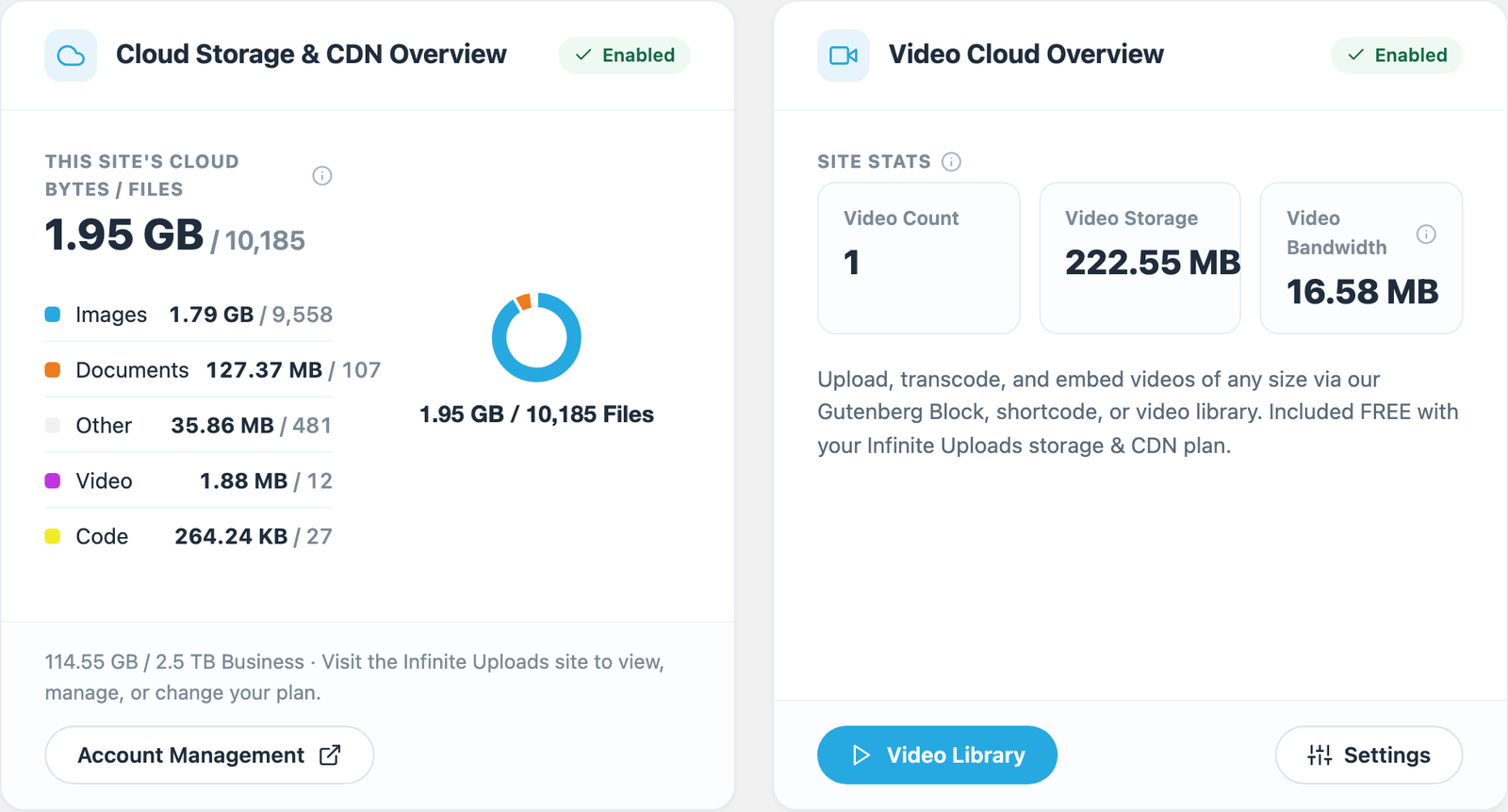
The reason it fits an agency specifically: no S3 buckets, no API keys, no per-site license fees. You connect unlimited client sites under one account and pay only for the storage and bandwidth you actually use. A 40GB photographer site offloads the same way as a 200MB brochure site. Storage and bandwidth scale with the portfolio instead of with your plan count.
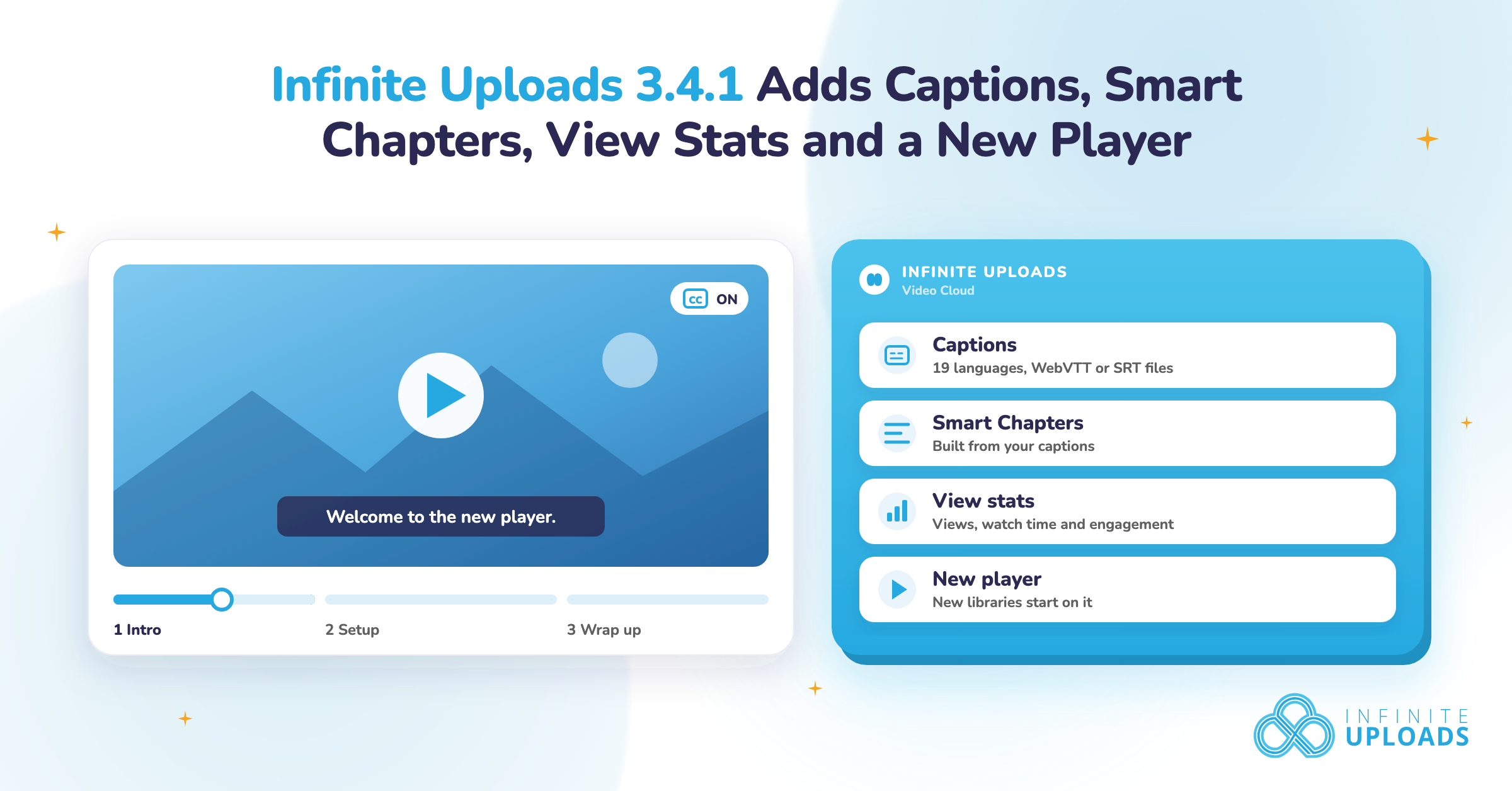
Video is the same story, but even worse - a few client videos hosted locally will choke a server. Infinite Uploads hosts and streams video from the cloud through the CDN, so a client who wants video on their site isn't dragging the whole thing down or handing their content to YouTube.
If you only fix one thing across your portfolio this quarter, fix the media. It's the clearest line straight to lower hosting costs and faster sites.
Reliability: the plugins that save you at 2am
Once media and speed are handled, reliability is what keeps a client from firing you. Two non-negotiables.
Backups come first, before anything else on this entire list. If a site breaks and you don't have a clean, offsite restore point, nothing else matters. UpdraftPlus or Solid Backups, scheduled to match how often the site changes, stored somewhere other than the server they're backing up. Test a restore once so you know it works before the night you need it.
Security is the other half. Wordfence or Solid Security on every site for the firewall, login hardening, and malware scanning. The agency-specific move here is to point every alert at your inbox, not the client's. A client who gets spooked by a security notification and starts deactivating things is a problem you create by leaving the alerts on their screen.
Findability: don't lose the client's rankings
One SEO plugin, standardized across the whole portfolio. Rank Math or Yoast. Pick one so your team isn't relearning an interface on every site, and so titles, schema, sitemaps, and redirects are handled the same way everywhere. Clients check their Google results and judge you on them. This is the floor, not a differentiator.
A form plugin belongs in the same breath. Gravity Forms, WPForms, or Fluent Forms, standardized so every site is built consistently. When a client needs to take large file uploads through a form, Big File Form Uploads pushes gig-sized files through with chunked transfers that don't hit server limits.
Control at scale: the part that separates agencies from freelancers
Here's what changes when you cross from a handful of sites to a real portfolio. The threat stops being bad updates and starts being people. Specifically, clients logging in as admin and "tidying up." A client deactivates the caching plugin because they don't know what it does. Someone turns off Infinite Uploads, and every image and video on the site instantly points at files that no longer live on the server. The whole site's media breaks at once, and you find out from a furious email.
ToggleWP is the governance layer that makes a portfolio manageable. It hides critical plugins from client admins so they can't be deactivated, and emails you the moment any plugin is toggled on any site. That alone closes the most common self-inflicted outage in this business.
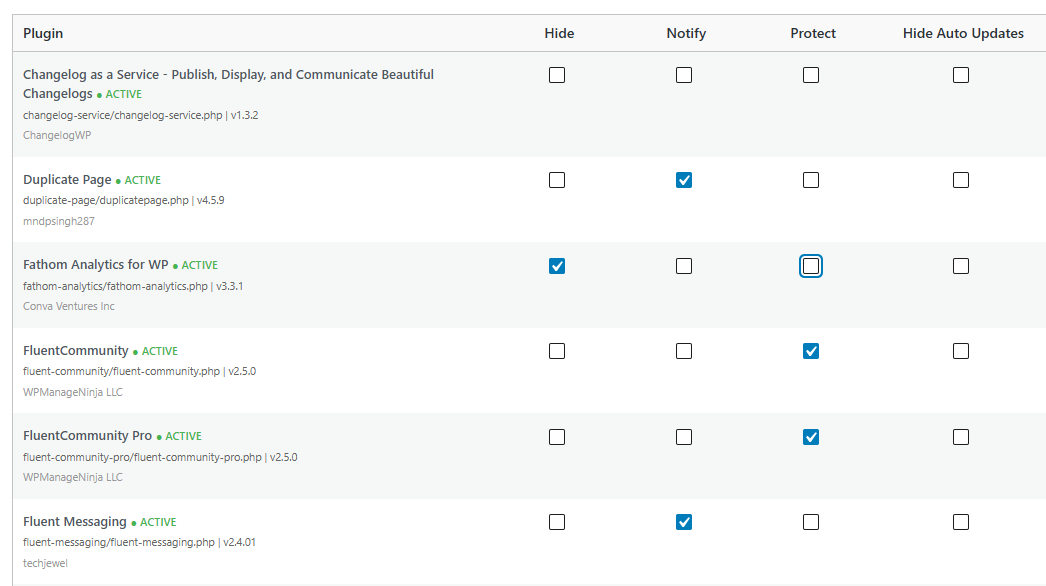
But at scale, its real value is leverage. Parent and Child Sync push your module settings to every client site in bulk, so you configure once instead of fifty times. You can white-label the whole thing under your own brand. It tracks domain and license renewals across the portfolio so nothing lapses quietly. This is the difference between running an agency and being run by it.
Infinite Uploads and ToggleWP solve opposite ends of the same problem here. Infinite Uploads makes your media fast and cheap across the portfolio. ToggleWP makes sure a client can't switch that off and undo it. They protect each other.
Inheriting a client site? Check what it runs with Scan WP
Every agency gets this call eventually. A new client hands you a site some other developer built, and nobody can tell you what's on it. No documentation, no staging site, half the logins missing. Scan WP is a free tool for the first look. You enter the site's URL and it reports the theme, the plugins it can detect, and the hosting provider.
That's a few minutes of homework before you touch anything. You'll know if the site runs a page builder you've never used, which premium plugins you'll need to budget licenses for, and who to call about hosting. Think of it like walking the building before you sign the lease.
Know what it is, though. Scan WP reads what the site shows publicly, so it's a theme and plugin detector, not a security scanner. It can miss plugins that load nothing on the front end, and it won't tell you what's outdated or vulnerable. Use it as the map, then do the real checks from inside the dashboard. After that, open the media library. That's usually where an inherited site is heaviest.
The short version for a growing agency
You don't need 30 plugins per site. You need a handful that hold up at scale: media offload and CDN to control cost and speed, backups and security for reliability, one SEO plugin and one form plugin for consistency, and a control layer so a growing portfolio doesn't become a growing pile of support tickets.
Fix media first, because it's the leak that compounds with every site you add. Offload your portfolio to Infinite Uploads to get hosting costs and load times under control, then lock it down with ToggleWP so the savings don't get clicked away.