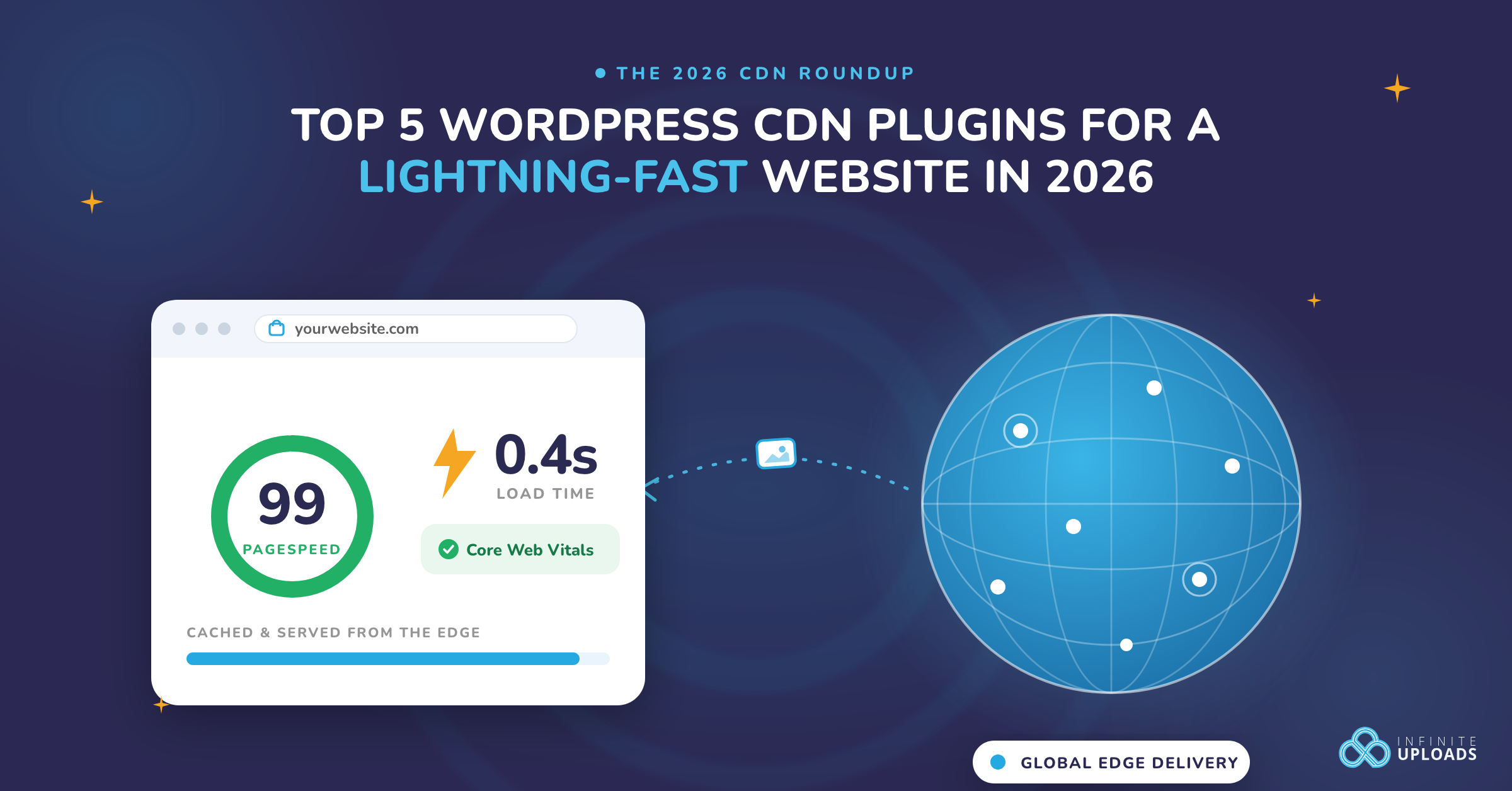
Over nearly a decade I have tested more than a dozen WordPress CDNs on WordPress sites ranging from personal blogs to high-traffic stores. Each trial began with baseline metrics from real-user monitoring and Lighthouse.
After switching CDNs I compared time-to-first-byte, Largest Contentful Paint, cache hit ratio, and purge speed to verify improvement. The data revealed clear patterns:
- A global edge network reduces latency for international users.
- Fast API-driven cache purges are vital for sites with frequent updates.
- Automatic image compression benefits media-heavy themes most.
- Transparent pricing avoids surprise costs during traffic spikes.
In this article I will discuss the best WordPress CDNs that will actually speed up WordPress in 2026, explain where each one wins, and outline the costs so you can choose the right fit.
What Is a CDN and Why It Matters for WordPress Performance in 2026
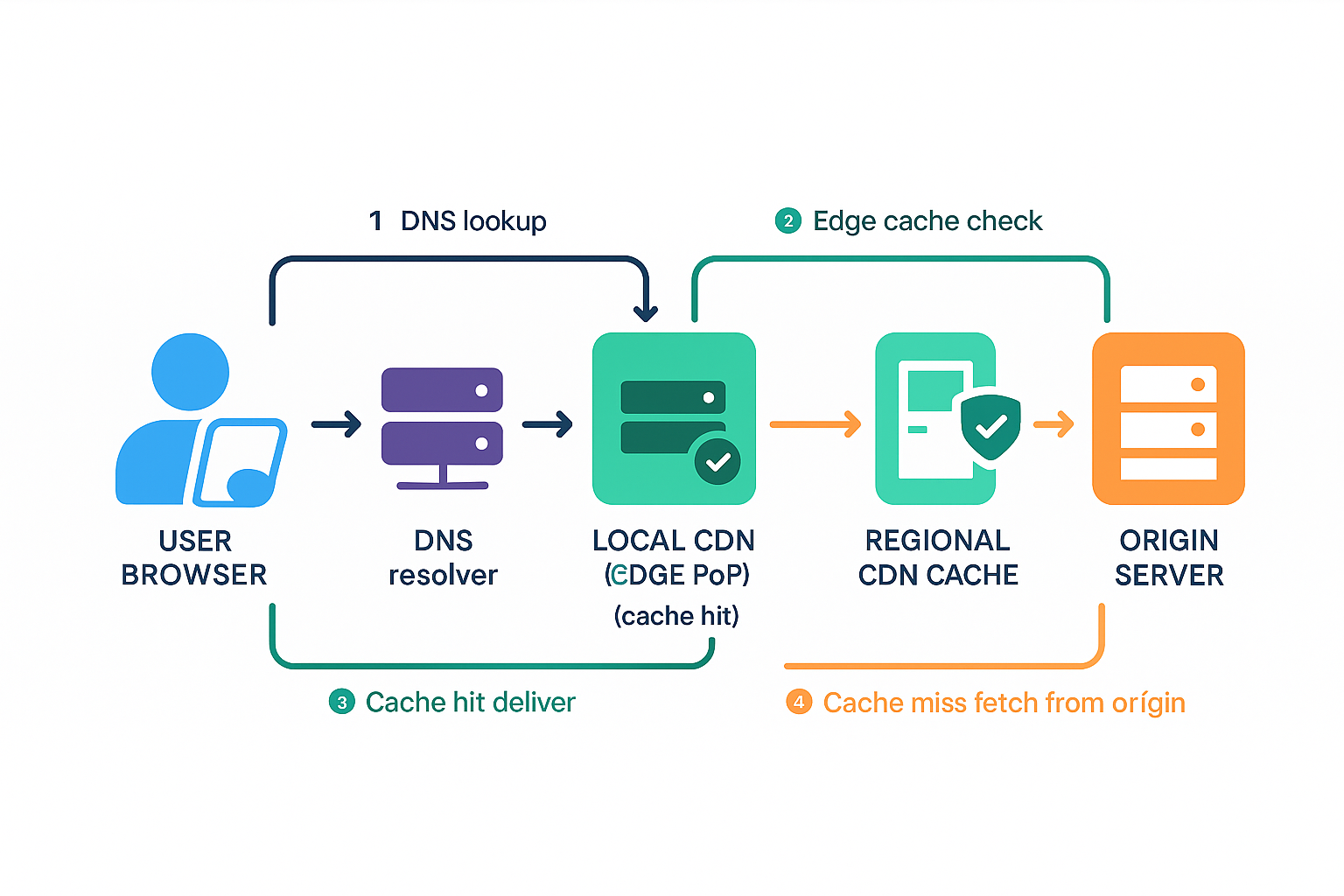
A CDN is a mesh of data-centers (PoPs) that hold cached copies of your site’s static assets. CDN's routing layer routes the user request to the PoP closest to the user and serves the cached files from there.
Because the round-trip distance is short, latency plummets and pages start rendering noticeably faster. Modern CDNs add further speed boosts by compressing files, optimizing images on the fly, and using HTTP/2 + 3 multiplexing, all of which shrink payload size.
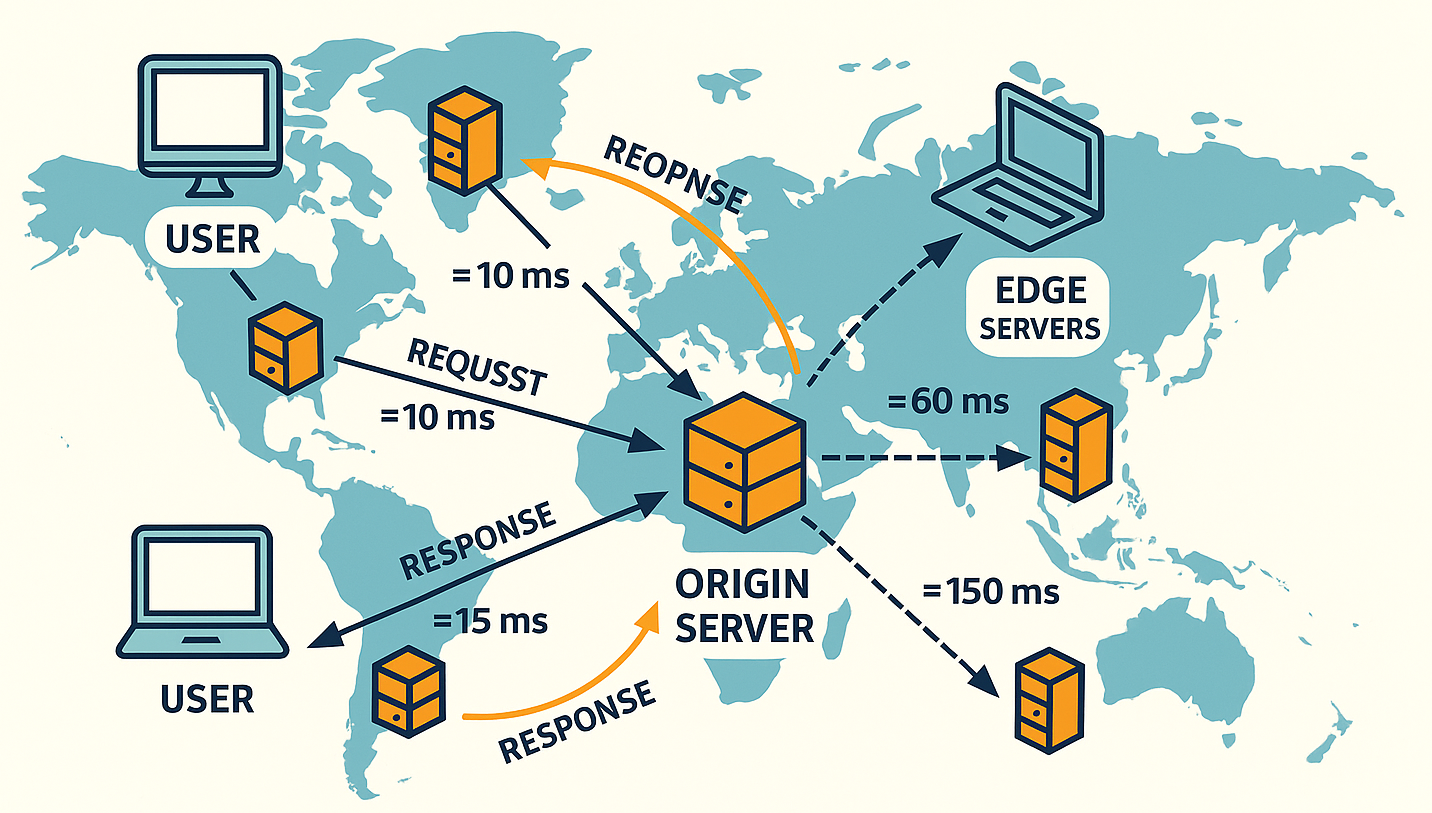
Handing off most traffic to the edge also shields your origin server. Fewer requests hit it, so it can withstand flash crowds and maintenance windows. Besides, fiber path length, peering quality, congestion, wireless hops, TLS handshakes, and protocol are all factors that influence these numbers.
Many CDNs layer on load-balancing, DDoS mitigation, and “always-on” caching that can keep a site partially available even if the origin goes offline, improving resilience rather than guaranteeing 100 % uptime.
Best WordPress CDN Services for Faster Load Times in 2026
I've compiled a list of the best CDN plugins for WordPress, each with unique strengths, ideal use cases, and pricing models. These WordPress CDN plugins can handle small image optimization to large media offloading and advanced edge caching.
Let’s explore the top contenders.
Pricing checked August 13, 2026. Promotional, regional, and usage-based rates can change, so confirm the live price before purchasing.
1. Infinite Uploads Review: The Best CDN for Large Media & Video-Heavy WordPress Sites
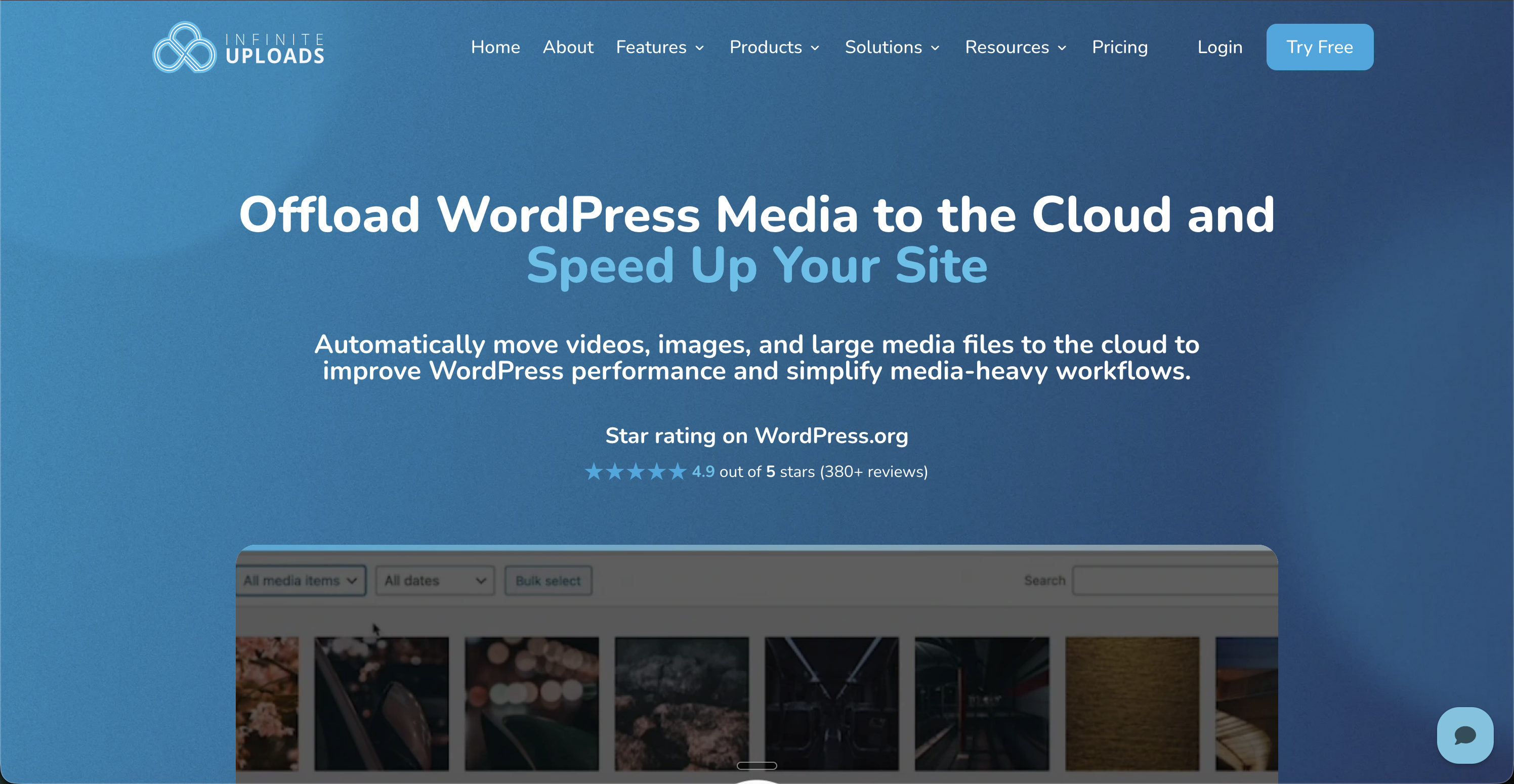
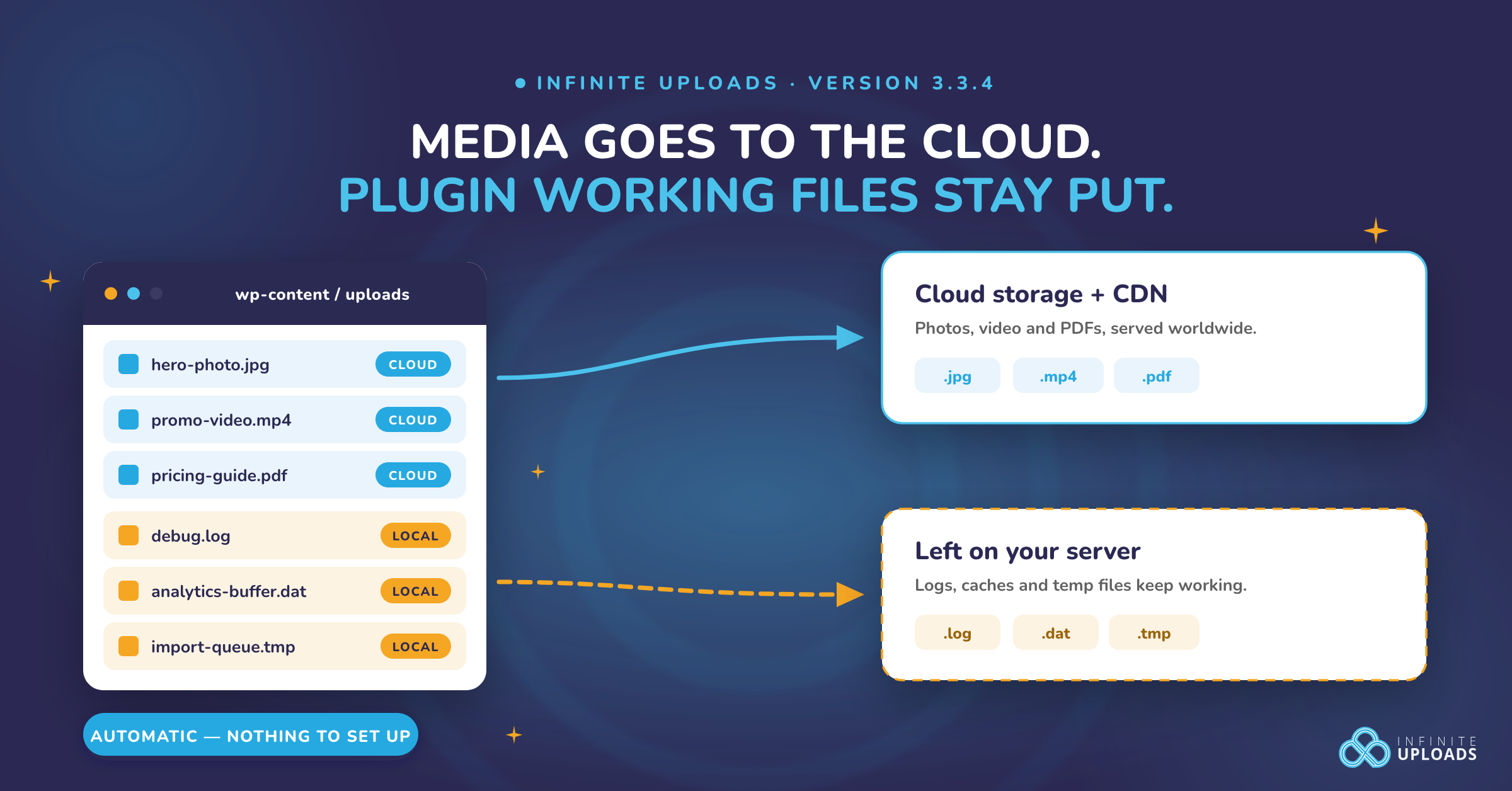
Infinite Uploads is a WordPress plugin that can offload the WordPress media library, including images and videos, to cloud storage. It also provides an integrated WordPress CDN network, edge image optimization, and WordPress video hosting.
Infinite Uploads is known for its simple setup and handling of large media. You upload your media and large files in WordPress, and Infinite Uploads automatically transfers it to the cloud.
You will benefit from unlimited site connections and built‑in video encoding/streaming (adaptive bitrate with a custom player). Infinite Uploads is still growing in adoption. Though newer in the WordPress ecosystem, early reports praise its performance and excellent usability.
Pros of Infinite Uploads
- Simple and automated setup (no technical config required).
- Supports unlimited media uploads and sites.
- Automatically offloads your media to the cloud.
- Built-in video streaming (adaptive formats, custom player).
- Unlimited scalability as your storage needs to grow.
- Media folders & file sorting included
Cons of Infinite Uploads
- No free plan
What I Like the Most About Infinite Uploads
It has an unlimited-site media offload option, so you won't have to worry about storage. Besides, adaptive video encoding and streaming provide efficient loading and integrated CDN with multi-region replication.
Infinite Uploads Pricing
Infinite Uploads offers a free plugin with a 7-day trial. Paid Starter plans begin at $11/mo billed monthly or $8.25/mo billed yearly ($99/yr) and include 25 GB of cloud storage and 50 GB of CDN bandwidth. Compare plans and included usage.
Who Is Infinite Uploads Best For?
Infinite Uploads suits agencies, LMS, and content sites needing a one-stop heavy media solution. It's your thing, particularly if you are worried about large media files taking over your storage or slowing down your website.
Infinite Uploads simplifies image, video, and media hosting and CDN delivery for WordPress, saving hosting costs by shifting assets to the cloud.
Infinite Uploads is also great for WordPress site owners who want an all-in-one solution for image management, cloud storage, and CDN delivery. Whether you're a photographer with high-res image galleries or an agency managing multiple client sites, Infinite Uploads makes optimizing and organizing your images easy.
2. Cloudflare CDN Review: The Best Free CDN for WordPress Beginners
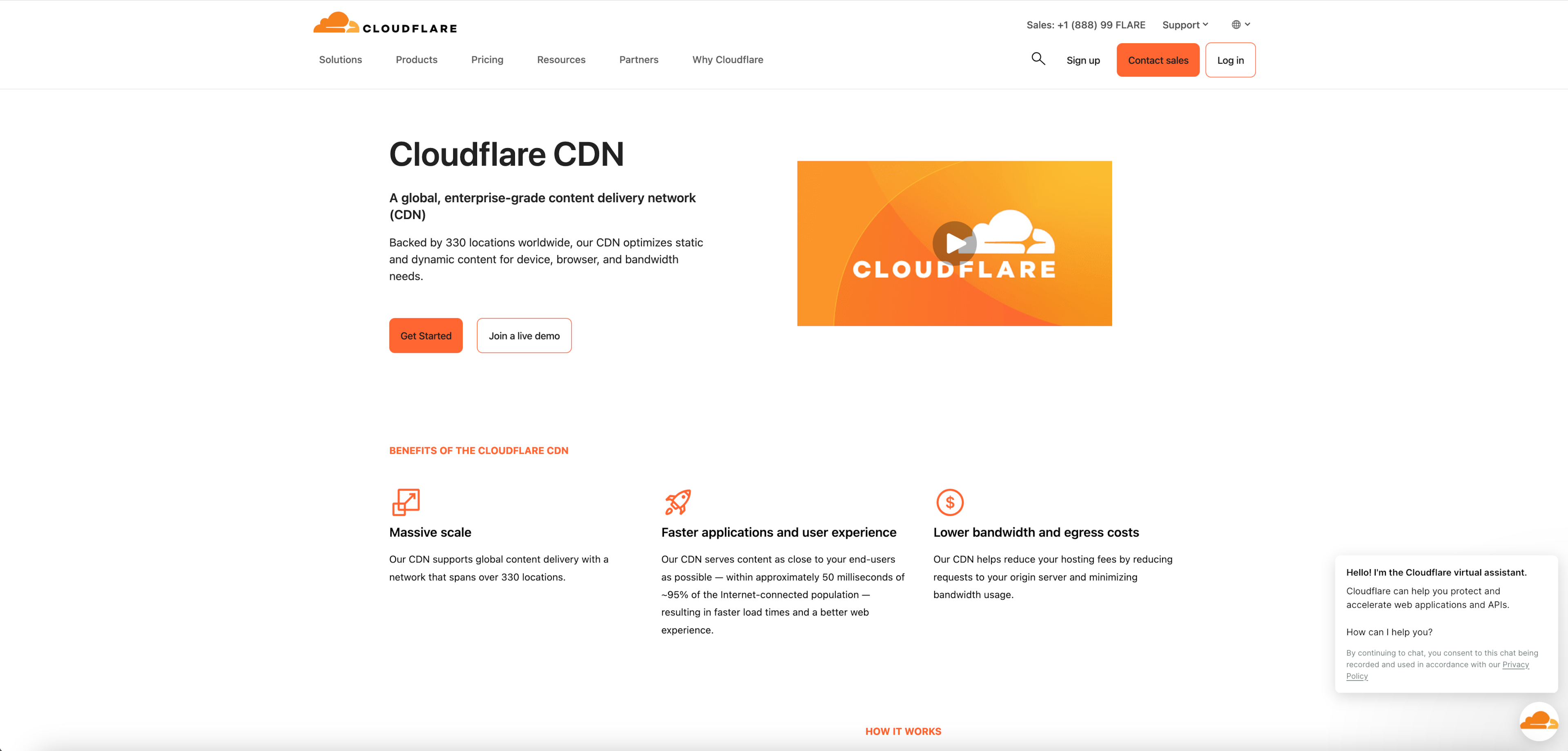
Cloudflare CDN is a global CDN and security platform widely used by WordPress sites. It caches static content in 250+ cities worldwide and provides integrated DDoS protection, WAF, image optimization and video delivery (Stream) features.
Currently, millions of websites use Cloudflare, with over 25 million web properties relying on it as it offers a generous free plan. Its network reach and features appeal to WordPress users looking for an easy performance boost with built-in SSL and security.
WordPress plugins and hosts can easily integrate Cloudflare. Users report that the dashboard is simple and easy to navigate, making basic configurations like DNS and cache rules simple. Cloudflare uses intelligent Anycast routing to serve content from the nearest location and improve TTFB compared to many competitors.
Cloudflare Pros
- Generous free tier with free CDN and SSL.
- Extensive global network with 250+ cities for low latency.
- Built‑in DDoS/WAF security and bot management.
- Easy DNS integration and HTTP/2/3 support.
- Highly rated by the users for ease of use.
Cloudflare Cons
- Pricing can rise exponentially for Business/Enterprise plans.
- Advanced technical configuration adds complexity.
What I Like the Most About Cloudflare
Cloudflare offers free edge caching and SSL. It's impressive! It also has built-in bot/DDoS protection and a Web Application Firewall, so primary security isn't a concern.
Who Is It For?
Cloudflare is best for almost any WordPress site, especially if you want an easy, free CDN with security. Its combination of free CDN, SSL, and basic image optimizations via Cloudflare Images/Polish makes it a go-to choice for blogs and small businesses.
Cloudflare Pricing
Cloudflare offers a free basic plan. Pro costs $20 per month with annual billing or $25 when billed month-to-month; Business and Enterprise tiers cost more.
3. Smush CDN Review: Fast Image CDN for WordPress
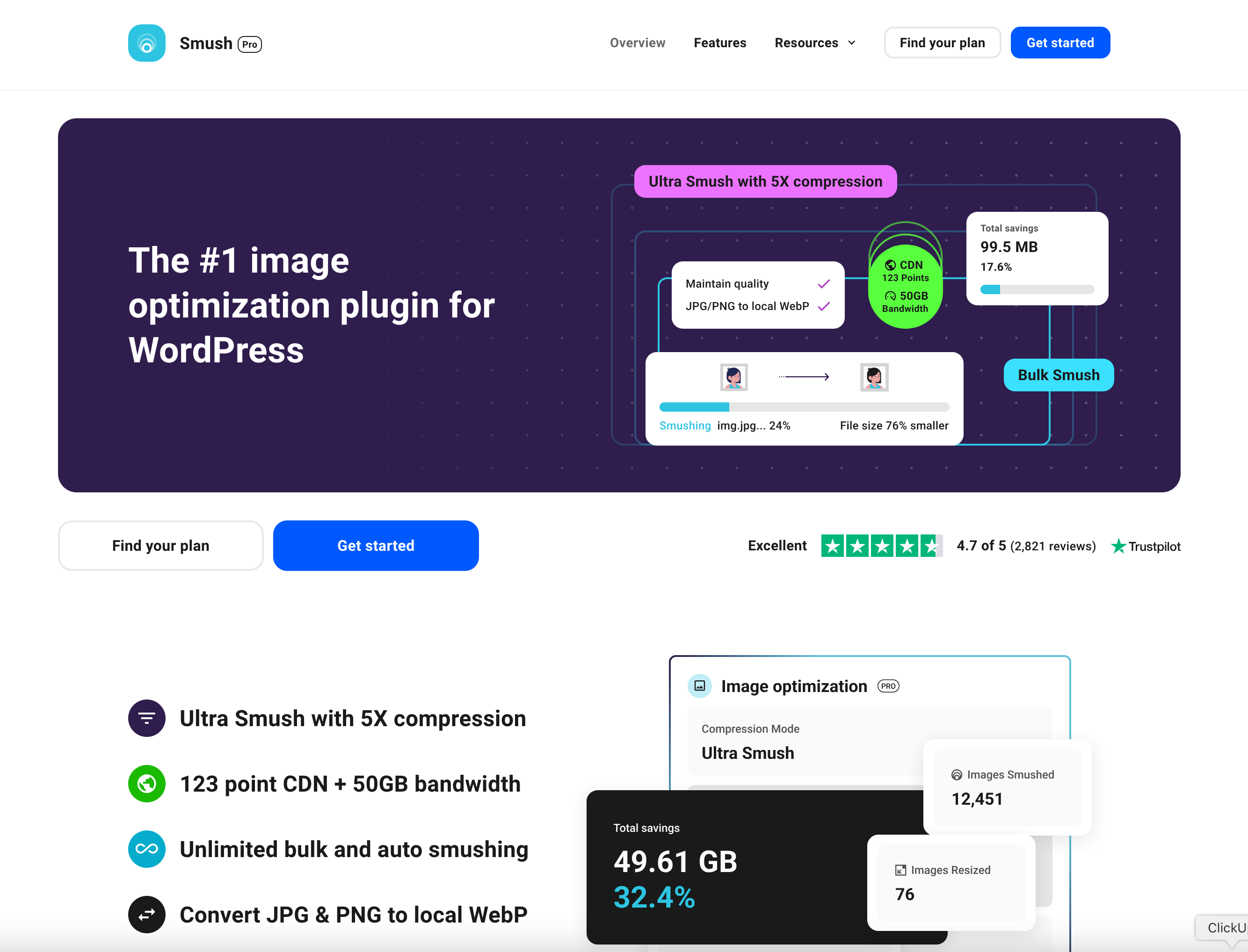
Smush is a leading WordPress image optimization plugin with an integrated CDN for your website images. It's one of the only 16 top-tier networks in the world. So, you can be sure your website is getting good speed.
The Smush CDN has 119+ edge locations and a network capacity of 150+ TBPS! The average loading latency is only 24ms, which is lower than some of the top internet service providers.
Smush integrates into the WordPress ecosystem with the plugin to improve Core Web Vitals by compressing images when uploaded and delivering them via CDN. It also comes with DDoS protection and prevents attacks within 10 seconds.
Smush CDN Pros
- 119+ edge locations for CDN
- Up to 50 GB CDN bandwidth
- One-click bulk image optimization
- Unlimited free optimizations in the free version
- Unlimited websites
Smush CDN Cons
- The free version limits max image size to 5 MB
- CDN requires buying the Pro version
What I Like the Most About Smush
I have seen only a few people needing an image-focused CDN since not everyone has an image-heavy website. But I really like the low latency and the automatic loading of the images to the CDN whenever uploading.
Smush Is Best For:
Smush is an ideal CDN service if you have a blog, portfolio, or an ecommerce site heavy on photos. Professional photographers or designers can also use this CDN to give their website a smooth user experience.
Smush CDN Pricing
Smush Pro with CDN was advertised at $36 for the first year for one site during this check; promotional and renewal pricing can differ.
4. Optimole Review: Automatic Image Optimization + Global CDN for WordPress
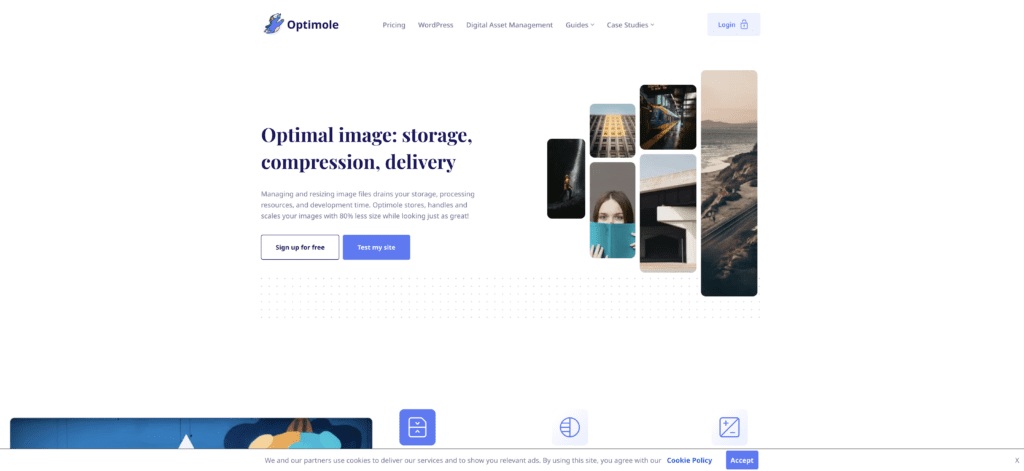
Optimole is an all-automated image optimization and CDN solution for WordPress. It bundles real-time resizing, WebP/AVIF conversion and lazy loading and uses a global CDN with 450+ edge locations.
Optimole says that more than 200k+ websites are using its service. According to Optimole, they boast "80% smaller size and "2× faster load times" compared to regular images. It's a precise plugin and a favorite among those who like to "set it and forget it" when it comes to optimization.
WordPress sites benefit from Optimole's on-the-fly handling. Optimole auto-generates multiple image sizes and serves the optimal one per device, along with CDNs' normal caching.
Optimole Pros
- Fully automatic image optimization (no manual work)
- Integrated 450+ node CDN
- Lazy-load, out of the box
- Easy integration and substantial performance gains.
Optimole Cons
- Usage limits on the free tier
- Paid tiers can feel expensive for what you get, according to Optimole reviews on G2.
- fewer customization options than doing it manually.
What I Like the Most About Optimole
I really like the built-in global CDN with 450+ PoPs. That's an impressive number of locations to cover with your CDN. Besides, instant WebP/AVIF conversion and smart quality adjustment are exciting features.
Optimole Is Best For?
Optimole is best for media-heavy WordPress sites such as photography, news, and ecommerce that need aggressive, turnkey image optimization. It excels at automatically shrinking images and speeding delivery, though heavy-use sites may need a paid plan for high traffic.
Optimole Pricing
Optimole offers a free plan, while paid pricing is based on monthly visits and can vary by billing cadence and region. During this check, the Starter plan displayed €15.83 per month with annual billing.
5. Fastly CDN Review: Enterprise-Grade Performance for High-Traffic WordPress Sites
Fastly is an enterprise-grade edge CDN known for real-time caching, fast cache purging, and API-driven control over content delivery. Large publishers and platforms use it when they need detailed edge configuration.
Fastly is designed and optimized for top performance. Its average cache purge time is around 150ms, and it claims 43% faster TTFB than some competitors. Besides, Fastly reports a 95% CSAT and a 9.4/10 "Quality of Support" score compared to competitors in G2.
One of Fastly's strong suites is its handling of real-time content. It's often chosen for live media and modern app delivery. Moreover, Fastly easily speeds up large, high-traffic WordPress sites with some configuration of Edge dictionaries, Varnish VCL, etc.
Fastly Pros
- Real-time content purging with instant updates and 150ms)
- High throughput (HTTP/2/3, TCP) optimizations and low latency
- Powerful edge computing for image Optimization and streaming
- No forced subdomain is required.
- Very friendly and impactful support.
Fastly Cons
- Steep learning curve for novices
- Requires familiarity with VCL and edge concepts)
What I Like the Most About Fastly
I find the instant cache purging across all nodes amazing. It gives me complete control and peace of mind, knowing updates happen immediately. I also like how VCL configuration lets me customize edge rules. So, everything runs within the system in my direction.
Fastly is Best For
Fastly is made for high-end WordPress deployments (like media publishers and SaaS) that need complete edge control and invalidation with low latency. It works well for websites that need to stream or change content often, but it's too much for simple blogs.
Fastly Pricing
Fastly publishes a free tier and usage-based pricing, with larger packages and support available through sales.
Why Should You Use a CDN?
A CDN, or Content Delivery Network, is a system of servers distributed worldwide. Instead of loading images and other static content from your web pages, such as JavaScript, CSS, or videos, directly from your web server, a CDN delivers them from the server closest to the user's location.
Say you have a blog site, and it's hosted on a US server. Now, if a reader comes to your site from Asia, it will take time to communicate between the Asian and US servers. Now, a CDN would keep a copy of your website data in an Asian server to decrease the data communication time significantly.
CDN helps reduce latency, speeds up page load times, and lightens the load on your hosting server. Nowadays, CDN is a must for a WordPress website with many images, such as blogs, eCommerce sites, or photography portfolios.
Benefits of Using CDN for Your WordPress Site
I can't remember when I found a professional website that didn't use CDN. Yeah, true, CDN myth has become just our reality. According to Google Chrome’s UX Report (CrUX) classification.
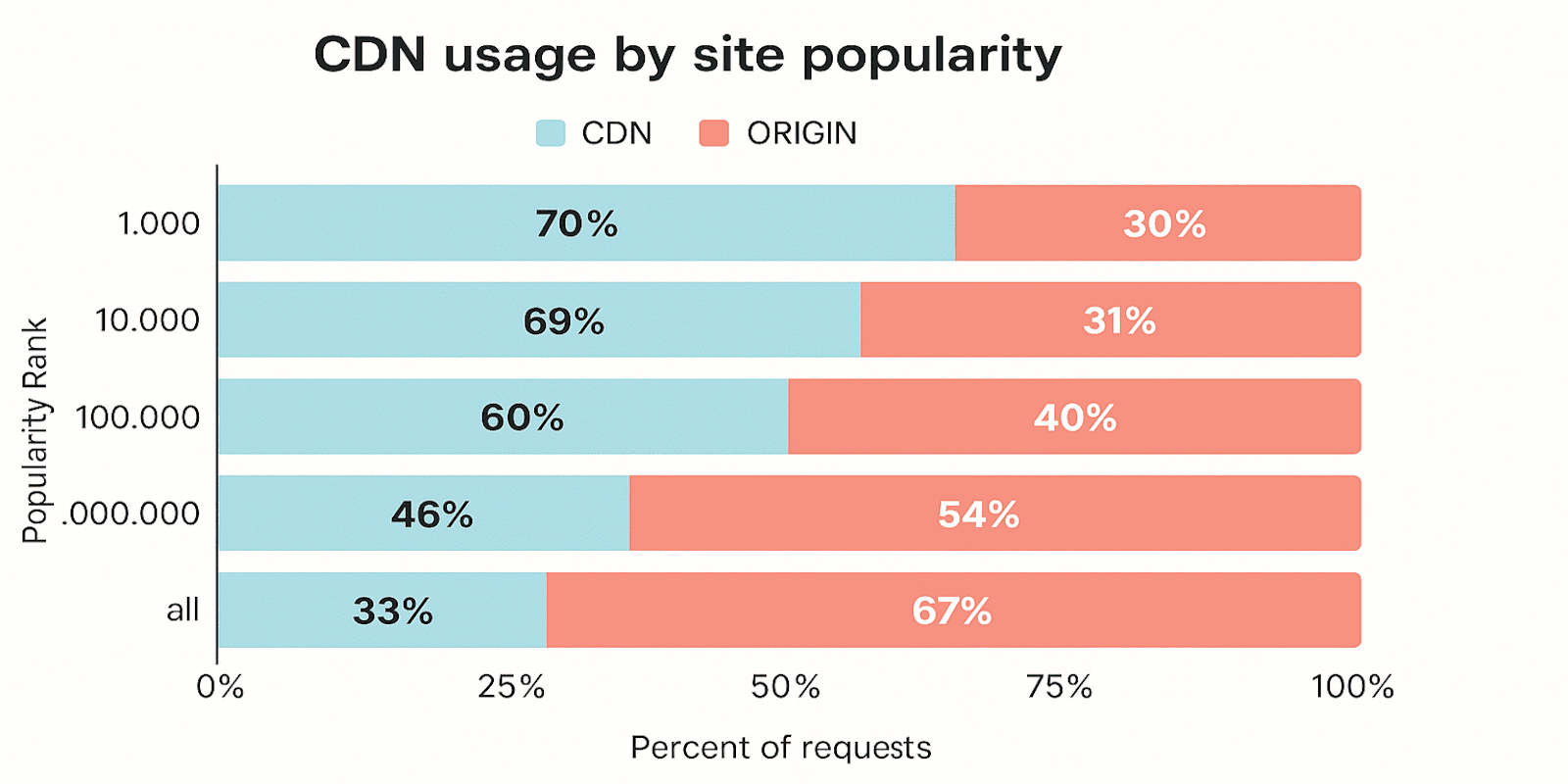
As the graph shows, the top 70% of the top 1,000 followed by the top 10,000 at 69%, and the top 100,000 at 60% using a CDN service to improve their performance and customer satisfaction.
Using a WordPress CDN can boost your website's performance, speed, and security while also improving the user experience and engagement.Let's look into some of the benefits to your WordPress site, including:C
CDN security features like DDoS protection and SSL to save your site from threats.
CDNs increase WordPress loading speed by up to 72%.
Improves website performance bringing users closer to content.
Smooth and faster loading increases user experience.
Scales your website to increase traffic and handle large file sizes.
Check for These Qualities in Your CDN
The best CDN is the one that fits your site’s needs. A small blog can use a free CDN with basic caching and SSL. On the other hand, online stores that change prices often need fast cache updates and adequate API control.
Sites with lots of images benefit most from automatic compression and a strong global network. Big publishers with heavy traffic may need an advanced CDN with instant purging and custom routing, even if it costs more.
Pick your CDN by lining up four checkpoints:
- Edge coverage that matches your audience map
- Purge speed that keeps fresh content live
- Smart image handling for lean pages
- Pricing that scales without surprise spikes
Does It Optimize Images, and Does It Also Store Them?
A few of the services above already convert images to WebP or AVIF, and that's worth having. The question to ask next is how much of the job any one of them actually covers. An image CDN optimizes what you send it, but your files still live on your server, so your storage problem is untouched.
Infinite Uploads does both from one place. Your media moves off your server into cloud storage, and it gets converted to AVIF or WebP on the way out, up to 96% smaller, matched to what each browser supports. One bill, one setup, and no extra copies stored anywhere. Included with Business plans.
Run a quick test before and after to check TTFB and Largest Contentful Paint. If those numbers go down, people stay on your site longer and search engines notice. A weekend spent testing now can save you months of fixing slow pages later. So pick a CDN, setup, test it, and launch.