
Forum images are the part of a WordPress site nobody plans for. You set up bbPress, members start posting, and a year later the uploads folder is the biggest thing on your server. Nobody decided that. It just happened, one screenshot and one vacation photo at a time.
That's why I'm glad to share this one. Image Upload for bbPress by BerryPress now has official, built-in support for Infinite Uploads. It shipped in Pro 2.2.0 and in version 1.2.0 of the free Inline Image Upload for bbPress plugin. Pick Infinite Uploads as the storage option and every image your members post goes to the cloud and loads from our global CDN.
Why Forum Images Fill Up a Server
bbPress core doesn't let members attach images to topics and replies. The free Inline Image Upload for bbPress adds that. Image Upload for bbPress Pro adds thumbnails, resizing, format conversion, per post image limits, and a lightbox on top. It's the answer for the moment your members start asking "how do I post a picture?"
The catch is that forum media is user generated. You don't control how much of it shows up. Think of it like a community bulletin board where everyone pins photos and nobody ever takes one down. On an active board those images grow faster than anything you upload yourself, and they sit on the same hosting plan as the rest of your site.
What's New in Image Upload for bbPress 2.2.0
The plugin now has an Image Storage Engine setting, and Infinite Uploads is one of the options. When Infinite Uploads is active on your site, the plugin detects it and tells you so right in the settings. No extra configuration, no API keys to paste in. Infinite Uploads support is included in the free version too, so you don't need Pro to move forum images to the cloud.
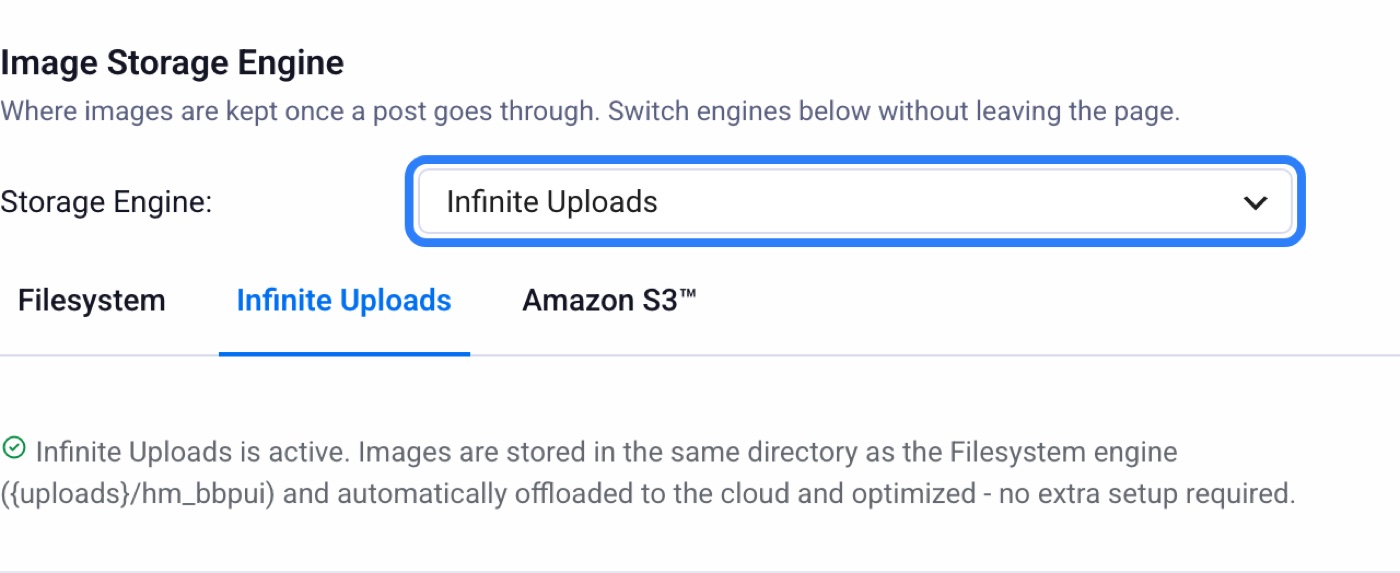
What I like about how BerryPress built this is that forum images get their own storage choice. Your media library can go to the cloud while forum images stay on your server, or both can go to the cloud. It's your call, per site.
What Happens When a Member Posts an Image
While a member is writing a topic or reply, the images they add stay on your server as temporary files. The moment they hit post, the plugin moves those images to Infinite Uploads and swaps the links in the post for CDN links. It works like a letter sitting on your desk. It isn't going anywhere until you mail it, so abandoned drafts never take up cloud storage.
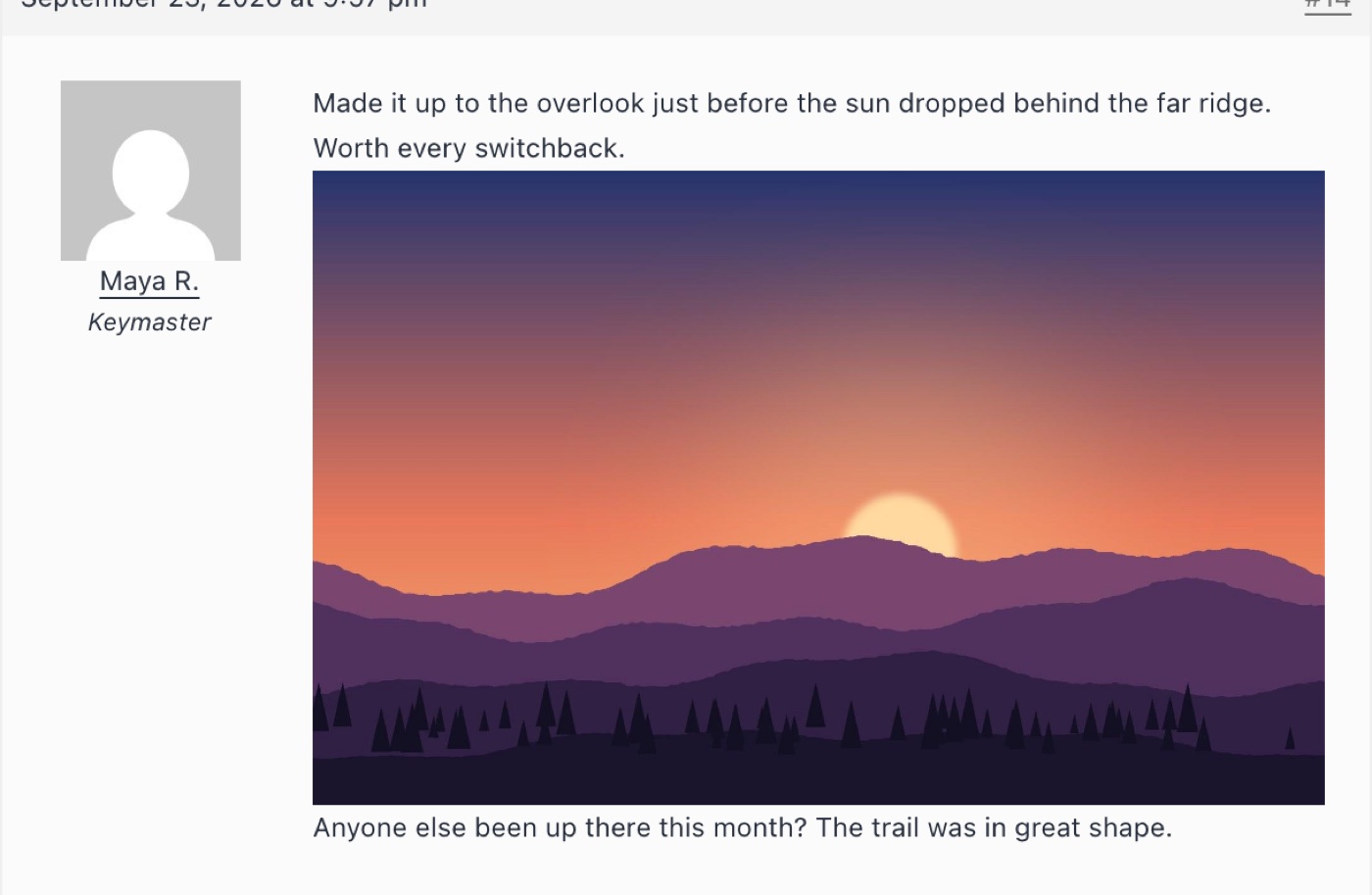
From there the photo in that topic loads from the Infinite Uploads CDN, not your web server. A CDN keeps copies of your files on servers around the world and hands each visitor the nearest one. It's the difference between shipping every order from one warehouse and keeping stock in a warehouse near each customer.
Cleanup works the way you'd expect too. If a member edits their post and removes an image, the cloud copy is deleted. Delete the topic and its images go with it. You're not paying to store orphaned files from posts that no longer exist.
Our Work with the Berrypress Team
We ran Pro 2.2.0 on a test site connected to Infinite Uploads 3.3.5 and put it through real uploads over the actual forum forms. Images stayed on the server while drafting, moved to the cloud when the topic was posted, and loaded from the CDN. Editing a post to remove an image deleted it from the cloud. Deleting a topic removed its images. The plugin's Statistics page counted the cloud images correctly.
We also checked the other direction. With the plugin set to its local Filesystem option and Infinite Uploads still active, forum images stayed on the server and loaded from their normal local links, exactly as you'd want.
BerryPress is now a Platinum Certified Partner. Their team built this the right way, and it shows.
How to Turn It On
- Install Infinite Uploads and connect it to your account.
- Update Image Upload for bbPress to Pro 2.2.0.
- In Pro, go to BerryPress > Forum Images and open the Image Storage tab.
- Set Storage Engine to Infinite Uploads and click Save Changes.
- Post a test topic with an image, then right-click the image and open it in a new tab. The link should point at your Infinite Uploads CDN domain.
If you run a bbPress community and your hosting bill keeps creeping up, this is the easy fix. Your members keep posting photos. Your server stops carrying them.