I keep getting the same question from agencies we work with: "Which image optimization plugin should we put on every client site?" The honest answer changed this year. WordPress 7.1 now does part of the job in the browser, we shipped our own optimizer in August, and two of the big names quietly moved their best features behind paid tiers. So I went through the seven plugins that actually matter, pulled every number from the plugin listings and pricing pages on September 22, 2026, and sorted out who each one is really for.
The short version. Want free and simple? EWWW or Converter for Media. Want the cheapest unlimited plan? ShortPixel at $8.33 a month. Already on WP Rocket? Imagify. Want your existing library optimized without storing a single extra copy, served from a CDN, with offload and video included? That's Infinite Uploads, our solution we built to solve a problem.
How I judged them
Every plugin on this list compresses images. That stopped being a differentiator years ago. Four things actually separate them:
- Where the work happens. On your server (free, but slow and it eats CPU), on the vendor's API (fast, but you pay per image), or at delivery on a CDN (nothing touches your server or your files).
- What happens to the library you already have. Some plugins only handle new uploads unless you run a bulk job that can take a day on a big site.
- WebP and AVIF. AVIF files come out roughly three times smaller than the JPEG they replace. Several plugins still charge extra for it.
- Extra copies. Upload-side plugins keep a WebP and an AVIF version of every image size on your disk. On a 5,000 image site, that's easily 10,000 extra files.
1. Infinite Uploads
Best for: sites with a large existing library, agencies that want one answer for every client, and anyone who also needs offload, a CDN, or video hosting.
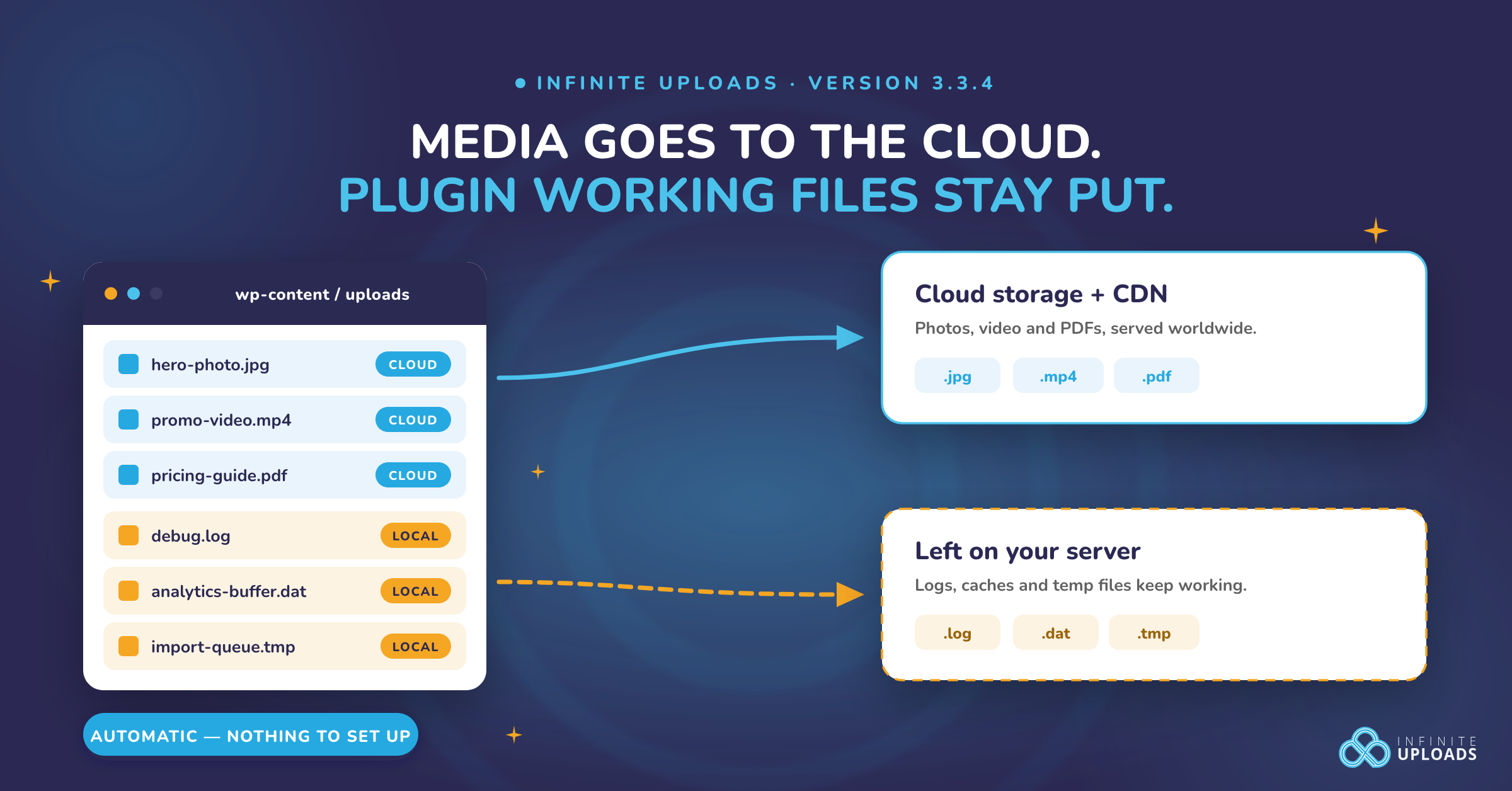
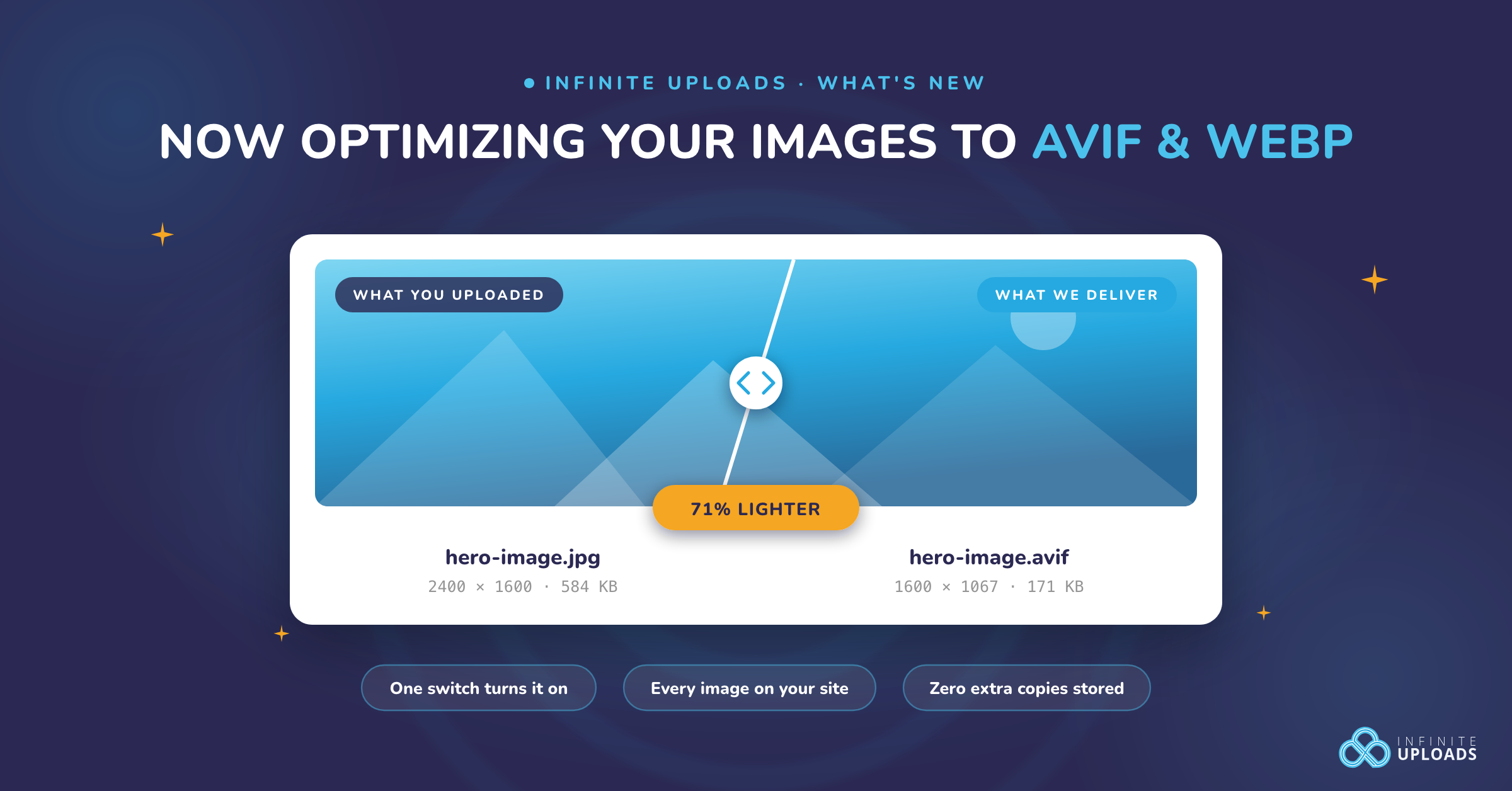
Image optimization for Infinite Uploads shipped in August 2026 and it works differently from everything else here. Nothing happens on upload. When a visitor requests an image, our CDN converts it to AVIF or WebP (whichever their browser takes), scales it to the maximum width you set, caches it at the edge, and serves it. Your originals never change, every image you've ever offloaded is covered from the moment you flip the switch, and you store zero extra copies. Think of a print shop in every city that makes the right size print when someone asks, instead of you printing every size in advance and filling your garage with them.
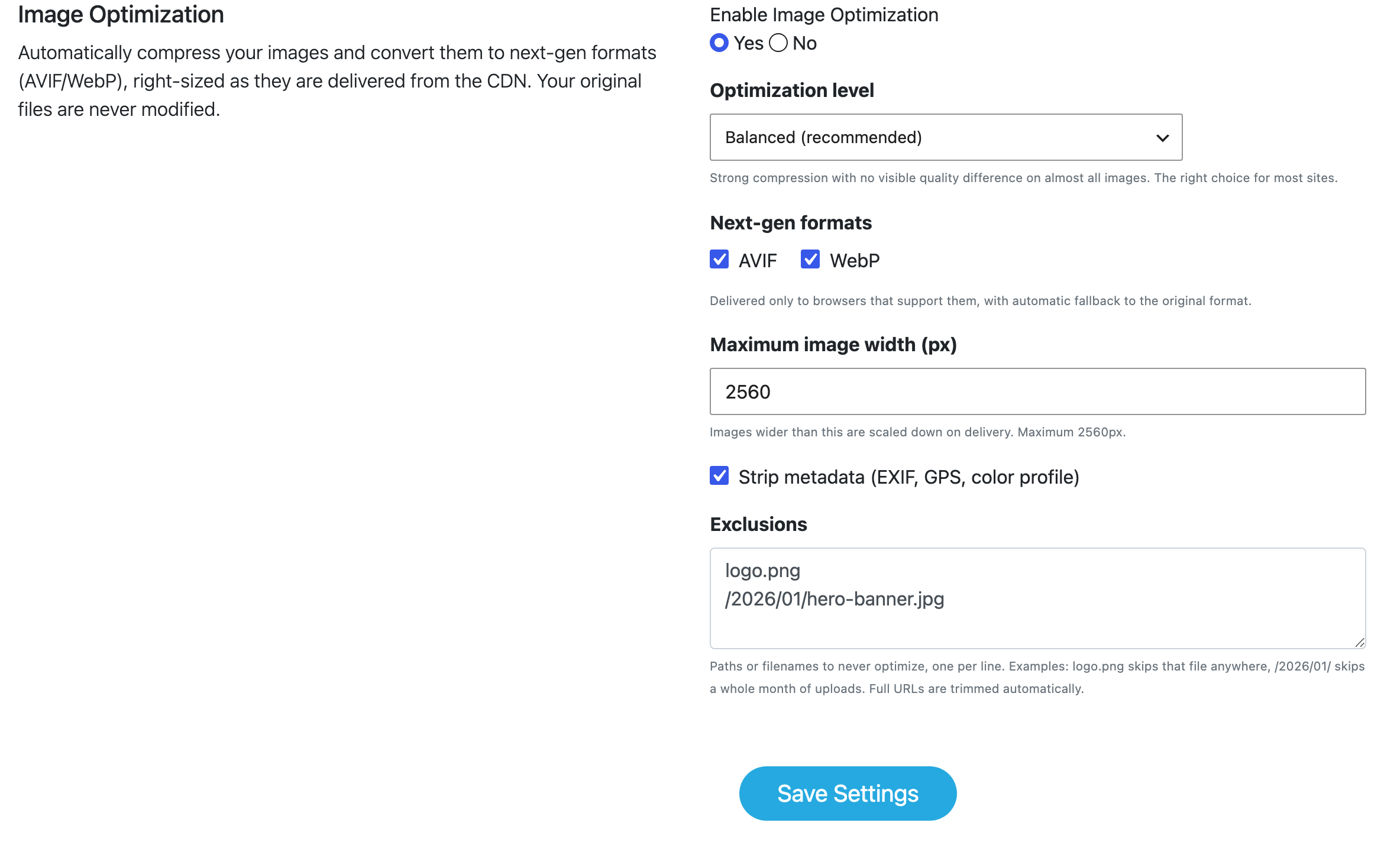
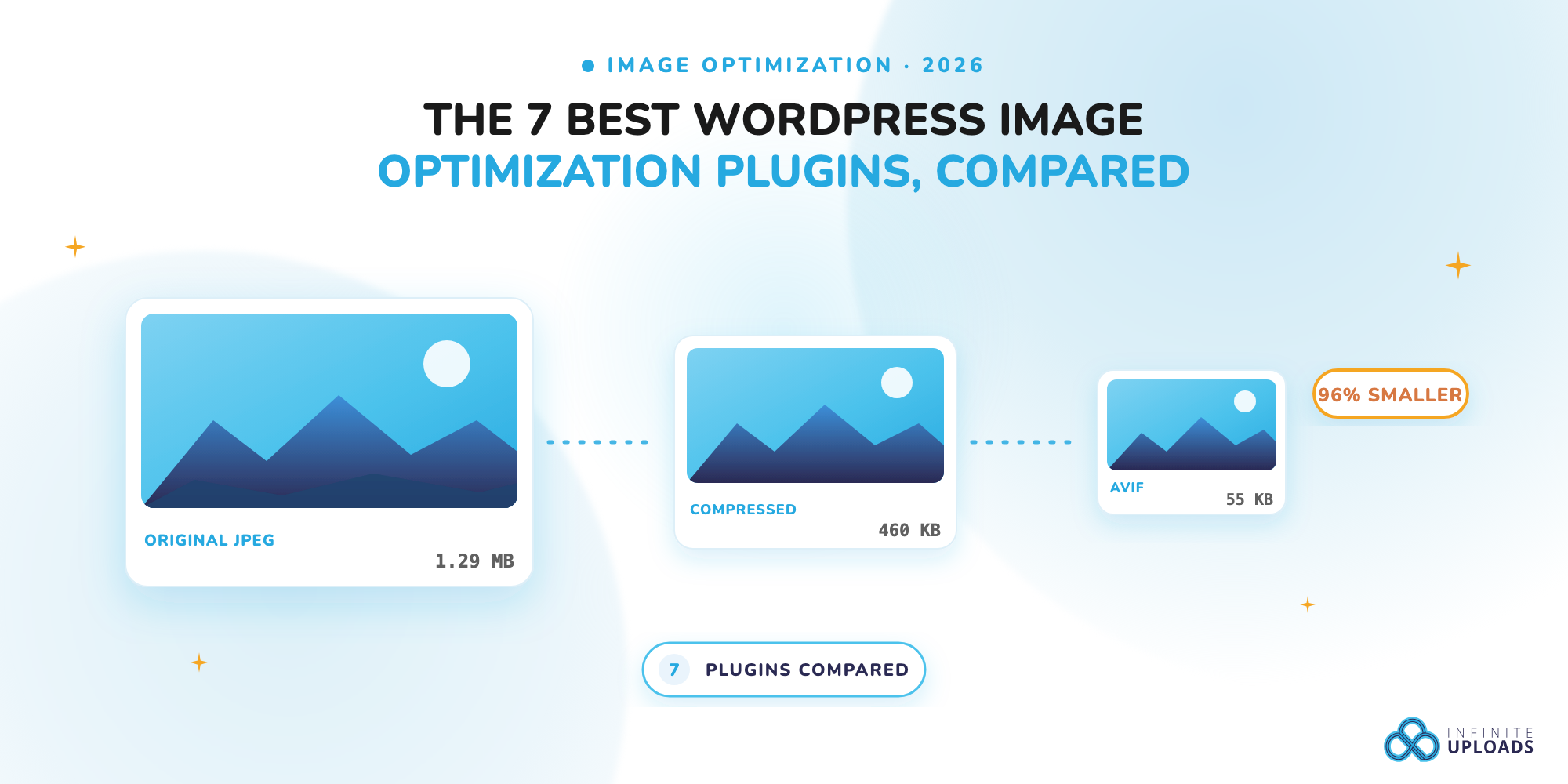
From our own testing at the Balanced setting, a 1.29 MB phone photo came out at 55 KB, and a photo WordPress had already downsized still dropped 67%. The catch is that it requires offloading your media to us first, because the optimization runs on the CDN. If you want your files to stay on your own server, pick something else on this list. Pricing starts at $8.25 a month (25 GB storage, 50 GB bandwidth billed yearly) and Image Optimization is included on business only plans (starting at $24/mo billed yearly), alongside the folders, video hosting, and unlimited sites. Infinite Uploads is everything you need for your media library in one plugin.
2. ShortPixel Image Optimizer
Best for: the cheapest unlimited plan, and sites that already use WP Offload Media.

ShortPixel sends each image to its API, compresses it (lossy, glossy, or lossless), and writes the result back to your server. 300,000+ active installs and a 4.5 rating on wordpress.org. You get 100 free credits a month, which covers a very small blog and not much more. The Unlimited plan is $8.33 a month billed yearly and includes unlimited WebP and AVIF, 500 GB of CDN traffic, and unlimited sites, which makes it the cheapest "never think about quotas again" option here. It also plays properly with WP Offload Media, which most of the others don't. The downside is the one every upload-side plugin shares: bulk-optimizing an existing library takes time, and the next-gen copies land on your disk. It doesn't come with offloading, media organization, custom cdn domains, or video hosting, Be prepared to purchase more plugins with ShortPixel.
3. EWWW Image Optimizer
Best for: free, unlimited compression with no account and no API.
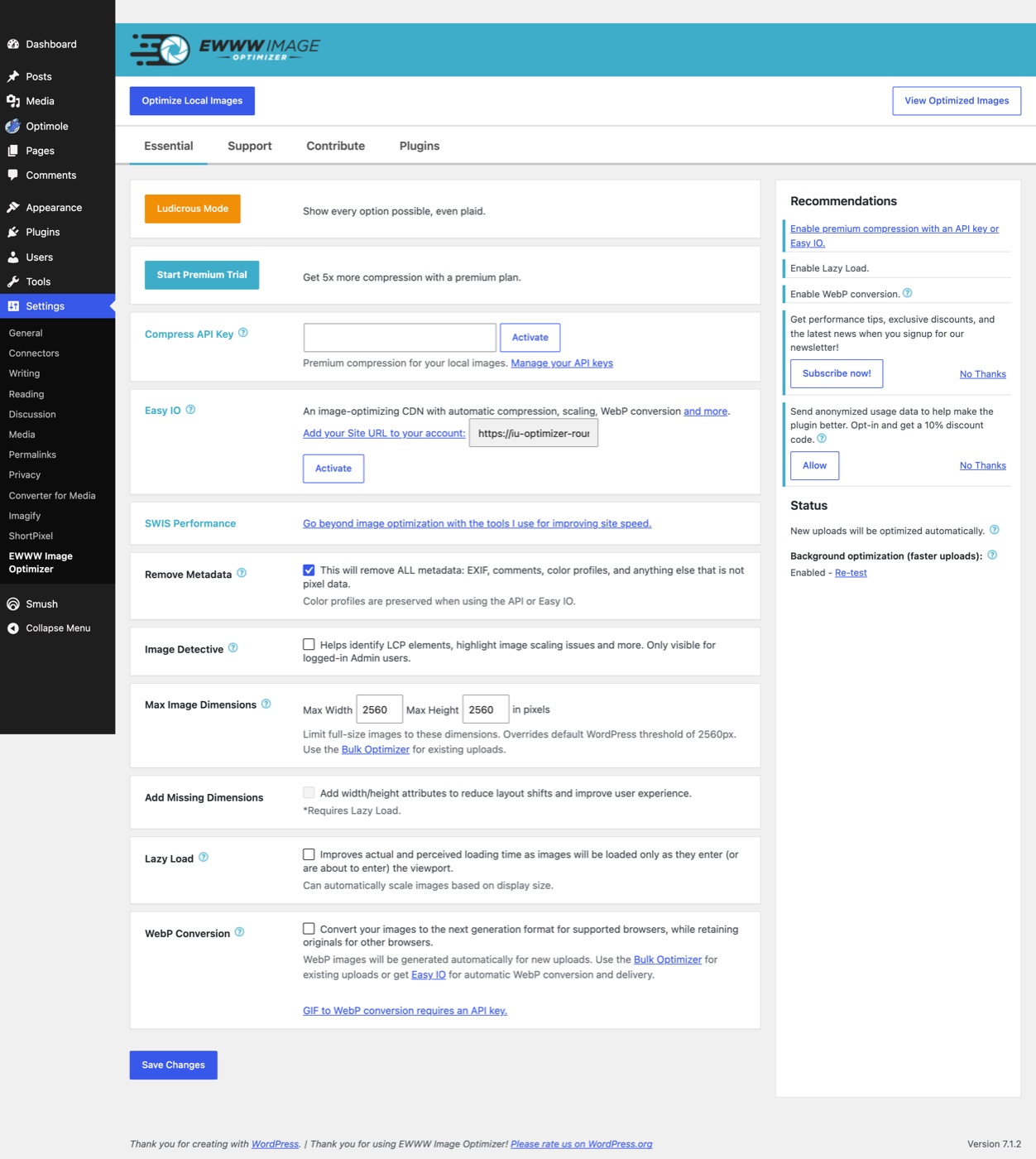
EWWW is the one I reach for when a client says "free, and I don't want another subscription." It compresses on your own server with no image limit and no signup, and the free version converts to WebP too. 1,000,000+ installs, 4.8 rating from 1,839 reviews. The lossless local mode only saves about 8% on average, which is honest of them to print on the listing, so you'll want the lossy setting for real savings. AVIF is not in the free plugin; it lives in their Easy IO CDN, which is $8 a month or $80 a year for 50 GB of bandwidth and adds auto WebP and AVIF at delivery. That makes Easy IO the closest thing on this list to how Infinite Uploads works, minus the offload and video. Again, it doesn't come with offloading, media organization, custom cdn domains, or video hosting, Be prepared to purchase more plugins with EWWW.
4. Imagify
Best for: WP Rocket users, and the best free tier for AVIF.
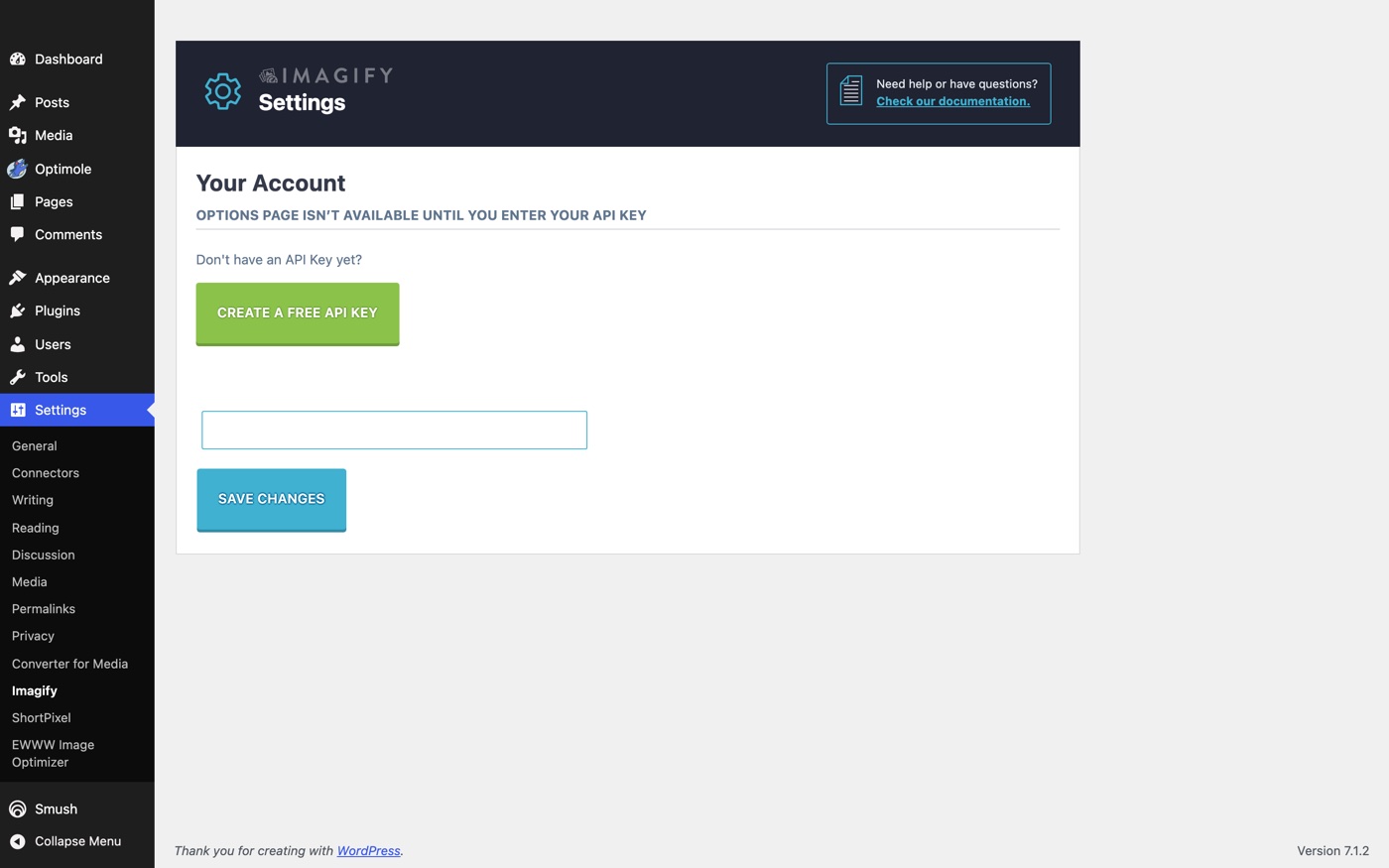
Imagify comes from WP Media, the WP Rocket people, and it slots into that stack cleanly. The free plan is 20 MB of images a month (about 200 images) with a 2 MB cap per file, and unlike most of the field it includes WebP AND AVIF conversion for free. Growth is $5.99 a month for 500 MB (roughly 5,000 images), and Infinite is $11.99 a month, or $9.99 billed yearly, for unlimited images and sites. 1,000,000+ installs. The 4.3 rating is the lowest of the big names, and the one-star reviews mostly come down to the quota running out mid-month, so budget for a paid plan if you upload a lot.
5. Smush
Best for: free lossless compression and lazy loading on small sites.
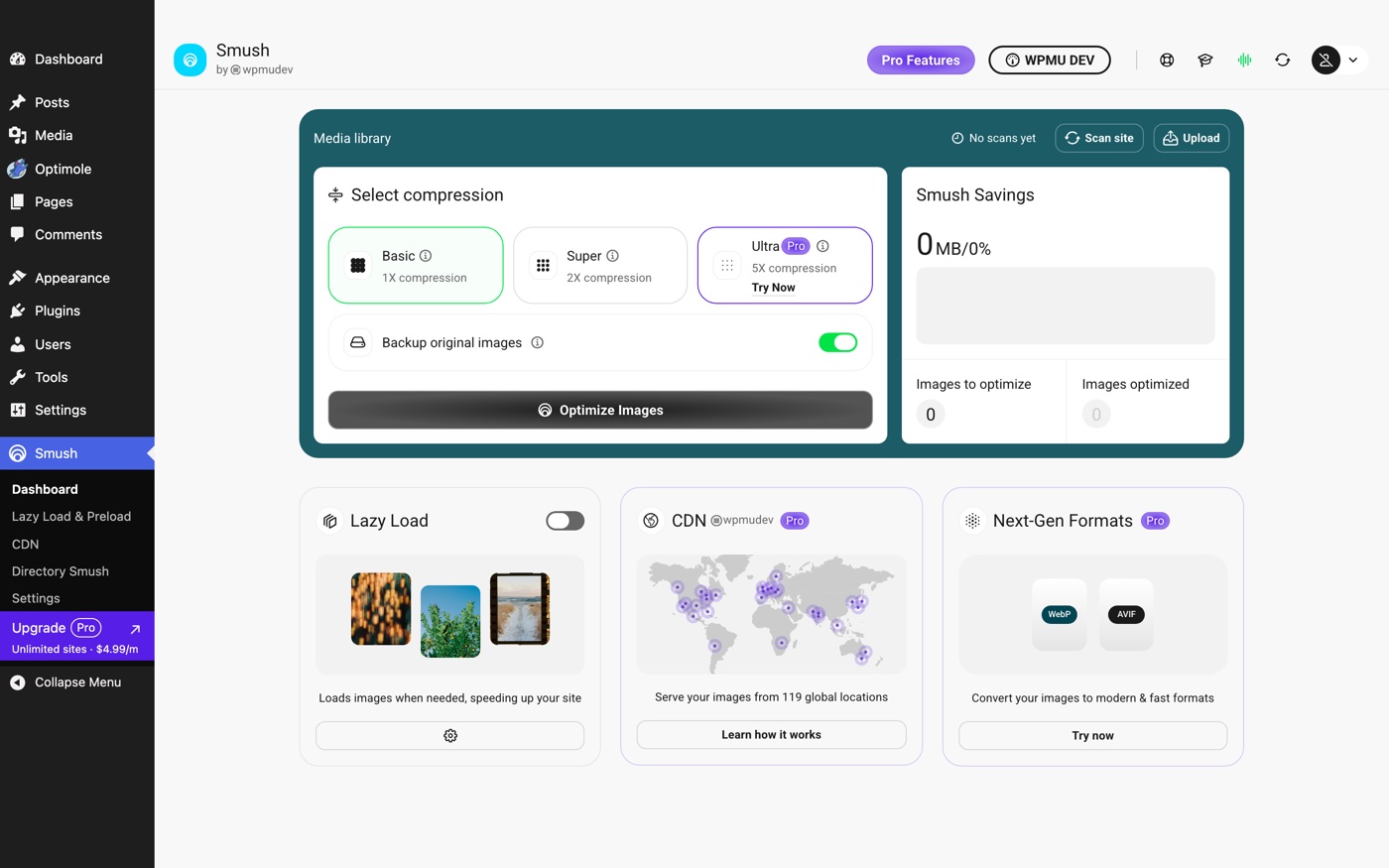
Smush is the plugin everyone has installed at some point. 1,000,000+ installs, 4.8 rating from 6,052 reviews, and the free version does lossless compression, lazy loading, and bulk optimization with no monthly limit anymore. The catches sit in the fine print: the free version skips any image over 5 MB (so most phone photos), and WebP, AVIF, auto-resize, and the CDN are all Pro. Smush Pro is sold through a WPMU DEV membership rather than on its own price tag, and it bundles a 119-server CDN with 500 GB of bandwidth. If your site is small and your uploads are already sensible, free Smush is fine. If you need next-gen formats, the other six get you there cheaper.
6. Optimole
Best for: low-traffic sites that want delivery-side optimization without offloading everything.

Optimole is the plugin whose model is closest to ours. It replaces your image URLs with cloud ones, detects each visitor's device and browser, and serves a right-sized AVIF or WebP from a CloudFront CDN with 450+ locations. Your originals stay untouched and your existing library is covered. 200,000+ installs, 4.7 rating. The difference is how you pay: Optimole bills by monthly visits, not storage. The free plan covers 2,000 visits a month, Starter covers 48,000, and Business 120,000. That's generous for a portfolio and expensive for a busy store, since every pageview counts whether it has one image or forty.
7. Converter for Media
Best for: free WebP for an entire library, nothing else.
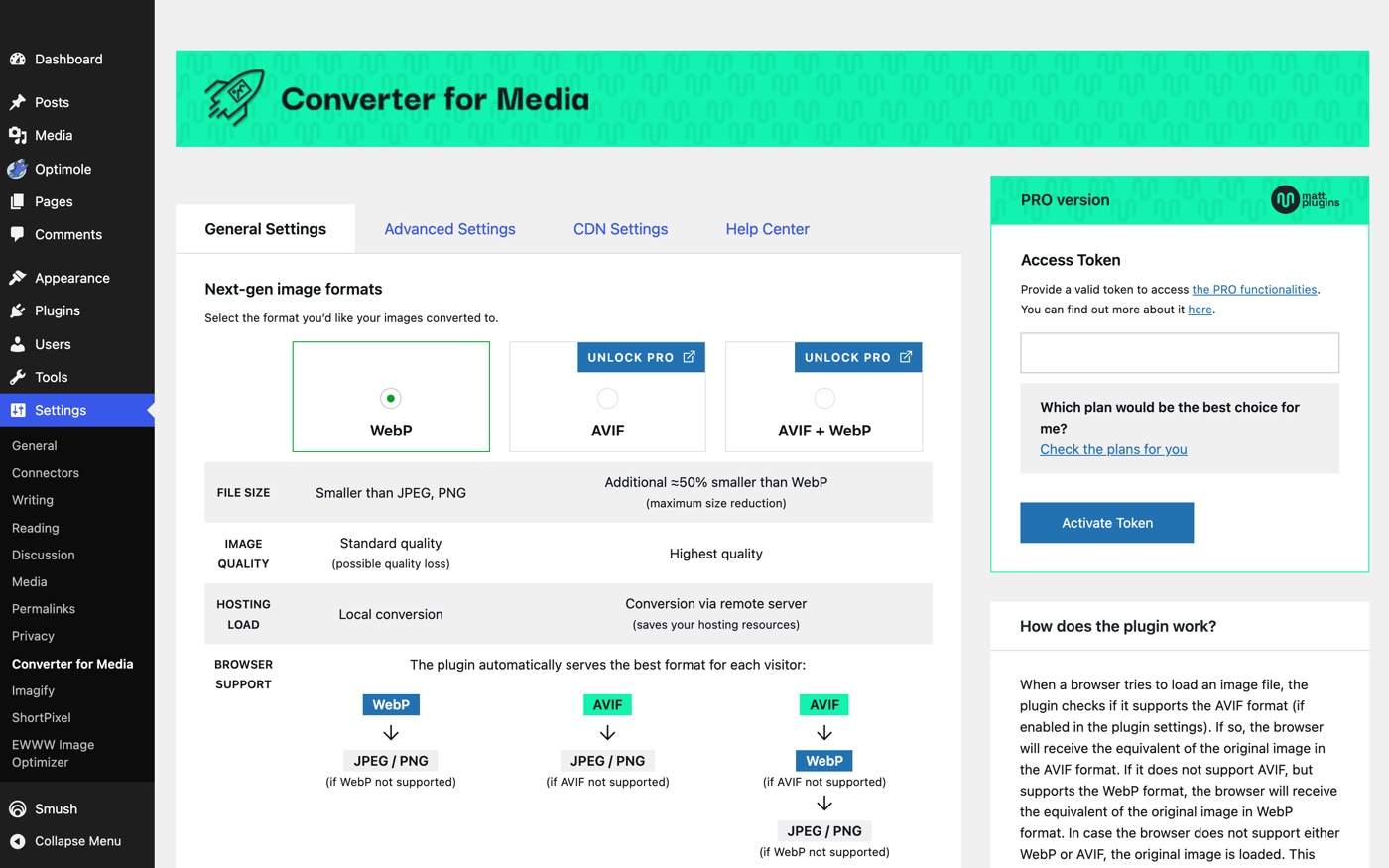
This one does a single job and does it well. Converter for Media generates a WebP version of every image in your library, your themes, and your plugins, server-side, for free, with one click for the existing library and automatically for new uploads. 500,000+ installs and the highest rating on the list at 4.9 from 1,099 reviews. It stores the copies in a separate uploads-webpc folder and never deletes your originals. AVIF is a Pro upgrade. There's no compression tuning, no CDN, no lazy load, so pair it with a caching plugin. For a site that just wants WebP without an account, it's hard to argue with.
Side by side
| Plugin | Where the work happens | Existing library | WebP / AVIF | Free tier | Paid from |
|---|---|---|---|---|---|
| Infinite Uploads | CDN, at delivery | Covered automatically, no extra copies | Both, on by default | 7-day trial | $24/mo Business plan (billed yearly), includes offload, CDN, video |
| ShortPixel | Their API, on upload | Bulk job, copies stored | Both, all plans | 100 images/mo | $8.33/mo unlimited (yearly) |
| EWWW | Your server (free) or Easy IO CDN | Bulk job, copies stored | WebP free, AVIF on Easy IO | Unlimited local | $8/mo Easy IO |
| Imagify | Their API, on upload | Bulk job, copies stored | Both, including free | 20 MB/mo, 2 MB cap | $5.99/mo, $11.99 unlimited |
| Smush | Their API, on upload | Bulk job, copies stored | Pro only | Unlimited under 5 MB | WPMU DEV membership |
| Optimole | CDN, at delivery | Covered automatically | Both | 2,000 visits/mo | By visits, 48,000 on Starter |
| Converter for Media | Your server | One-click bulk, copies stored | WebP free, AVIF Pro | Unlimited | Pro for AVIF |
Doesn't WordPress 7.1 do this now?
Partly, and only for new uploads. WordPress 7.1 moved image resizing into the browser for Chrome and Edge users, which makes new JPEGs about 15% smaller. It does not touch the images already in your library, it doesn't convert to WebP or AVIF unless a developer adds a filter, and it doesn't change how images are delivered. We wrote up exactly what 7.1 does and doesn't do to your images. Every plugin on this list still has a job after the update.
Which one should you install
Infinite Uploads. I'd say that even if it weren't ours, and we recently installed it n every site we manage on the agency side of our business, so here's the reasoning instead of the pitch.
Every other plugin on this list does one job: make image files smaller. Six of them do it by writing extra copies to your disk, on upload, one site at a time, and the seventh charges you by the pageview. Infinite Uploads is the only one that optimizes your whole library the moment you turn it on, stores nothing extra, serves every visitor the right format no matter which browser your editor uploaded from, and does it inside the plugin you're already using for offload, CDN delivery, folders, and video hosting. For $24 a month you replace an optimizer, a CDN, and a hosting storage upgrade with one bill. The upload-side plugins made sense when your disk was the only place an image could live. It isn't anymore.
The exceptions are real, but they're narrow. If your files have to stay on your own server, EWWW is the best free pick and ShortPixel Unlimited is the best paid one. If you're deep in the WP Rocket stack, Imagify keeps it in one family. If all you want is free WebP and nothing else, Converter for Media. Everyone else, and agencies especially: pick the one that covers the library you already have, doesn't fill the server with copies, and doesn't care what your client uploads from.
Turn it on once. Every image you've ever uploaded gets lighter, and you stop thinking about it.