You’re a REALTOR® and want to have your own real estate website; good news, you’ve landed on the right search result. You’re on the right track. It’s super important to build your own brand; people leave brokerages all the time. The median number of years a REALTOR® spends at a Real Estate firm, according to the National Association of REALTORS® (NAR), is only five years.
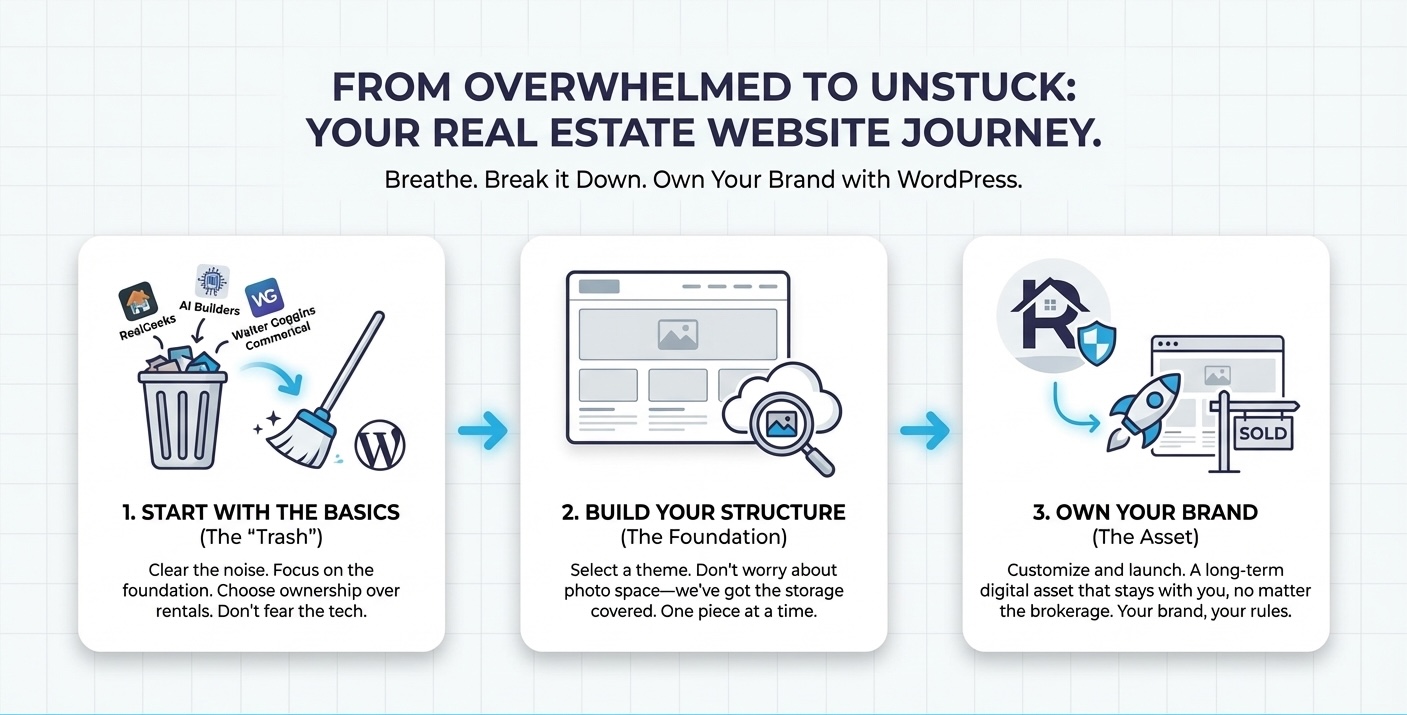
So you do a quick Google or ChatGPT search and RealGeeks is recommended. But you’ve also heard that WordPress is a great tool. But also, you see commercials for AI sites with the actor Walter Goggins. So, now you’re just stuck. What should you choose?
Let’s breathe. You can build your own Real Estate Website with WordPress. And don’t worry about how much space your real estate listing photos will take either. We got you.
Let’s get you unstuck.
The best way to learn a new skill is to look at each piece of the project. It’s way less overwhelming like starting with the trash when you clean up after a holiday party – or real estate open house.
WordPress or Wix or What? What Is The Best Website Builder?
Of course, we’re partial. We are a WordPress plugin and SaaS (software as a service) that allows you to upload as many images as you’d like – for a monthly fee. We love WordPress. It has the biggest market share of any of the website builders out there – combined.
“As of April 17, 2025, 43.4% of the websites on the internet run on WordPress, according to W3Techs.” WordPress.com
Market share gives you some important indicators that make it the right choice for your business. Firstly, it’s been the website platform of choice since 2021. It’s the IBM of the industry. Secondly, there are many companies who support WordPress. You have software to buy, people to hire, and companies to host. There’s a marketplace for you to choose from. Thirdly, the software is stable and growing. There is a ton of community that creates and supports the software (it’s Open Source), and it continues to grow.
What this means for you and your real estate website is that you can always find a WordPress developer to build or maintain your site, plenty of fair options with add-ons and plugins, and you won’t have to worry about the technology going out of business on you.
The Problem WordPress Solves For Real Estate Websites
When it comes to everyone else versus WordPress, you have choices for your Real Estate Website. The problem of going with RealGeeks, Wix, Weebly, Webflow, HighLevel, or Squarespace is what you do when you outgrow their platform.
You’re stuck. We call it vendor lock-in. And it’s not the same as being locked in to your vibe so “all you do is win” like DJ Khaled. It’s super tempting but also very limiting to sign up with Squarespace, Wix, Webflow, and the rest who promise so much and deliver so little.
Wix et al can change their terms of service, make you use their payment gateway (if you take payments online), and charge you for the done-for-you aspect of your realtor website. These do-it-all website services have been known to double or triple their prices – without any reason, notice, or way to switch. And you’re stuck. Really stuck.
WordPress is different. If you don’t like your website host, change it. Want to register your domain name with another vendor besides Namecheap, go for it. Don’t like your WordPress developer, find a new one. Plus, there are hundreds of WordPress developers who have built their entire business models on rebuilding sites for customers who followed the Siren song of Squarespace. Trust us. You’ll thank us later.
“With WordPress, you truly own your website. Since it’s self-hosted, you’re not dependent on a website builder that might change its terms, increase prices, or even shut down.” ClikIT
That’s the short version of the disadvantages of Wix et al. We’re not even getting into SEO issues, performance issues, hosting speeds, or the rest of the challenges “easy” brings.
WordPress has disadvantages, too, we’ll be honest. If you don’t have a lot of patience for building furniture from a kit or putting together a LEGO set, you might get overwhelmed with all of the options. If that makes you excited that you can build a website in 4-10 hours, then go for it! Again, you can always hire a WordPress developer to help.
Okay, let’s pivot. Now that we’ve decided on WordPress, let’s build the website.
How to Build a Real Estate Website with WordPress – Step by Step
Now there are many tutorials you can find through a search on how to build a WordPress website. Some will resonate with you and others won’t. If you don’t want to build the site yourself, then hire a “WordPress developer.” You’ll pay anywhere from $500 to $4,500 for a “basic” website. We have recommendations if you need them, too.
If your website is highly branded, needs a heavy redesign, or has a lot of complex technical architecture, you’ll pay a retainer of $10,000 and the site build will go up from there. In terms of a house, we’re looking at a range from a manufactured home ($500 website) to a condo ($1,500 website), to a duplex ($4,500 website), to a gated community ($25,000 website), to a luxury villa on the bay with a slip for your boat, tennis courts, in-house bowling alley, movie theatre, several kitchens, and the lot ($60,000+).
It’s important before you build the website (or hire someone) that you know what you want your website to do. For a real estate agent as yourself, the critical factors are your home listings and your contact form.
Step 1: Buy a Domain Name
- If you can buy your actual name – that is the best. You can also try your social media handles. You may need to include the state or location you live in. Choosing a good domain name is important.
- Namecheap is a great place to buy your domain name. Having a dot com domain is the best case.
- Optional: Set up Google Workspace for Your Domain-email.
Step 2: Buy Website Hosting
- You can do this on your own or use your website manager’s hosting or on your own through Cloudways or BigScoots.
- Best practices say to buy your domain name and your hosting from different companies. You’ll thank us later.
Step 3: Set Up WordPress (not needed with most hosts)
- Honestly, this is mostly not needed these days because they auto-install the software for you. But if you do have to install WordPress, maybe it’s not the best host for you.
Step 4: Choose a Theme
- For beginners, we recommend using Elementor or one of the other pre-installed themes.
- Choose colors (you should use your logo/brand colors.
- Choose fonts. (Roboto is one of the most accessible Google Fonts)
- You have several forms of customization available. There’s no need for a page builder at this time.
- If you’re feeling adventurous, you can use Elementor for $84 and use their Hello Elementor theme. They have really great templates that differentiate you from other vanilla real estate websites.
Step 5: Install Plugins
- SEO plugin like SmartCrawl.
- Backup plugin like UpdraftPlus.
- Form plugin like Forminator.
- Spam plugin like Anti-Spam by Clean Talk.
- Google plugin like SiteKit for Google.
- Photo Plugin like Infinite Uploads.
Step 6: Create Home, About, Services, Contact, and Blog Pages.
- Most of the themes have prebuilt pages for these.
- The blog page should be blank.
- Make sure your site has good content, use actual pictures of you, your products or services. Use AI to write some of your content if you need help but always make sure it’s your own words.
Step 7: WordPress Tweaks
- In settings change the permalink to PostName.
- Add your tagline in Settings/General.
- Choose your timezone in Settings/General.
- Change static page and blog page in Settings/Reading.
- Blog pages to show at most 5 pages in Settings/Reading.
- Note the photo sizes in Settings/Media. The largest photo you should upload is dictated by the theme. It will show you the sizes of thumbnail, medium, and large. Featured images should be 1200 x 628 pixels.
- Delete post “Hello Dolly.”
- In Users/Profile, add yourself as a user with your full name and bio. Select “display name as” with your full name.
- Go to Gravatar to set up your email address with your bio and profile image. That way it will show up when you publish an article.
Step 8: Test Your Website
- Seriously. Look at your website on your phone. Navigate to each page. Read them and make sure every link works.
- Test your form. You may need an SMTP plugin with a domain name email. (admin@yourdomain) for example.
- Send it to a friend. Ask if everything works.
Step 9: Go Live
- Share it on Facebook, Twitter, change your Instagram and TikTok links.
Josh Burns has a great YouTube video for beginners. ClikIT has an entire article on the considerations you need to make in order to build a WordPress website plus the step-by-step.
Now that you’ve built your website, let’s talk about data storage.
How Is Data Storage Measured?
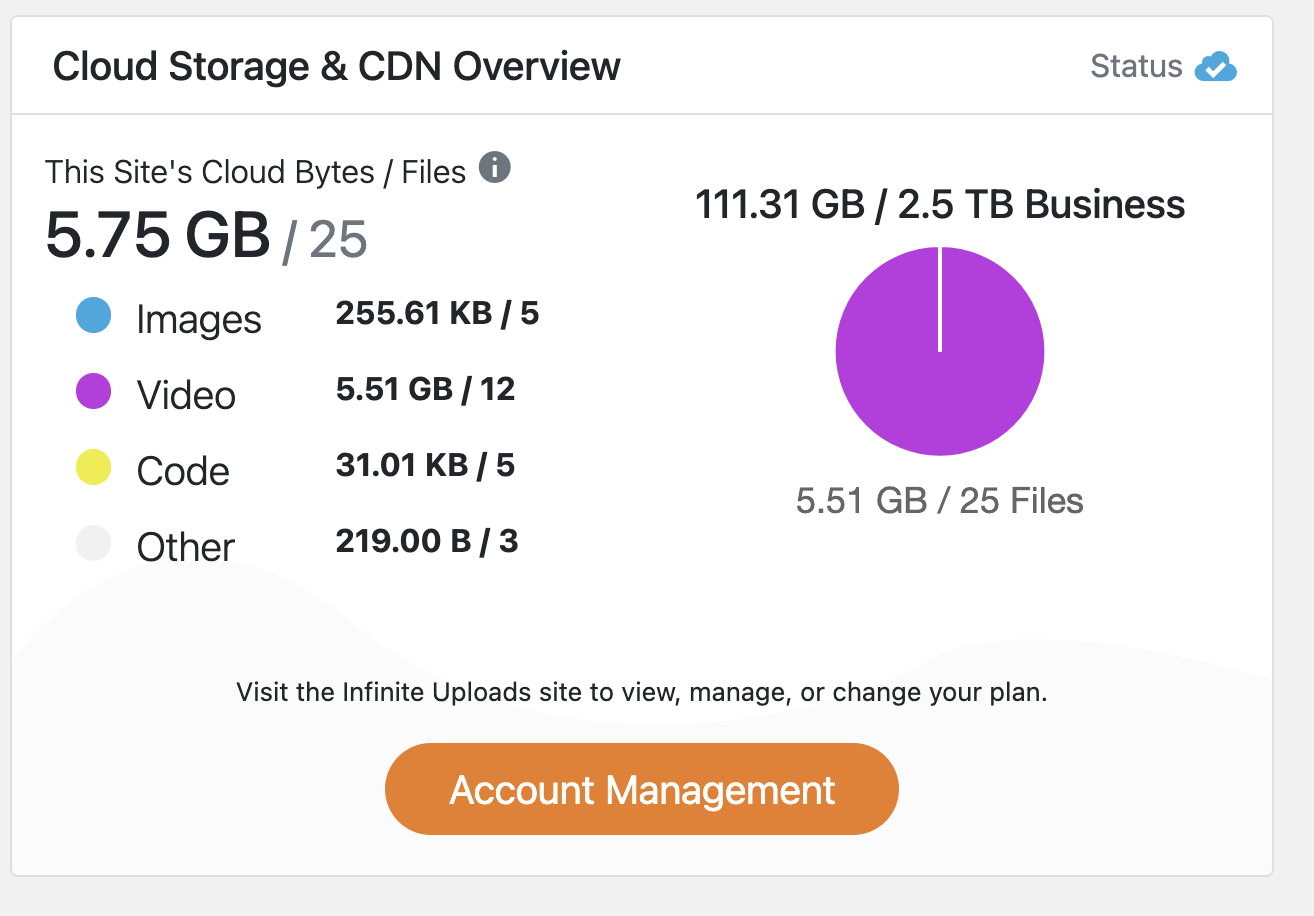
“In the cloud,” seems so vague, we know. But the cloud is just a label for datacenters filled with machines packed with memory cards. You may feel overwhelmed, but that’s okay. Stay with us. Digital space is harder to visualize than whether a buyer’s king size bed will fit in the primary bedroom of your new listing. You know it will fit with plenty of room. But they don’t.
And you’re a real estate agent, not a nerd. We know. Let’s just talk about storage units for computers. Byte. Megabyte. Gigabyte. What is this even?
Bytes are a unit of measurement of bits. Bits are part of the binary system of a computer’s memory. It can be either 1 or 0. Bytes are 7 bits which represent either one digit (4, for example) or one character (A, for example). So, the word REALTOR has 7 characters, with one byte for each character. Meaning, the word REALTOR takes 49 bytes. You can just imagine how many bytes a photo takes.
- Kilo = 1,000 (1 thousand). So kilobytes are 1,000 bytes.
- Mega = 1,000,000 (1 million). So megabytes are 1,000 kilobytes
- Giga = 1,000,000,000 (1 billion). So gigabytes are 1,000 megabytes
- Tera = 1,000,000,000,000 (1 trillion). So terabytes are 1,000 gigabytes.
Suffice it to say that bytes are measurement of the footprint of data stored on a computer in the same way you measure square footage of a home. How much carpet do you need? You need to know square yardage. How many roofing shingles? That’s measured by a square (square = 100 square feet).
You know real estate. You’re a pro. So you know how much furniture can fit in each space probably better than a space planner does. You can stage an open house like no other. It’s not that tech is confusing, you just don’t know it as well.
How Many Photos Fit in 1GB?
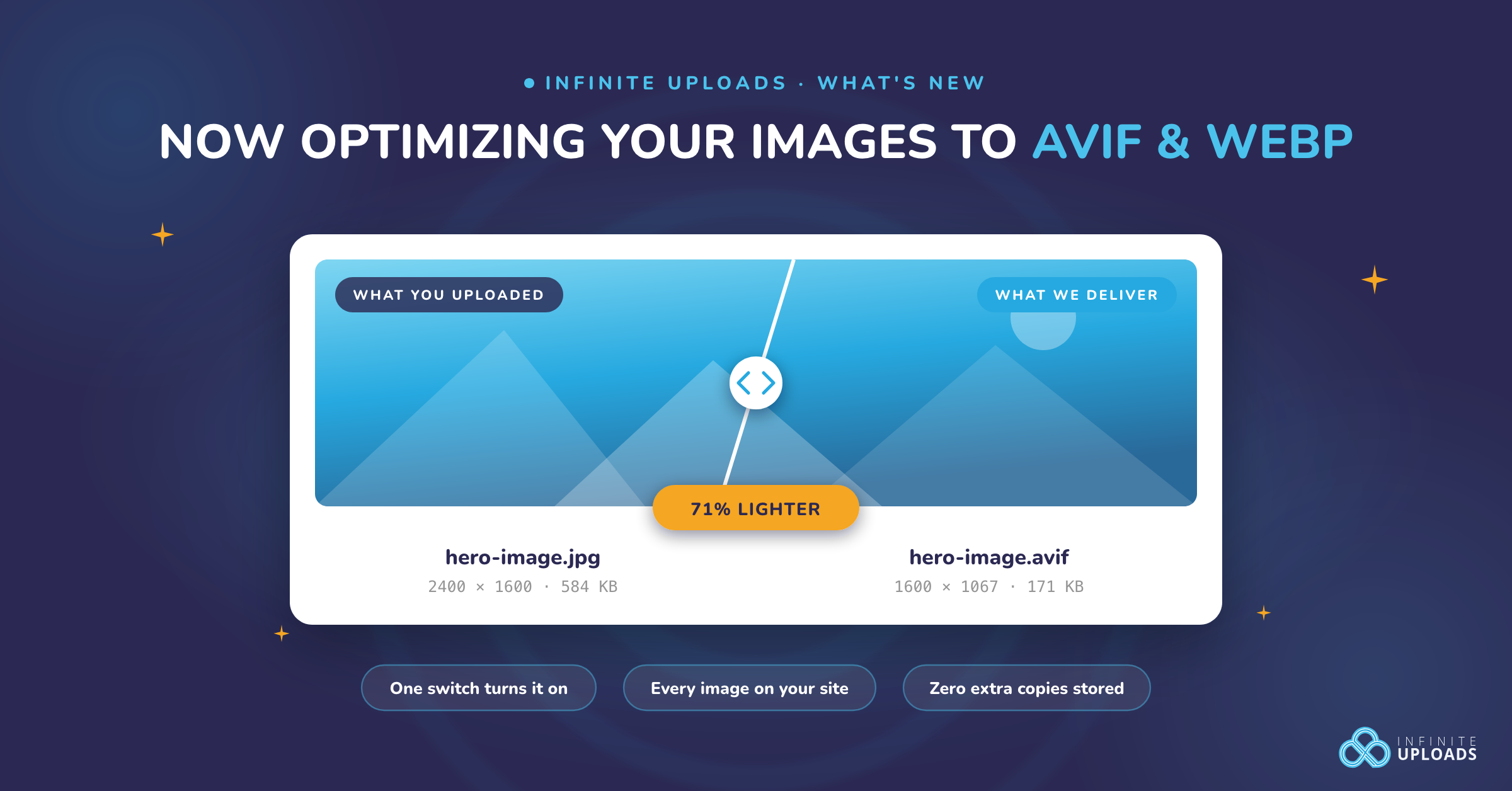
According to Waldo, each JPG (an optimized photo file format) ranges from 3 to 7 megabytes (MB). So if you do the math 1,000,000,000 (1 trillion) / 3,000,000 (3 million) = 333 and some change. At the most, with super compressed JPG photos that are already optimized and sized perfectly for your WordPress website, you can fit 330 photos – max – in 1 Gigabyte.
Three-hundred thirty-three photos sounds like a lot until you factor in something else. Are you sizing and compressing the photos you’re taking on your iPhone of your new listing? Most of the general population doesn’t. They just upload photos without sizing or compressing them.
QuickFact: You can use canva.com to upload your photos and size them perfectly for your website. You can choose to download them in either JPG or PNG. (PNG is typically better quality than JPG.)
“But I hire a professional photographer and they give me RAW files.”
Okay, so according to Waldo, a RAW file from a photographer can be 20 to 30 MB each. That’s a far cry from your compressed JPG that only takes up 3 to 7 MB. One gigabyte (1GB) won’t stretch as far, giving you room for only 30-50 images. Again, 50 images sounds like a lot until you factor in how many photos you upload with each listing.
How Many Photos Should Be Uploaded to Each Real Estate Listing?
There are a lot of different stances on best practices for real estate listings. Too few and buyers wonder what you’re hiding. Too many and buyers are overwhelmed. The best research seems to say that 30 is the magic number of photos per listing.
“Thirty photos give you the flexibility to capture multiple angles of important rooms, include images of smaller areas, and still have room for showcasing the exterior of the property—front and rear yard included.” HomeJab
If you want a guideline, you can also reference Virtuance who breaks down the ideal number of photos by square footage. Thirty works for 4,000 sq ft but luxury listings (over 5,000 sq ft) need 35+ images – as well as larger, high quality images. You know, the kind that show up in a lightbox.
For the standard three bedroom two and a half bath, 25-30 photos is a perfect rule of thumb. And now we know that’s about 1 GB of storage.
How Much Data Storage Do People Really Use?
Have you ever binged a show for so long that Netflix asks if you’re still watching? Of course, we all have. Being a real estate agent, you know that the job is a lot of hurry up and wait. So you can definitely relate to how much data you stream each month, too.
Streaming is just accessing data from the cloud and temporarily downloading it to your device (phone, tablet, laptop, computer, TV) so that you can watch it. The average household consumes about 640 GB per month. That’s the equivalent of almost 20,000 JPG photos in storage space. Remember, streaming is temporary. Your website needs permanent storage.
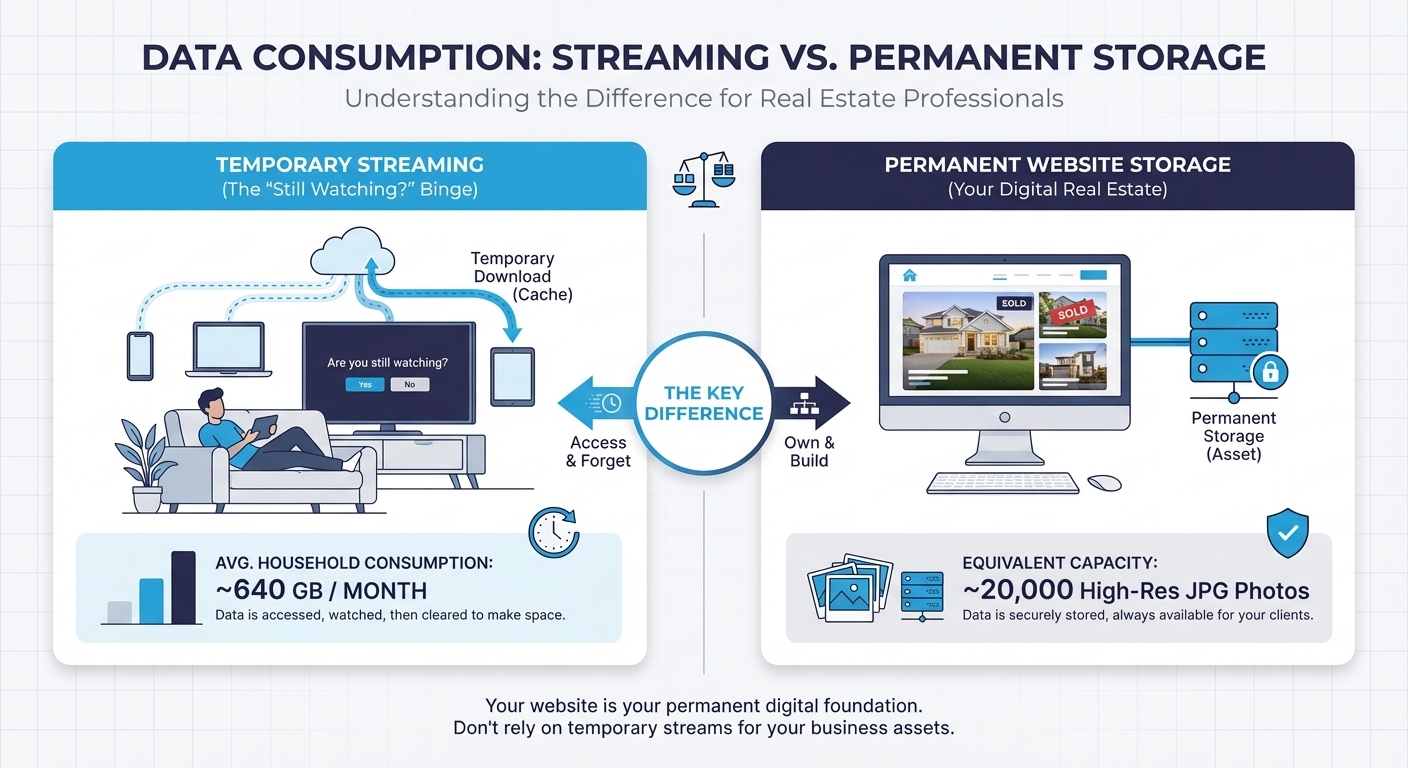
The Open Vault Broadband Insights Report (OBVI) shows that as of Q3 2025, “monthly average consumption in 3Q25 was 640.8 GB, an 8.6% increase over the 590.1 GB recorded in 3Q24.” Open Vault
How Many Listings Do You Have a Year?
Before we get into the math of the number of listings per year, let’s talk about the number of listings per month. The Toe-2-Toe Podcast’s host Monica Weakley thinks that 3-5 listings is all a single agent can handle a month to do it right. Jenn Murtland thinks 3-15 is normal.
So, how many listings do you do a month?
Let’s go with the low end as a conservative estimate for these purposes.
Three listings per month x 12 months = 36 listings per year.
Now, how much storage do you need on your WordPress website for 36 listings a year?
(You knew we’d get here.)
Each listing has 30 photos which is 1 GB. You have 3 listings a month so 3 GB/month is what you need. Multiply that by 12 months and – on the low end – you need 36 GB of photo storage for one year’s worth of listings.
Ideally, you’d like to list more than three homes a month and stay in business longer than a year, yes?
Why Do You Need To Care About Bandwidth And Storage?
Let’s remember that storage isn’t the same as viewing. Viewing is that streaming bit that we talked about earlier. Serving the photos to your website visitors from your website is different than just storing them. That service is called bandwidth. On our lowest plan we include 100GB of bandwidth a month.
“Storing images, videos, and other files directly in WordPress can bloat your server, slowing down your site and pushing up hosting costs. Offloading can solve that by moving media to a separate storage service.” WPResidence
If you have three (3) active listings in a month with 30 photos each, you have 90 photos or 3GB of storage. But how many people will view each listing? And, how many times will they view it? This is where the bandwidth is important. You want more room in your bandwidth than you need. It’s kind of like how you only use 80% of an electrical panel. You have to access the ability for your usage to grow and expand.
Your website host (if you get a cheap one $3-10/mo) will throttle your streaming like Netflix does when you’re in a hotel. Everyone is sharing the same internet and so, they’ll slow you down. Buffering will take longer than brushing your teeth or getting Wanda off the phone.
Managed WordPress hosting ranges from $25-$45 per month and that will help with storage and bandwidth with a CDN (content delivery network). It’s like DoorDashing your food – saves you time and space in your fridge. With that said, you may only get 10GB on their base plan ($25/mo).
Setting up a CDN (like Cloudflare) is technical (DNS, A records, Nameservers, Propagation) and many WordPress developers don’t even like doing that, let alone real estate agents. You have an open house to schedule and buyers to appease. You definitely don’t have time to worry about optimizing image delivery to your potential clients.
And this is where Infinite Uploads comes in to save the day. And, if you made it this far, pat yourself on the back. You’ve read a highly-technical white paper to improve your business and expand your skills. We’re proud of you.
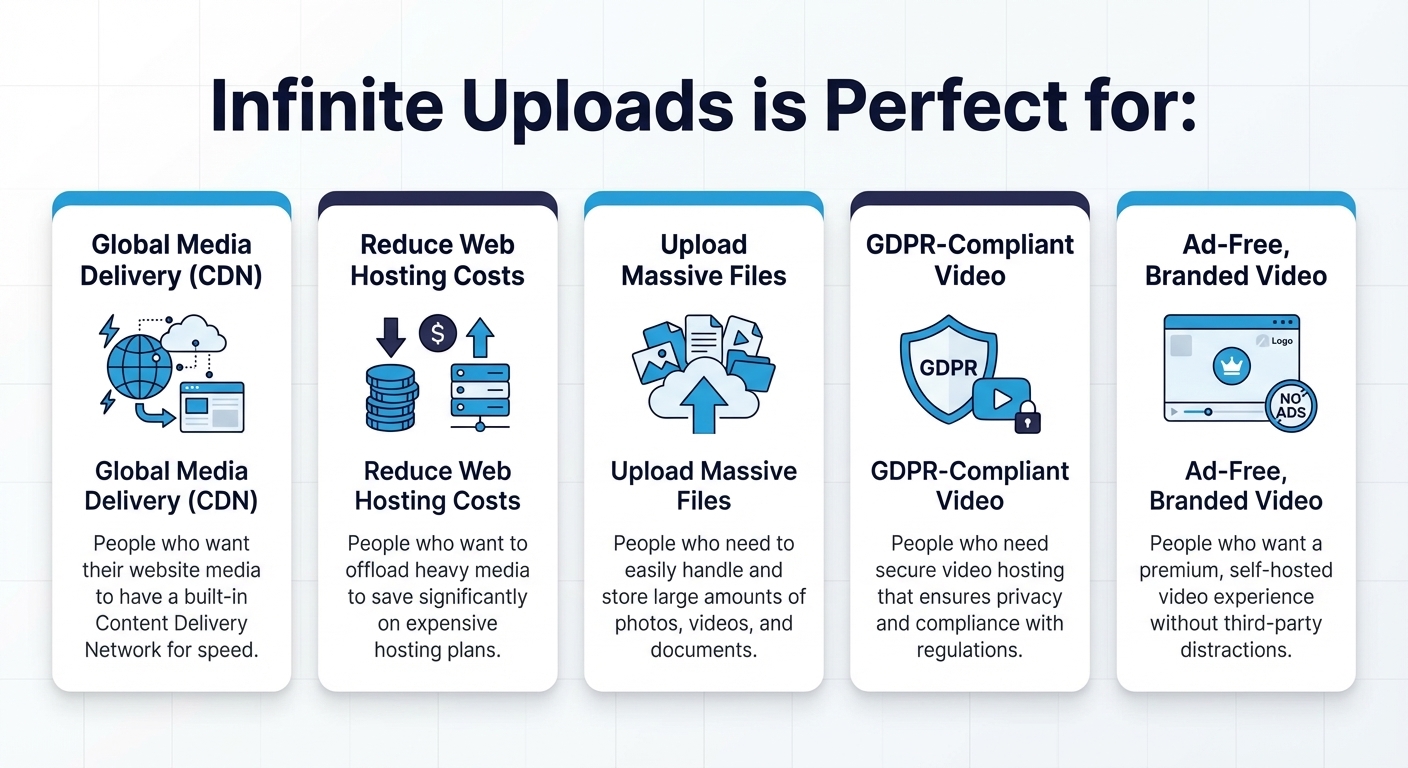
Infinite Uploads is Perfect for
- People who want their website media to have a CDN.
- People who want to save on web hosting costs.
- People who need to upload large amounts of media.
- People who need GDPR-compliant video.
- People who want ad-free, branded, and self-hosted videos.
“Infinite Uploads checked every box. It provided a private video CDN, automatic video encoding, drag and drop uploads, and support for MP4 videos, PDFs, and images through Infinite Uploads WordPress offload media solution in one place.” Lucy's Painting Gallery
Once you start uploading the optimal amount of photos for each of your listings, you’ll see how much you need storage. Even managed WordPress hosts will throttle you. Users will have to wait for the images to load. It’s not on brand for you. The last thing you need is your seller calling you because their sister-in-law said it was loading slow on her five-year old iPhone.
Infinite uploads is not just easy to install but it’s set-it-and-forget-it. That means once you have it set up on your real estate website, you can upload as many photos as you like without having to do anything special. Infinite uploads is taking care of that emotional and technical labor for you. It’s like having a husband who always grocery shops, not just when you ask him.
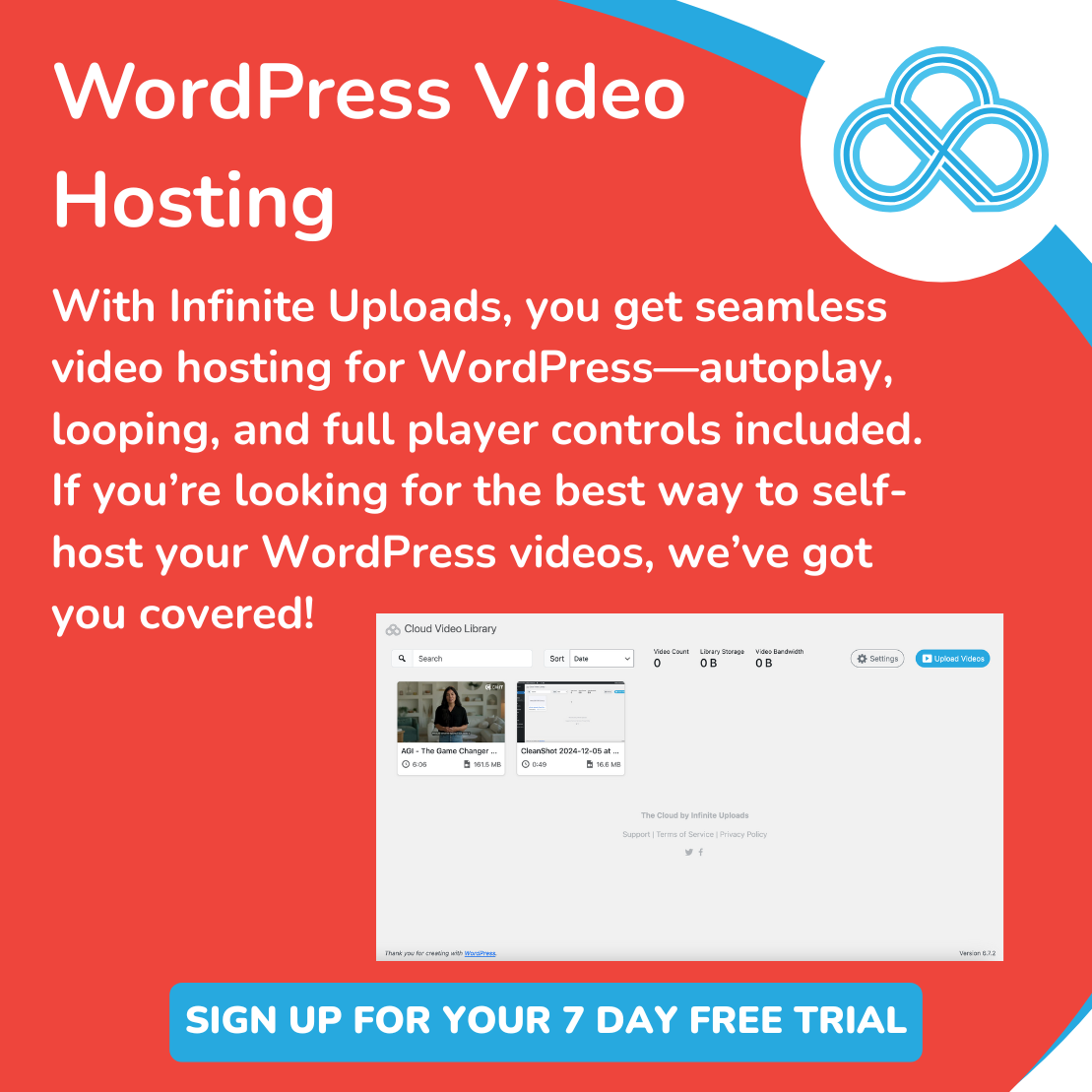
If you’re taking videos of your listings as well as tips and tricks for TikTok/Reels/YouTube Shorts, then you can also upload them with our video cloud feature. Don’t worry about having to upgrade your website hosting (this is where you really save money) when all you want is to make sure your videos don’t die no matter who buys TikTok.
The gist of this article is this. We think as a real estate professional, you should have your own WordPress website, echo listings on your site, and use Infinite Uploads to make sure buyers can see the gorgeous photography you have so you can close the deal.
Infinite Uploads Lets You Scale As You Grow
Upload as many photos as you want without slowing down your website. Infinite Uploads delivers competitive pricing for storage, bandwidth, and video hosting in a single unified plan. In most cases, we beat the competition on cost. We know we beat them on value and service.
Small monthly fee. Huge monthly relief.
We have a video with step-by-step instructions. You don’t need to know any code. We promise.