I've said it before and I'll say it again: managing a WordPress Media Library without folders, without real sorting options, and without proper search is not fun. Hundreds of images, videos, and files. Your only option is a flat grid or list. No organization. No structure. Just scroll and hope.
Infinite Uploads now fixes all of that.
Folders in the WordPress Media Library. Sorting by 8 different options. Search with 6 selectable filters. All included with your subscription. No extra plugin. No extra cost. In my 12 years of using WordPress, I've never seen search and organization this good built into a single media plugin.
Why WordPress Media Library Organization Has Always Required Extra Plugins
For years, the standard WordPress Media Library has offered almost nothing in the way of organization or discovery. No folders. Sorting locked to date uploaded. Search that barely works. If you had more than a few hundred files, you already knew the problem.
The answer has usually been a patchwork of separate tools, many of which haven't been updated in years, or cost another $40 per year on top of what you're already spending. It's 2026. You shouldn't need three plugins to organize, sort, and search your own media library.
So we built all of it into Infinite Uploads. Folders. Sorting. Search. One plugin.
New WordPress Media Library Features: Folders, Sorting, and Search
This wasn't a quick feature addition. We went deep. We collected user feedback on X and Facebook. Our team worked on this every day for months, asking how we could make Infinite Uploads the all-in-one WordPress media library solution. Here's what shipped.
Unlimited Nested Folders
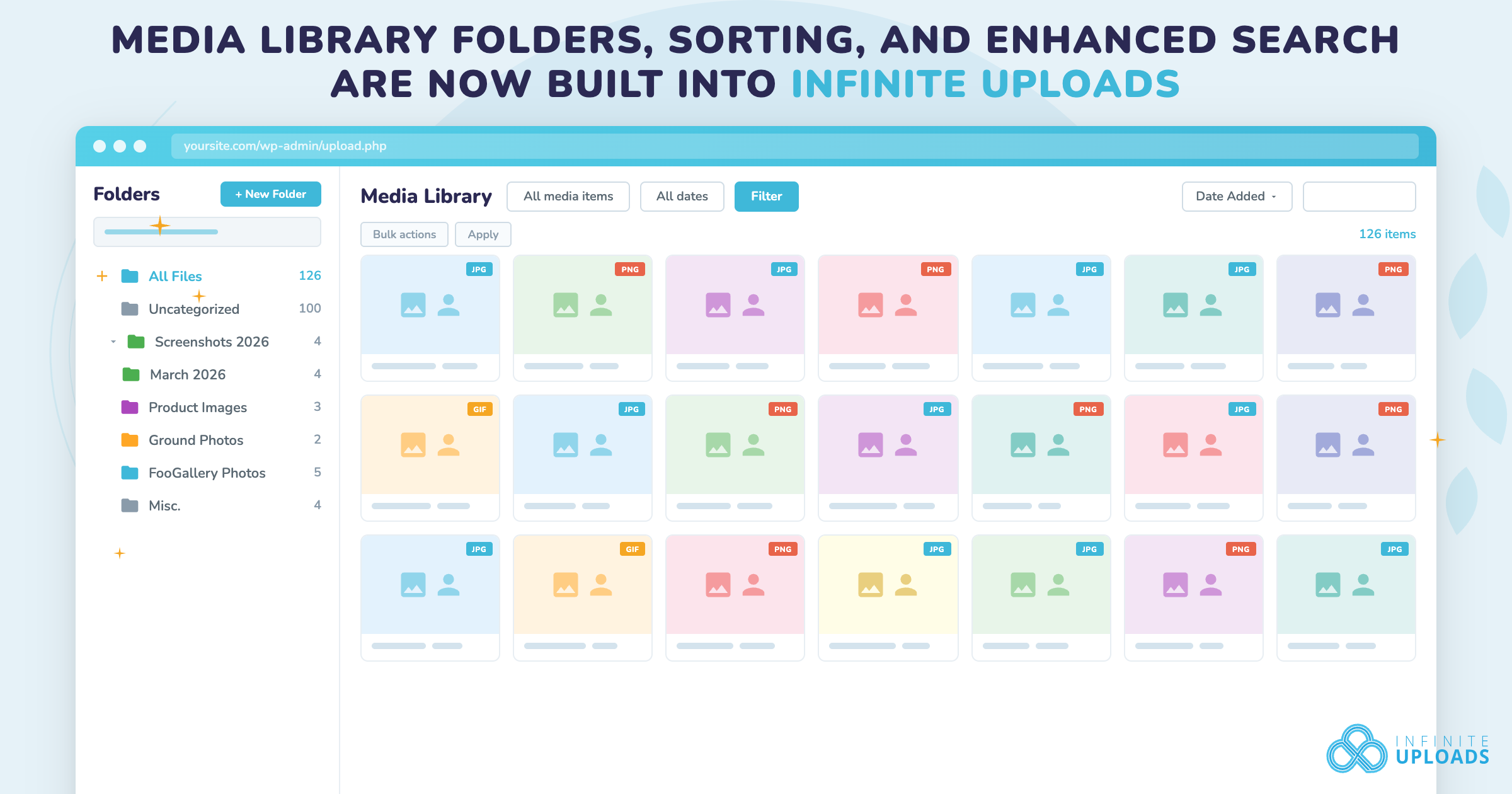
Create as many folders as you need, nested however deep makes sense for your workflow. Client work, product lines, campaign assets, blog images sorted by year and month. Whatever structure your team actually uses, you can replicate it.
Drag and Drop
Select files individually or in bulk, then drag them into any folder. If you're migrating a disorganized library into a real structure, you can select everything at once and move it in one action.
Direct Upload into Folders
Upload files directly into a specific folder from your computer, including entire folder structures. WordPress normally drops everything into a flat date-based directory. This bypasses that entirely. Files go where they belong from the start.
Folder Color Coding
Color-code folders for visual organization. Useful when you're working across multiple projects or clients and need to tell things apart at a glance.
Resizable Sidebar with Multiple Themes
The folder sidebar is resizable, giving it as much or as little space as your screen and workflow demand. We're launching with at least two UI styles, including a Dropbox-style icon theme, with more planned.
Bulk Folder Actions
Select multiple folders and move or delete them in one action. Files inside deleted folders move to Uncategorized automatically. Nothing gets lost.
Sorting by 8 Options
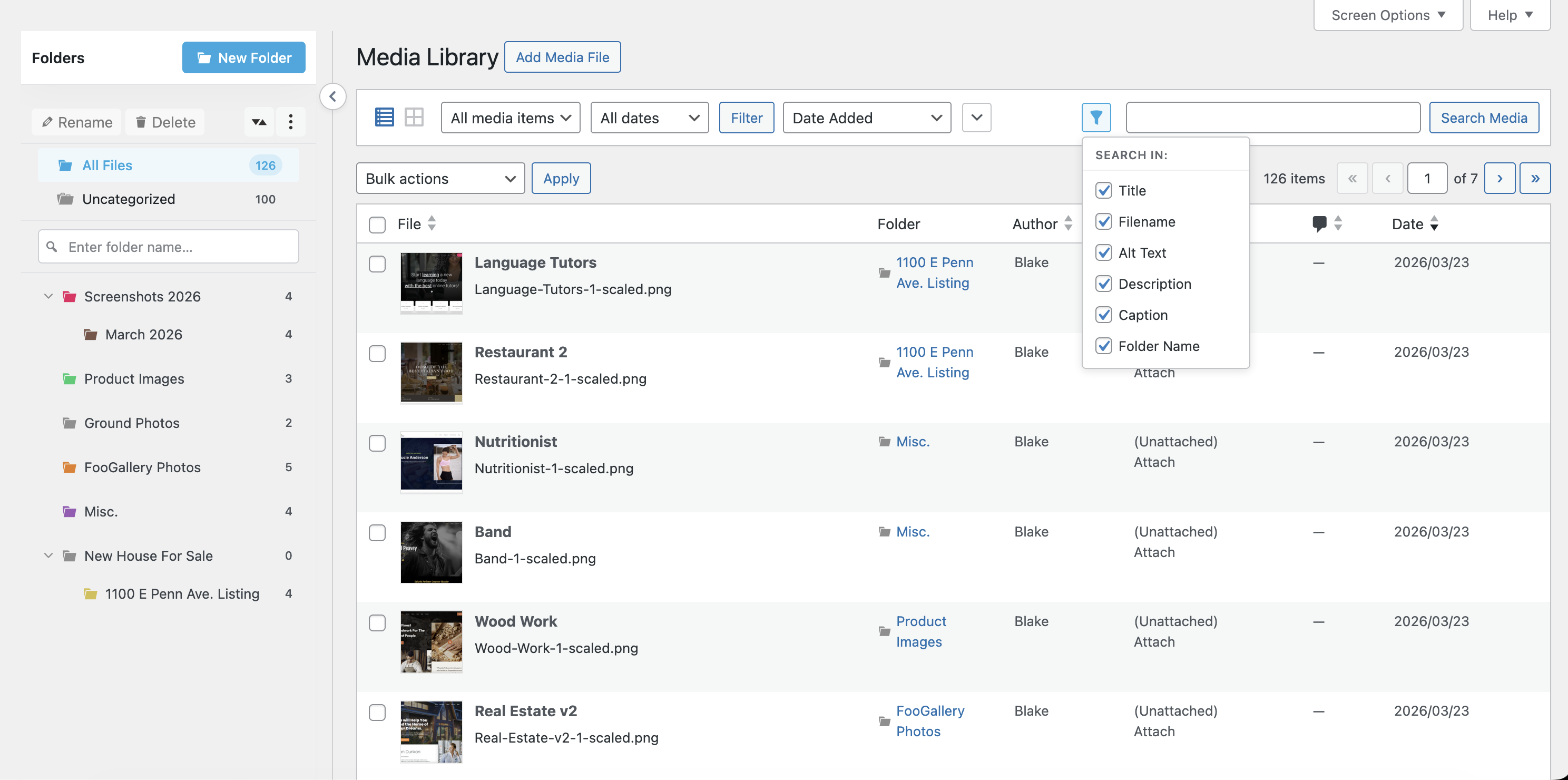
Sort files by name, title, author, date added, date modified, size, or file type. Sort your folders the same way. WordPress has never shipped native sorting like this. If you manage a library with thousands of items, this alone changes your workflow.
Search with 6 Selectable Filters
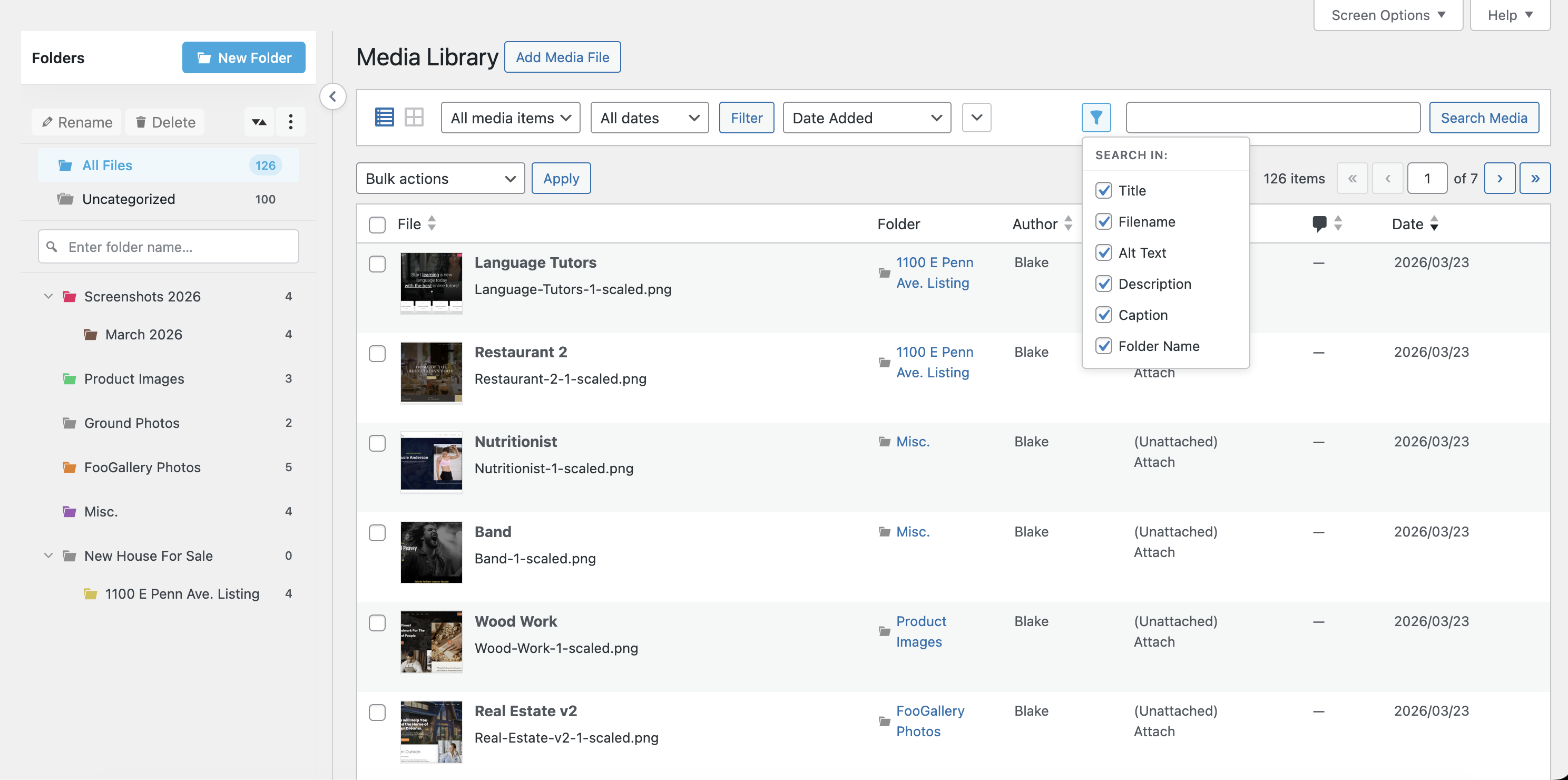
Search files and folders by name inside the Media Library using 6 selectable filters. We built this because WordPress search for media has always been terrible. In my 12 years on this platform, I've never seen search this good built into a media plugin.
Migrator for FileBird and HappyFiles (Coming soon)
If you're already using FileBird or HappyFiles, you can import your existing folder structure directly. The migrator handles the transfer so you don't have to rebuild anything.
Compatible with the Page Builders You're Already Using
We tested against Elementor, Divi, Bricks, Gutenberg/FSE, Beaver Builder, Oxygen, Brizy, and WooCommerce product galleries. The folder structure shows up in the media picker everywhere. It's not just the Media Library grid/list.
How It Works with Infinite Uploads
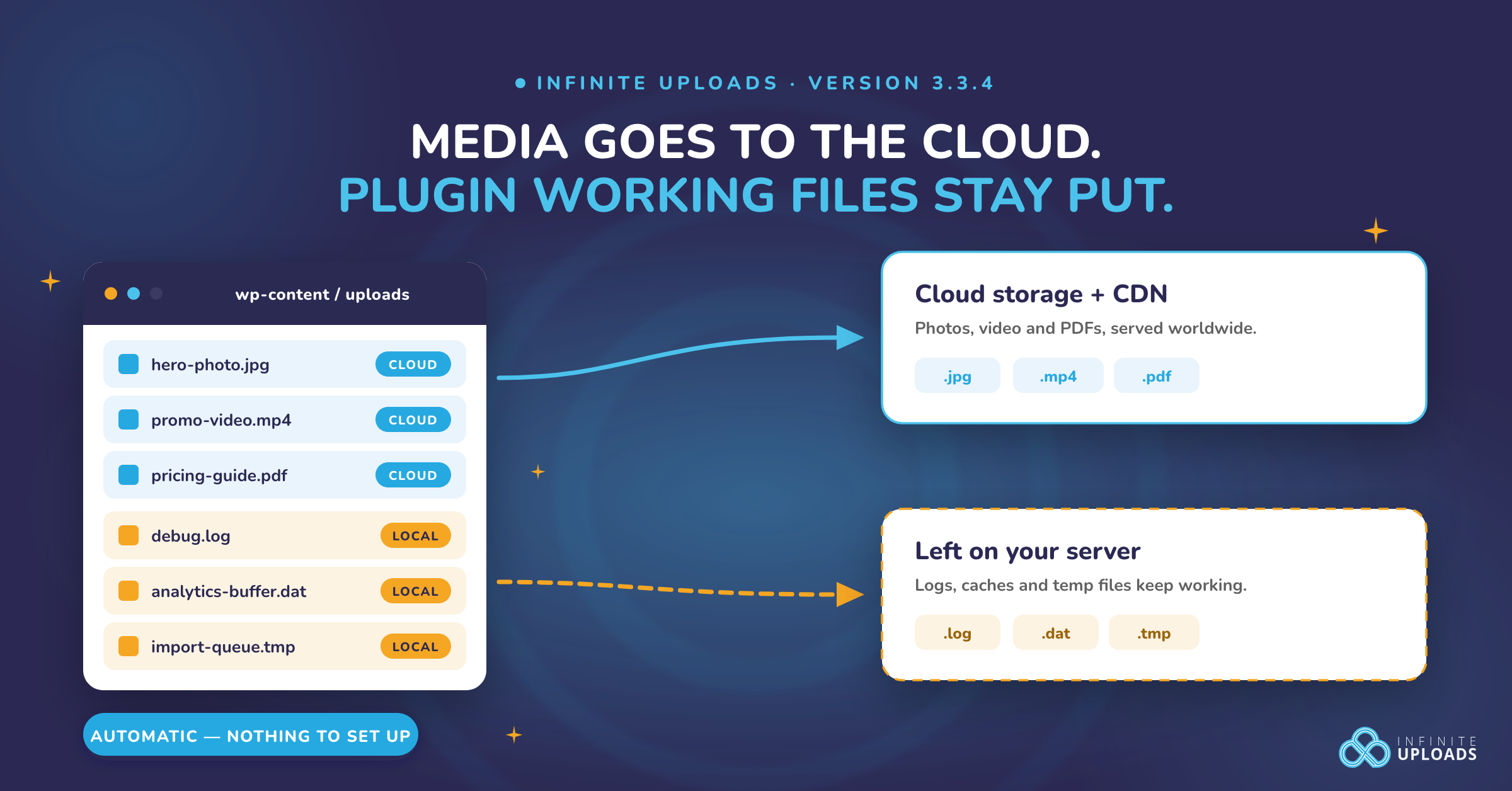
If you're already using Infinite Uploads to offload your WordPress media to cloud storage, this integrates cleanly. The folder structure is stored separately from your actual files, so your cloud-offloaded media isn't affected. Folders are a layer of organization on top of your existing setup.
The feature activates automatically when you're on an active plan. If you prefer the standard WordPress view, there's a settings toggle to disable it. Disabling flattens folders to Uncategorized, but no files are deleted.
Why We Did This
WordPress media management is fragmented by design. You offload with one plugin. You organize with another. You host video with a third. You stop juggling tabs and updating separate tools.
We're consolidating it. Offload (storage + CDN). Video hosting. Organization. Search. All in one plugin. This is what should have shipped in WordPress 10 years ago. We're building it now.
This is one of the bigger releases we've shipped. And we're not done. I promise you that.