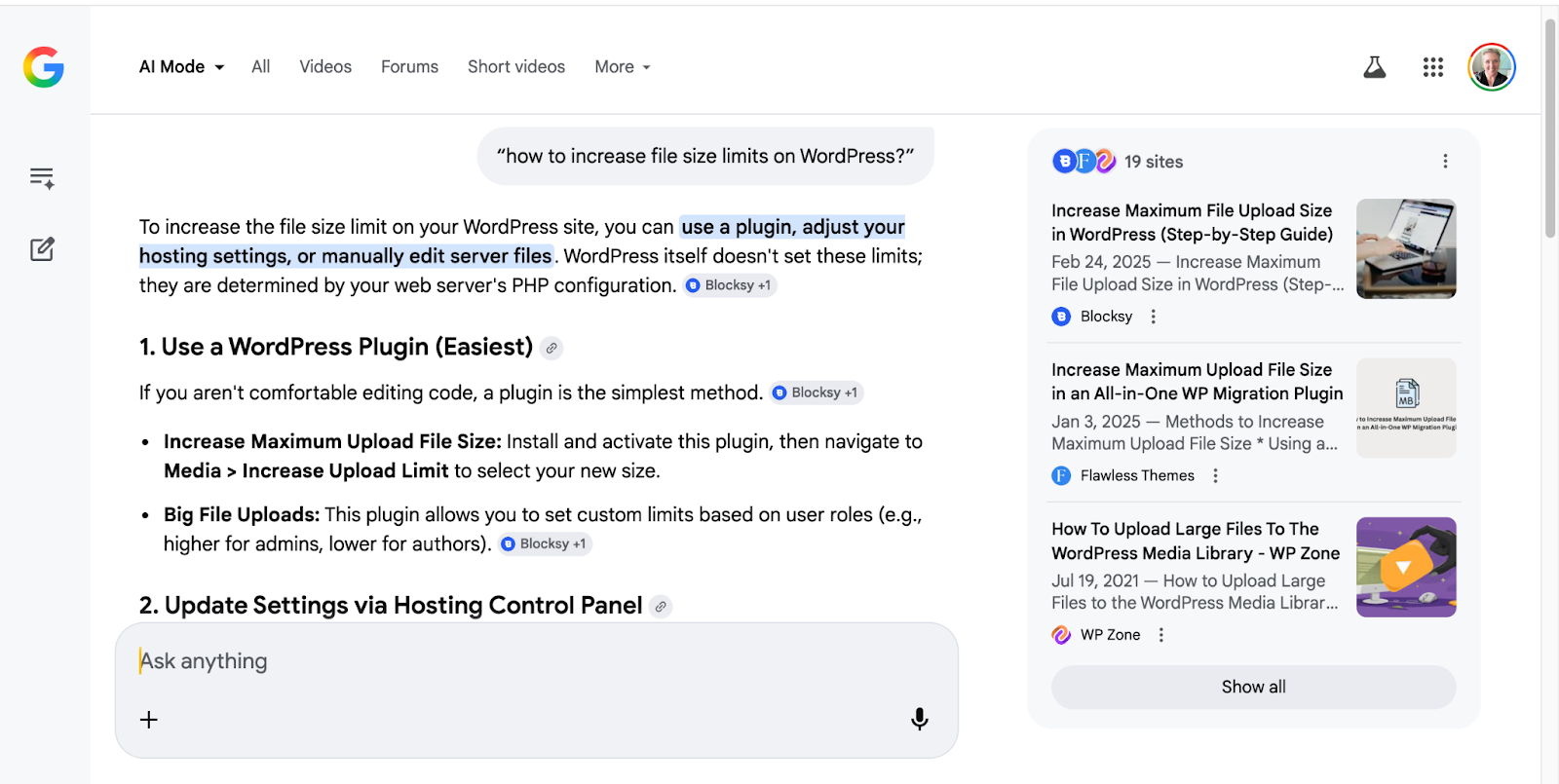
Are you searching for how to increase the maximum upload file size in WordPress? Maybe you’re asking Google’s AI Mode or ChatGPT. You may even be posting on Reddit.
“There are few ways to increase the upload size in WordPress. This plugin is by far the easiest way to do for non-techies.” Tisagh Chase
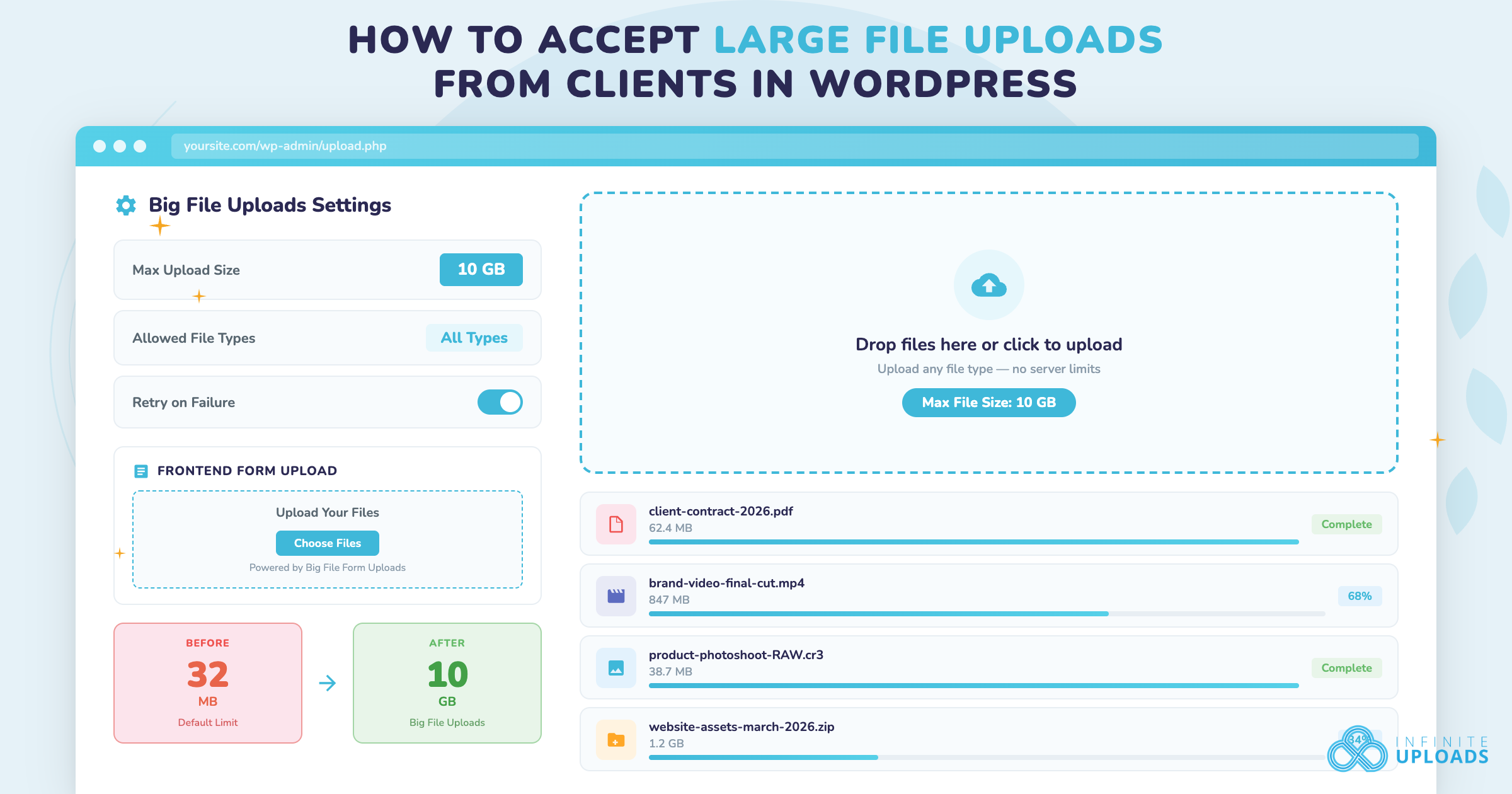
Today is your lucky day. We have your answer. Big File Uploads by Infinite Uploads makes WordPress client file uploads easy. Combine it with Infinite Uploads and Big File Form Uploads for the ultimate solution for large file types in WordPress.
Increasing File Size Limits for WordPress Uploads
“I really love WordPress… but one of the things I always struggle with is changing default values. Because there are so many, many places that you can make changes… I am currently trying to increase the max upload file size so I can upload media files larger than 2MB.” MotorcycleMayor on Reddit
Maybe you’re like the Redditor who loves WordPress but there are so many settings that have to be tinkered with that it makes you remember when you had that ‘71 VW Beetle. If you’re not at least somewhat of a mechanic, you can’t own a Bug. IYKYK.
But maybe you’re a course creator, photographer, real estate agent, video producer, or marketing agency collecting assets from clients. You need a simple, straightforward (and fool-proof) way to upload large size files. Period.
If you’re just here for the answer, it’s this: Big File Uploads by Infinite Uploads. Thanks for reading the article. Unfortunately, that thread in the WordPress subreddit is closed or we would post there, too.
The best part, Big File Uploads is a free plugin.
“I love this plugin. It’s helping us to load big files with ease and no fuzz. Great plugin. Kudos to the maintainers!!” Holkan Feb 2026
What Is the WordPress Maximum Upload File Size — and How Do You Fix It?
If you feel savvy enough and have the time, you can easily find instructions to modify the php.ini or .htaccess file.
The best WordPress plugins are the ones that do one thing – well. If you need to sell your photography, use Sunshine Photo Cart. If you need a photo gallery, install FooGallery.
TL;DR: Big File Uploads is the simplest WordPress file upload plugin for removing size limits from the Media Library with no php.ini or .htaccess edits required.
What is the Maximum Upload File Size for WordPress?
Every WordPress host has a different default maximum upload file size. This is mostly a security-based decision. On shared hosting, WordPress hosts have to not only protect their hardware but also the security of their fellow apartment dwellers.
So if you’re a WordPress agency, say, who manages a few hundred sites, all on different hosting providers, you would be a busy bee just sorting out which website has what limit.

Here are some stats on maximum upload file sizes for popular WordPress hosts:
- Bluehost: 500MB
- SiteGround: 256MB
- Hosting.com: 128MB
- Kinsta: 128MB
- GoDaddy Managed WordPress 2.0: 128MB
- Rocket.net: 100MB (see screenshot)
- WP Engine: 50MB
- GoDaddy cPanel Hosting: 32MB
Basically, to upload a large file (or a normal-size file in 2026) without a plugin like Big File Uploads, you’re relegated to FTP like it’s 1999. Remember FileZilla? It’s still a great open-source solution – for people who know how to use FTP.
“The simplest way is to go to your WordPress dashboard and navigate to Media → Add New. WordPress typically displays the maximum upload size right above the upload area. This gives you an instant reference point for what you’re working with.” FixMySite
How Do I Upload Large Files in WordPress?
When you think of a large file, you’re probably asking, what is large these days? Are photos from my iPhone17 Pro Max large? How about a video from my Samsung Galaxy S26?
When the context is the WordPress Media Library, these are all large files. A standard 12P photo on a Samsung Galaxy S26,can be 3-5MB, says FindArticles. Video? Bigger. Lifewire reports that a one-minute video shot on an iPhone at 720p HD at 30 frames a second will take up 60MB.
If you don’t have FTP access, you’re unlikely to upload many of these unedited, uncompressed files straight into the Media Library without server errors. This is why Big File Uploads is the easy decision for any WordPress website.
“I needed to upload some video files but the default max size would not allow it. I did not want to modify WP files so I went looking for a plugin that would do it. I found Big Files Upload and all I had to do was to select the desired max size and the plugin goes to work. Highly recommended” Tatapics (Dec 2025)
Does Big File Uploads Increase the Upload Limit for WordPress Forms?
Big File Uploads works with the backend uploader that uses the built-in media uploader (the Media Library) code base to process the files. That works when you’re uploading files to your website. Allowing submissions by a third-party uses a different system.
Frontend uploading built-in to forms like Forminator, Gravity Forms, and WPForms do not use the same process as the WordPress media uploader on the backend of WordPress.
“This was just what I needed to overcome the upload limitations. I don’t need a further complicated tool.” Jürgen Bader (March 2026)
So I bet you’re wondering how you can get a user to upload large files? Keep reading, my friend. Keep reading.
How Can A User Upload a Large File In My WordPress Form?
If you’re using your WordPress forms as a way to communicate with your clients (ie they’re sending you contracts, photographs for their new website, logo marks, photos of their tax forms, medical tests, etc.) then you need a solution other than a random client’s Dropbox account (if they even have one). And don’t even get us started on the security of Dropbox for sensitive information. That’s a whole other blog post (and product, to be honest).
Allowing your client to “just upload” their document or photo on your website’s secure, password-protected form is the way to go. But what about the file size limit we talked about earlier?
This is where Big File Form Uploads comes in. Choose your favorite form plugin (we’re partial to Forminator)*. Pay $15 a year for one site. Pair it with the free Big File Uploads, and Bob’s your uncle.
“I had a problem with the plugin not working with wordpress elementor, but the support was able to help me quickly and now everything is running smoothly. Thanks for the great support!” René Barth
The best part is that once you’ve created your size settings in Big File Uploads, those settings are inherited by Big File Form Uploads. What isn’t inherited is a Big Tech Headache.
No .htaccess edits. No server configurations with php.ini. No need to re configure after a WordPress update or three. Set it and forget it.
*Big File Form Uploads is currently compatible with Contact Form 7, Gravity Forms, and Forminator. We have plans to support Fluent Forms, WPForms, WS Form, and Elementor Forms, too.
Big File Uploads Handles the Heavy Lifting
As an agency owner, you don’t have time to arm wrestle with the Media Library, WordPress limits, or varying host limits. You definitely don’t have time for extra support tickets, or your clients calling you because they can’t upload a 14 page, 60MB PDF without errors. “It’s just a PDF. Why can’t I upload it?”
Big File Uploads removes these restrictions, minimizes frustration, and empowers your client to avoid uploading errors for their company assets.
Everything is still stored directly in the WordPress Media Library. Better yet, with Infinite Uploads you won’t have to mess with extra settings, worry about maxing out the space on your hosting plan (these plans are getting smaller and smaller), configuring a separate CDN ($$), or optimizing your images and videos (time).
The ultimate stack for uploading and managing large files in WordPress:
Big File Uploads + Infinite Uploads + Big Form File Uploads
The best part? The base plugin is free and super popular. So, what are you waiting for?