One of my favorite things about working in the WordPress ecosystem?
It’s constantly evolving. 🌱
Every day, people are pushing the platform forward—finding new ways to optimize sites and help users get more out of their investment.
That’s why I’m excited to share that Infinite Uploads was recently featured by one of the leading voices in the WordPress space!
If you’ve been curious about what our plugin can do, this quick video tutorial made by Matt (a.k.a. WPress Doctor 👨⚕️) is the perfect way to see it in action.
We’re also offering an exclusive 10% OFF discount code in partnership with Matt—so read on to take advantage of this deal while it lasts!!
In today’s edition:
How to Offload Your Media Library with Infinite Uploads
10% OFF Infinite Uploads
How to Increase the Contact Form 7 File Upload Limit
How to Offload Your Media Library with Infinite Uploads
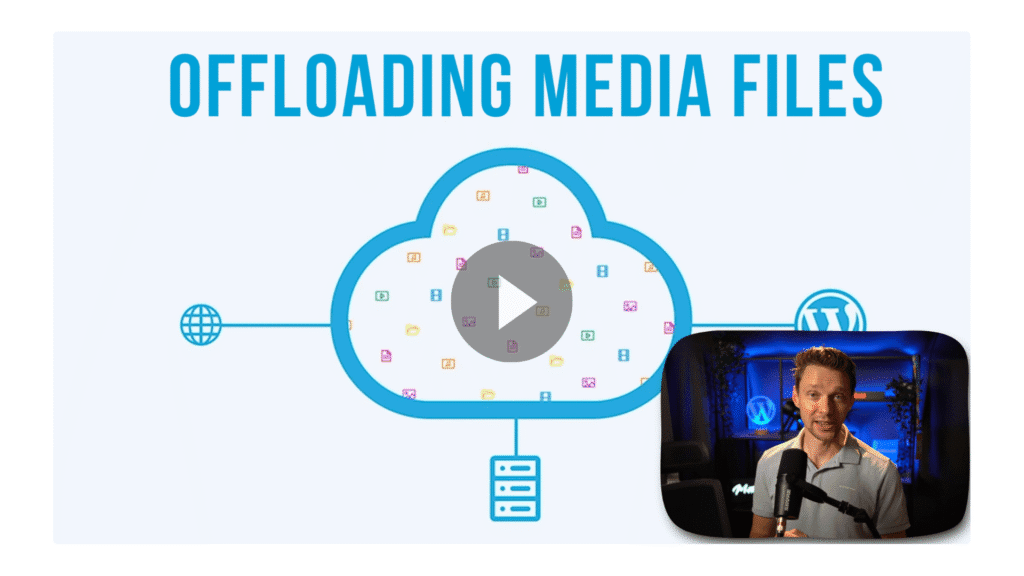
Check out this exceptional video review from Matt the WPress Doctor over on his YouTube channel!
Matt is dedicated to sharing the latest and greatest WordPress tools and strategies with his viewers.
In this tutorial, he shows how Infinite Uploads makes it easy to move media-heavy sites to the cloud—fully integrated with WordPress—without the cost of a hosting upgrade.
To celebrate Matt’s video on Infinite Uploads, we’re thrilled to be sharing an exclusive offer of 10% off our plugin! 🎉🎉
If you’ve been waiting for the right time to invest in your WordPress website, take advantage of this deal while it lasts.
Click the link below to apply the discount or use code “MATT” at checkout.
How to Increase the Contact Form 7 File Upload Limit
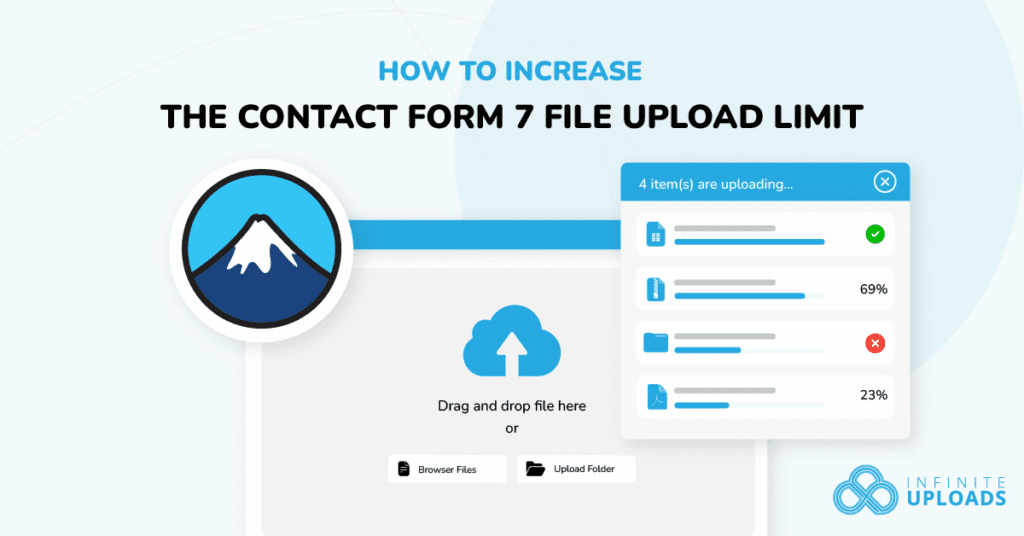
Running into upload errors with Contact Form 7?
You’re not alone.
Whether you’re collecting resumes, images, or videos, your visitors hitting the upload limit when trying to upload can be frustrating and confusing to fix.
In this guide, you’ll learn exactly how to increase the Contact Form 7 file upload size limit, step by step, with no coding:
P.S. While Contact Form 7 supports file uploads out of the box, the default limits often set by your server or the plugin itself can be restrictive.
The easiest solution?
It works in tandem with our popular Big File Uploads plugin. To use it:
1. Install the Big File Uploads plugin and set the limit you want
2. Install the Big File Form Uploads plugin
That’s it! It’s extremely simple:
Until next time,
Blake Whittle
Owner, Infinite Uploads & ClikIT
| And don’t forget, you can upgrade to Infinite Uploads at any time to get unlimited file storage and remove any size restrictions. Click here to learn more.P.S. Did you know, even if you’re not an Infinite Uploads customer, you can earn as much as $3,300 in recurring passive income through our affiliate program? |