
The WP Offload Media alternative that simplifies everything
Discover the best WP Offload Media alternative for faster uploads, simpler setup, and predictable pricing. Compare both tools and see why more WordPress users choose Infinite Uploads for media offloading.
Plans from $16/mo after free trial. View Plans
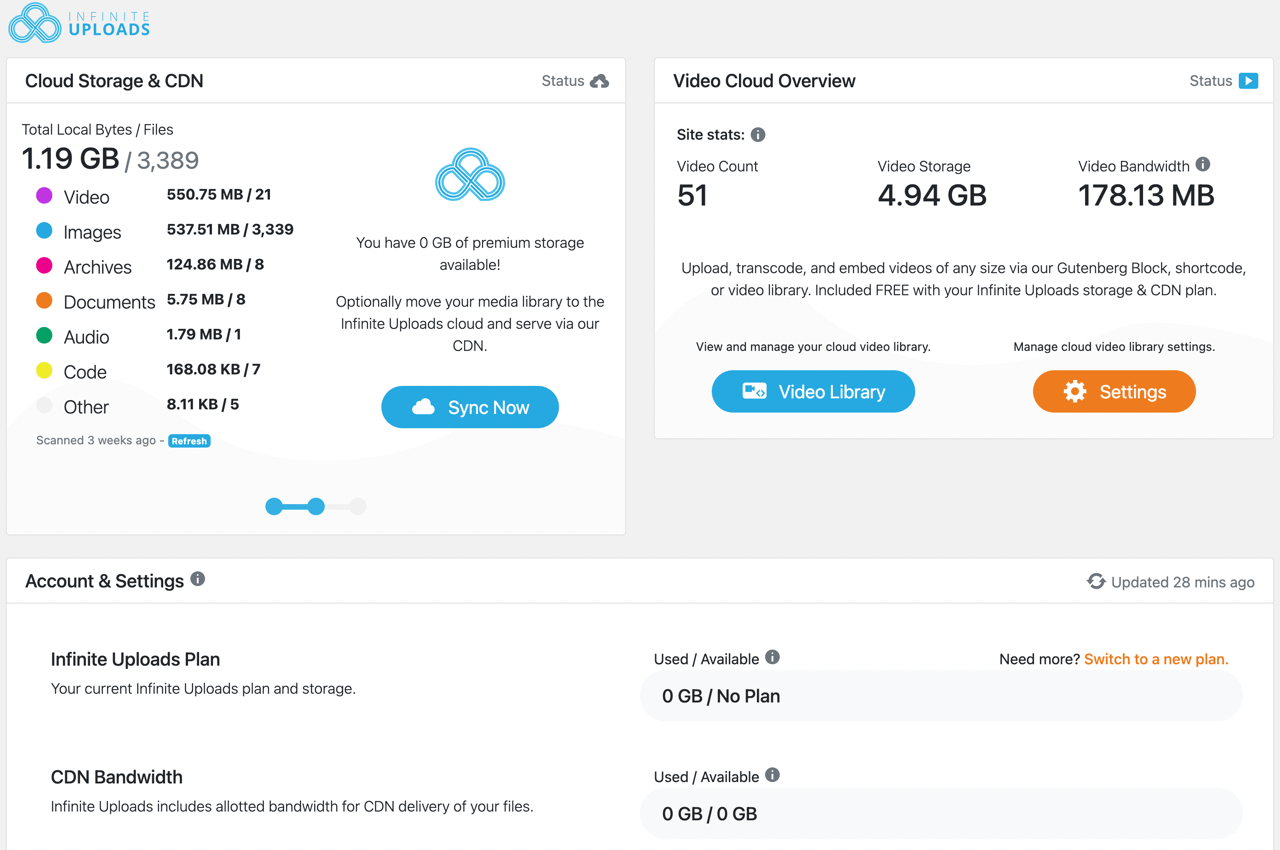
Infinite Uploads includes:
- Infinitely scalable storage and bandwidth
- Simple setup with no third-party cloud and CDN setup
- Advanced video streaming & encoding
- Brandable video player
- Connect an unlimited number of sites
- Existing & newly uploaded files will be copied to Infinite Uploads
- No per-file upload transfer fees
- Offload large files to the cloud
COMPARISON
WP Offload Media vs Infinite Uploads
Compare the differences between WP Offload Media and Infinite Uploads with our detailed feature comparison table.
| Feature | Infinite Uploads | WP Offload Media |
|---|---|---|
| Cloud Storage Provided | Yes | No (must use AWS or another provider) |
| Simple Pricing | Yes | No (multiple separate bills) |
| Unlimited Sites | Yes | No |
| Custom CDN Domains | Yes | Yes (requires external CDN setup) |
| CLI Support | Yes | No |
| Advanced Video Support | Yes (streaming + encoding) | No (file storage only) |
| S3 Credentials | Yes | No |
| Multisite Support | Yes | No* |
| Offload Existing Assets | Yes | No* |
| One-click Restore | Yes | No |
| Simple Sync | Yes | No |
| CDN Integration | Yes | No (requires external CDN setup) |
| Server Cleanup | Yes | Yes |
| Monitoring Tools | Yes | No |
| Supported Integrations | Many | Many |
* indicates that this is available in higher plans that cost more than Infinite Uploads
FEATURE BrEAKDOWN
Infinite Uploads makes the cloud easy.
Infinite Uploads offers a fast and simple setup experience
Installing the plugin and connecting your site is all you need. There are no buckets to create and no access keys to manage. Infinite Uploads handles storage, delivery, and performance without requiring any cloud accounts.
WP Offload Media needs a slower and more complex setup
Users must create storage buckets, configure permissions, map URLs, and pair everything with a CDN. This works well for teams already inside AWS or Google Cloud. For most WordPress users it adds time and complexity.
Infinite Uploads provides storage and delivery in one system
You get infinitely scalable cloud storage with a global CDN and no extra usage bills. This keeps your monthly cost predictable even as your media library grows.
WP Offload Media brings extra cloud fees for storage
The plugin license is only part of the cost. You pay additional fees to Amazon S3 or another provider for storage, bandwidth, transfers, and requests. For large libraries these charges add up quickly.
Infinite Uploads delivers video hosting and streaming
You get streaming, encoding, and a simple video player that works anywhere in WordPress. This makes Infinite Uploads ideal for training sites, course platforms, memberships, and tutorials.
WP Offload Media saves files but lacks full video streaming
Users must supply their own encoding and video player. For sites that rely on video this adds more steps and more tools.
Infinite Uploads supports unlimited sites from a single account
One account supports any number of WordPress sites. Agencies and developers save significant time by using one setup across all clients.
WP Offload Media requires licensing for every site
Each site has its own bucket, CDN, and billing. Multi site use requires more management time.
Infinite Uploads reduces third party services and keeps setups simple
WP Offload Media relies on third party cloud services. Infinite Uploads delivers the same benefits with less setup, fewer moving parts, and a more consistent experience.
PRICING COMPARISON
Infinite Uploads is cheaper than WP Offload Media
Infinite Uploads offers a single, streamlined solution with predictable pricing. WP Offload Media uses multiple third-party providers, which can lead to inconsistent costs.
Configure Your Usage
• 0-10GB = 20K items
• 11-50GB = 100K items
• 51-100GB = 200K items
• 101-200GB = 400K items
• 201-500GB = 500K items
• 500GB+ = scales up